
Commercial & contrats
Transformer une modification en avenant payé
Consignez une modification de périmètre pendant qu'elle est fraîche, chiffrez-la comme avena…
3 étapes11 minOuvrir
 ENEnglish
 DEDeutsch
 FRFrançais
 ESEspañol
 ES-MXEspañol (México)
 ITItaliano
 PTPortuguês
 NLNederlands
 PLPolski
 CSČeština
 RUРусский
 BGБългарски
 TRTürkçe
 SVSvenska
 NONorsk
 FISuomi
 DADansk
 ARالعربية
 ZH中文
ZH中文 JA日本語
JA日本語 KO한국어
KO한국어 HIहिन्दी
 THไทย
THไทย VITiếng Việt
 IDBahasa Indonesia
 RORomână
 HRHrvatski
 MNМонгол
 ETEesti
 BNবাংলা
 KKҚазақша
 KYКыргызча
 FILFilipino
 URاردو
 FAفارسی
 HEעברית
 ELΕλληνικά
Vérifiez l'identité fiscale des deux parties avant toute émission, appliquez l'IVA au taux que porte la région du chantier, retenez l'IVA et l'ISR que la loi vous impose de retenir, faites timbrer le document, et faites suivre une facture PPD de son complemento de pago dans le délai imparti.
7 étapes à travers la plateforme - ce que vous faites à chacune et pourquoi c’est important.
Record, for the issuer and for every client you invoice, the RFC, the nombre or razon social spelled exactly as the constancia de situacion fiscal spells it, the regimen fiscal code and the codigo postal of the domicilio fiscal. An RFC has twelve characters for a persona moral and thirteen for a persona fisica: a letter prefix, a six digit date and a three character homoclave.
Pourquoi: CFDI 4.0 validates the receiver's name, postcode and regimen fiscal against the SAT register at the moment of stamping, which version 3.3 did not. That turns a client who moved office, or a razon social typed with an abbreviation, into a rejection for every invoice you raise on them, and it is discovered on the day the month is invoiced rather than in the week there was time to fix it.
Set the IVA rate on the project: sixteen percent as the standard rate under the Ley del Impuesto al Valor Agregado, eight percent where the northern or southern border region stimulus decrees apply and the issuer is registered for them, zero where the law zero rates the supply. Record which of the three it is and why, on the project rather than in somebody's head.
Pourquoi: The eight percent border rate is a stimulus with conditions attached, not a property of the map: it applies to a taxpayer registered for it, not to any works that happen to sit in a border state. Charged without the registration it is an underpayment the SAT collects later with surcharges, and charged at sixteen where eight applied it is a price your competitor down the road did not have to quote.
Decide, per supplier, whether a retencion applies and record the decision either way. Article 1-A of the Ley del Impuesto al Valor Agregado is where the two common ones live: fraction IV withholds six percent of IVA on services that put personnel at the contratante's disposal, and fraction II withholds on payments to a persona fisica, which the Ley del Impuesto sobre la Renta pairs with an ISR retention of its own. The rate depends on the supplier's regime and on what the contract really provides, so the platform holds the figure you confirm rather than applying one for you.
Pourquoi: The retencion is the contratante's liability, not the supplier's. Failing to withhold does not leave the money with the subcontractor and the problem with them, it leaves you owing the SAT an amount you already paid away, and it costs you the deduction on the expense as well. Recording a deliberate decision not to withhold is worth as much as the withholding itself, because the question always comes back months later.
Build the CFDI de ingreso from the authorised estimacion, carrying the amortizacion del anticipo, the fondo de garantia and any retencion as their own concepts rather than netted into the price. Set the uso CFDI the client asks for, and set metodo de pago honestly: PUE when the money arrives in one payment inside the same period, PPD when it does not.
Pourquoi: Metodo de pago is the field that decides how much work the rest of the year is. PUE closes the transaction on its own; PPD obliges you to issue a complemento de pago for every payment received against it. Marking a PPD invoice as PUE because the money was expected quickly leaves a stamped document saying it was paid on a day it was not, and the correction is a cancellation rather than an edit.
Send the document for timbrado and record what came back against the invoice: the UUID, the date and the state of the submission. The stamp is applied by a certified provider rather than by the tax authority directly, and the product records that answer rather than producing the CFDI XML itself, so the clearance record is what tells you which invoices are real and which are drafts with a number on them.
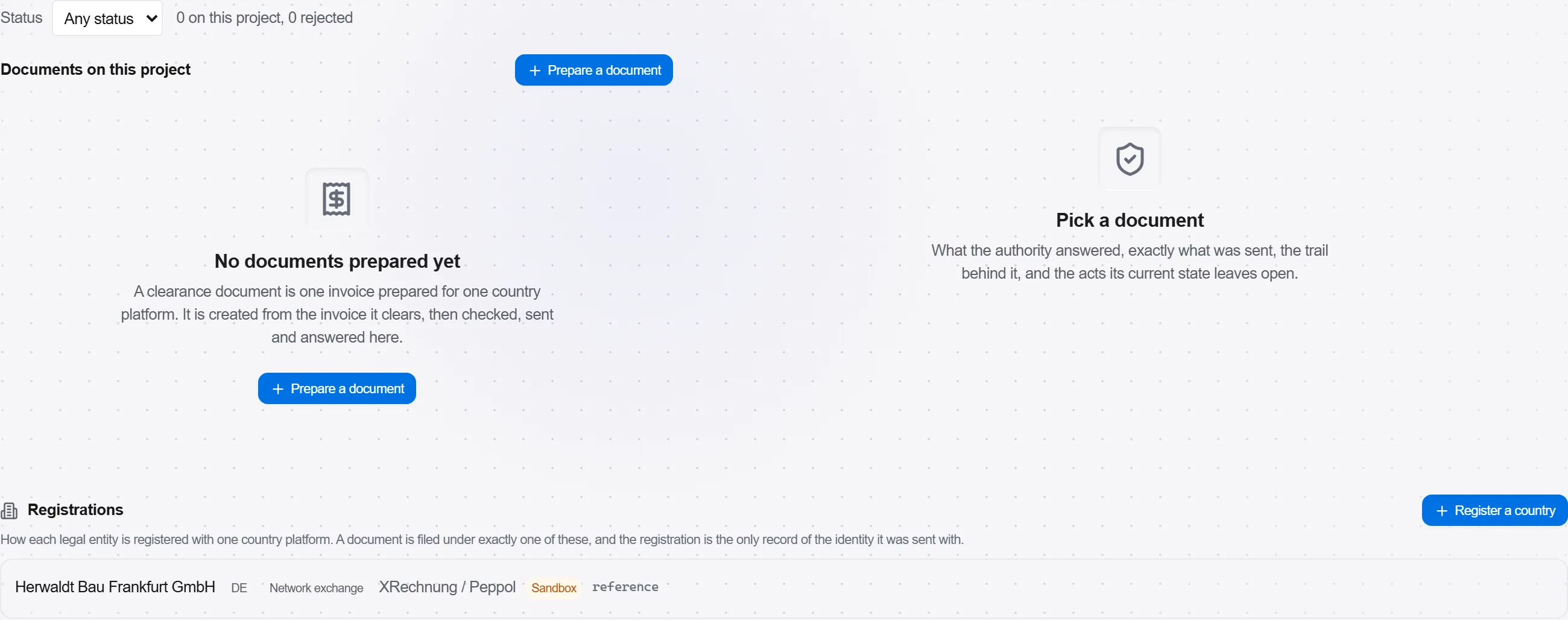
Pourquoi: The UUID is the whole point of the exercise: it is what makes the document deductible for your client, and a client who cannot deduct will find a reason not to pay. A rejected stamp is silent unless somebody is watching the answers, and the way it usually surfaces is a client asking for an invoice you believe you sent them three weeks ago.
For every payment received against a PPD invoice, issue a CFDI carrying the complemento para recepcion de pagos, referencing the UUID it settles and the amount. The Resolucion Miscelanea Fiscal sets the deadline at the fifth natural day of the month following the month the payment fell in, and natural means it does not move for a weekend or a holiday.
Pourquoi: The complemento is what proves the income was actually received, so an unissued one leaves the original invoice hanging with no cash behind it in the eyes of the authority. It is also the piece a busy site forgets, because the money has arrived and the job feels finished, and the fifth of the month arrives during the same week the next estimacion is being measured.
When a stamped figure is wrong, cancel the CFDI with a motivo from the SAT catalogue and issue the replacement, relating the new document to the UUID of the one it replaces. The buyer's acceptance is part of the process for the motivos that require it, so the cancellation is a conversation with a date on it rather than a button.

Pourquoi: Article 29-A of the Codigo Fiscal de la Federacion closes the window at the month the annual return for the year the CFDI was issued falls due, so a December document and a January one have very different amounts of time left. Firms that treat cancellation as always available discover the difference in the same week they discover the error, and by then the only remaining fix is a commercial one.
5 / 190 modules de la plateforme
Tout dans ce cas suit la façon dont les travaux sont métrés, chiffrés et payés sur ce marché. Les formulaires, la décomposition des coûts et les règles de paiement sont ceux qui y sont utilisés, pas une version générique.
Normes qu’il suit
Vous n’avez rien de tout cela à paramétrer à la main. Au premier démarrage, la plateforme demande sur quel marché vous travaillez. Choisissez celui-ci et elle règle la langue de l’interface, charge la base de coûts correspondante, enregistre la classification des coûts et ajoute un projet d’exemple que vous pouvez ouvrir tout de suite.
Les contrôles propres à ce marché sont eux aussi fournis avec la plateforme. Une fois activés, un devis auquel il manque quelque chose que le marché attend est signalé pendant que vous y travaillez, et non après l’envoi de l’offre.
Consignez une modification de périmètre pendant qu'elle est fraîche, chiffrez-la comme avena…
Attribuez un lot de travaux à un sous-traitant, mettez-le sous contrat avec un échéancier de…
Valorisez les travaux réalisés cette période par rapport au contrat, établissez la demande a…