
Kvalitet och säkerhet
Besiktiga arbete och avsluta en avvikelse
Besikta arbetet mot dess godkännandekriterier, upprätta en avvikelse så fort det underkänns,…
3 steg10 minÖppna
 ENEnglish
 DEDeutsch
 FRFrançais
 ESEspañol
 ES-MXEspañol (México)
 ITItaliano
 PTPortuguês
 NLNederlands
 PLPolski
 CSČeština
 RUРусский
 BGБългарски
 TRTürkçe
 SVSvenska
 NONorsk
 FISuomi
 DADansk
 ARالعربية
 ZH中文
ZH中文 JA日本語
JA日本語 KO한국어
KO한국어 HIहिन्दी
 THไทย
THไทย VITiếng Việt
 IDBahasa Indonesia
 RORomână
 HRHrvatski
 MNМонгол
 ETEesti
 BNবাংলা
 KKҚазақша
 KYКыргызча
 FILFilipino
 URاردو
 FAفارسی
 HEעברית
 ELΕλληνικά
Avgör om arbetet kräver engedély, bejelentés eller ingetdera, pröva projekteringen mot de krav som binder den, sammanställ den dokumentation dekretet räknar upp, lämna in den genom ÉTDR och besvara hiánypótlás inom dess frist.
7 steg genom plattformen - vad du gör i varje och varför det spelar roll.
Classify the work against the current procedural decree: an epitesi engedely, an egyszeru bejelentes, or work that needs neither. Record the decision and what it rests on, including anything that overrides the general rule such as protected status, a heritage constraint or a site under a special regime.
Varför: Government Decree 281/2024 (IX. 30.) replaced the decree everybody in the industry learned this from, and it absorbed the separate notification route for dwellings. A firm applying the version it remembers is not making a small error: work built on the wrong route is unlawful construction, and the fix is retrospective and expensive. Recording the reason also means the next person does not re-decide it from memory.
Check the design against the national requirements base and the local settlement plan on top of it: use, height, built ratio, setbacks, parking, green surface and whatever the local plan adds. Resolve the failures before submission rather than letting the authority find them.
Varför: The national base changed: Government Decree 280/2024 (IX. 30.), the TEKA, took over from the OTEK from 1 January 2025 and became mandatory that July. A parameter checked against the old base and a parameter checked against nothing look identical in a drawing, and both come back as findings. Doing it here costs a design iteration; doing it after submission costs the iteration plus the procedure.
Build the application set in one place with a version and an author on every document, and index it against the decree's own annex rather than against the last application your office made. Include the designer statements, the specialist studies and the consents the case needs.
Varför: The annex to the procedural decree is a list, and an application is judged complete or incomplete against it mechanically. Indexing against the last successful application is how an office carries a missing document forward for a year: it worked before, so nobody looks, and the authority is the one who eventually notices.
File the application electronically through ETDR and record the case identifier on the project, together with the date of submission and the documents that actually went in that version.
Varför: Everything that follows is addressed by that identifier: the requests, the specialist authority opinions, the decision and any later modification. A project that only records that the application went in cannot answer which version of the drawings the permit was granted on, and that is the exact question a building supervision inspection asks on site.
Log the request as correspondence with its deadline and an owner, answer each point separately so the authority can tick them off, and keep the revised documents versioned against the ones they replace.
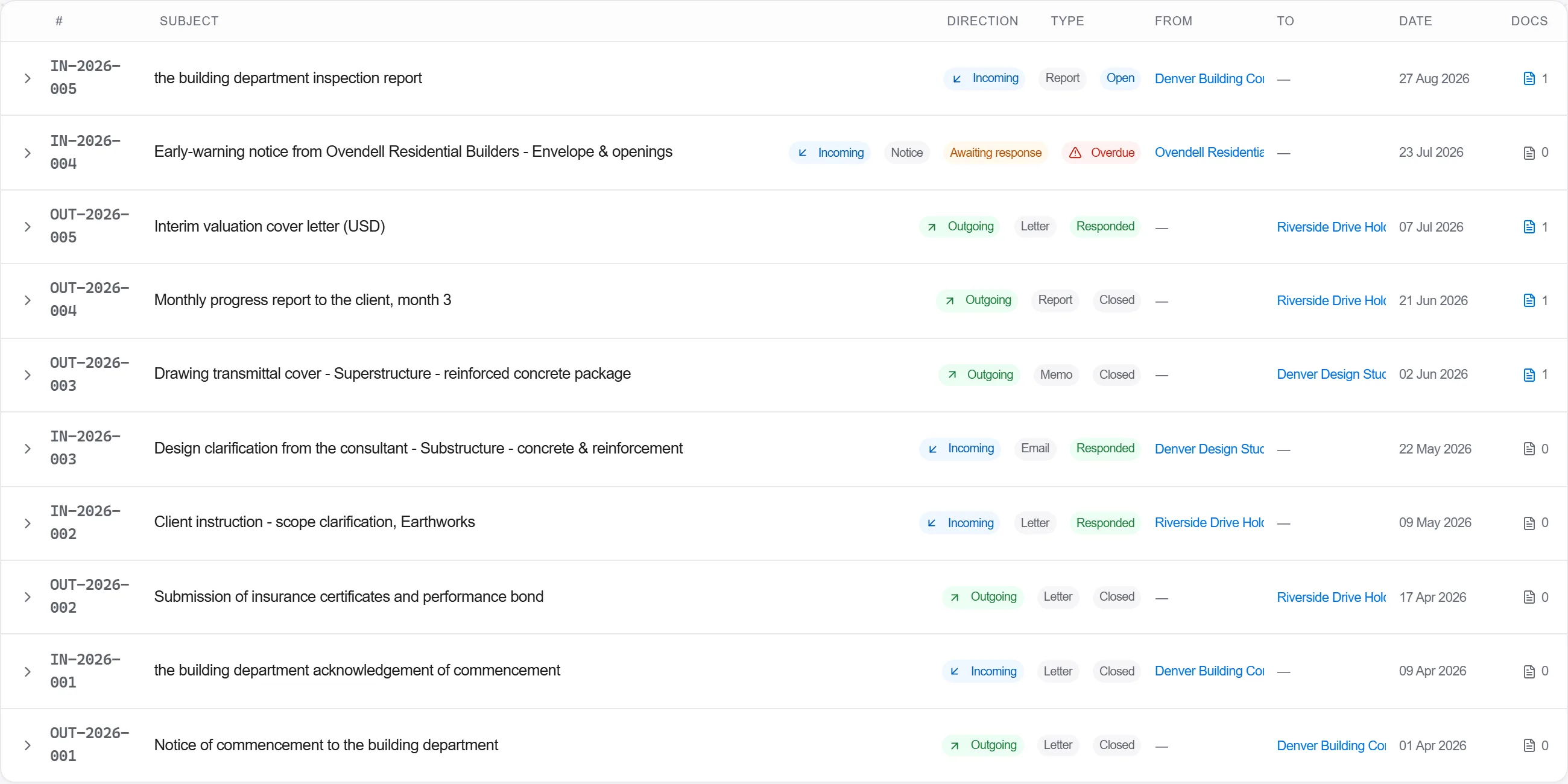
Varför: A request to complete the file arrives at the designer, who is usually on the next project by then, and the deadline runs whether or not anyone has read it. Half of the delay on Hungarian permits is not the authority being slow, it is a two-week gap between a request landing and somebody noticing it, and that gap is entirely inside the applicant's own office.
When the decision comes, record it with the conditions attached to it and set a deadline on the date the permit stops being usable, so an approval that has been sitting in a drawer while funding was arranged does not quietly expire.
Varför: A permit is not permanent, and the gap between getting one and starting on site is exactly where a development stalls for reasons that have nothing to do with the permit. The date is knowable on the day the decision arrives and unknowable to whoever finds the file two years later, so it is recorded once, here.
File the decision, the conditions and the permitted drawings on the project as one set, and pass the conditions to whoever will run the site as items with owners rather than as a PDF attached to an email.
Varför: The permit is what the naplo is opened against and what the work is checked against, so the site needs it as a live document rather than as an archive. A condition that never reached the foreman is the most ordinary way a permitted building ends up not matching its permit, and it is discovered at the occupancy stage, which is the worst possible moment.
7 / 190 plattformsmoduler
Everything in this case follows how construction work is measured, priced and paid for in this market. The forms, the cost breakdown and the payment rules are the ones used there, not a generic version of them.
Standards it follows
You do not have to set any of that up by hand. The first time you open the platform it asks which market you work in. Choose this one and it sets the interface language, loads the matching cost database and records the cost classification, and it adds an example project you can open straight away.
The rule checks for this market come with the platform too. Switch them on once and an estimate that misses something the market expects is flagged while you are still working on it, not after the tender has gone out.
Besikta arbetet mot dess godkännandekriterier, upprätta en avvikelse så fort det underkänns,…
Informera laget om riskerna det här skiftet faktiskt innebär, fånga vilka som var där, och b…
Presentera produkten du tänker köpa för projektören med dess dokumentation som underlag, få…
