
Estimating & costing
Check an estimate before you send it
Put a priced bill through the validation rules, clear every warning and error, then export…
3 steps8 minOpen
 ENEnglish
 DEDeutsch
 FRFrançais
 ESEspañol
 ES-MXEspañol (México)
 ITItaliano
 PTPortuguês
 NLNederlands
 PLPolski
 CSČeština
 RUРусский
 BGБългарски
 TRTürkçe
 SVSvenska
 NONorsk
 FISuomi
 DADansk
 ARالعربية
 ZH中文
ZH中文 JA日本語
JA日本語 KO한국어
KO한국어 HIहिन्दी
 THไทย
THไทย VITiếng Việt
 IDBahasa Indonesia
 RORomână
 HRHrvatski
 MNМонгол
 ETEesti
 BNবাংলা
 KKҚазақша
 KYКыргызча
 FILFilipino
 URاردو
 FAفارسی
 HEעברית
 ELΕλληνικά
Gather the local estimates into object estimates and into the chapters of the summary calculation, add the temporary works and winter allowances and the contingency reserve, submit the package and answer the remarks until the conclusion is positive.
8 steps across the platform - what you do at each one, and why it matters.
Complete a local estimate for each section of works and each engineering system, with the norm base and the price level stated on every one of them, and check that the section boundaries follow the way the design documentation is divided.
Why: Everything above this is a sum of these. If two locals cover the same work, or a system falls between them, the error is repeated in the object estimate and again in the summary, and the reviewer returns the whole package rather than the one sheet that caused it.
Set the stack the summary is built from and the order it applies in: overheads and estimated profit inside the works, then temporary buildings and structures, then the winter allowance, then the other costs, then the contingency reserve, then NDS on the result. State for each layer what it is calculated on.
Why: The order matters as much as the rates, because every layer is calculated on the one beneath it. A winter allowance applied after the contingency reserve, or NDS applied before it, produces a different total from identical inputs, and that is a difference a reviewer reproduces in a minute.
In the bill's Markups & Overheads panel, add the winter cost allowance (zimnee udorozhanie) for the temperature zone the site sits in and for this type of construction, and add the allowance for temporary buildings and structures (VZiS) alongside it. Add each as a line of its own so the summary can show it separately, keep the zone and the type recorded next to each rate, and note that the summary carries them in different chapters: temporary buildings in chapter 8, winter costs among the other works and costs in chapter 9.
Why: Winter working is a normed cost rather than a contingency: heating and thermal protection, lower output in frost, snow clearance and the extra handling that comes with all of it. The rate is set by temperature zone, so the same building carries a different allowance in different parts of the country, and an estimator who reuses the rate from a job in another region produces a figure the reviewer will not accept.
Gather the local estimates into an object estimate for each building or structure and place the objects into the twelve chapters of the summary calculation, from site preparation and the main objects through the external utilities and site improvement to the chapters for the client's own service, construction control and design and survey work. Carry that hierarchy as the nested section structure of the estimate, so a chapter total is read off the structure rather than added up by hand.
Why: The chapter structure is what the customer's funding is built against and what the reviewer navigates by. A cost sitting in the wrong chapter is not a filing mistake, because chapters are financed and controlled separately, and moving a figure between them after approval means going back through expertise to do it.
Set the reserve line at the rate the class of object and the source of funding allow: the Russian template carries it after overheads and estimated profit on the total of the chapters, which is where the summary takes it. Hold the same sum as a contingency allowance with a note of what it covers, work the design genuinely cannot foresee and not a cushion for estimating left unfinished, so every drawdown against it is recorded.
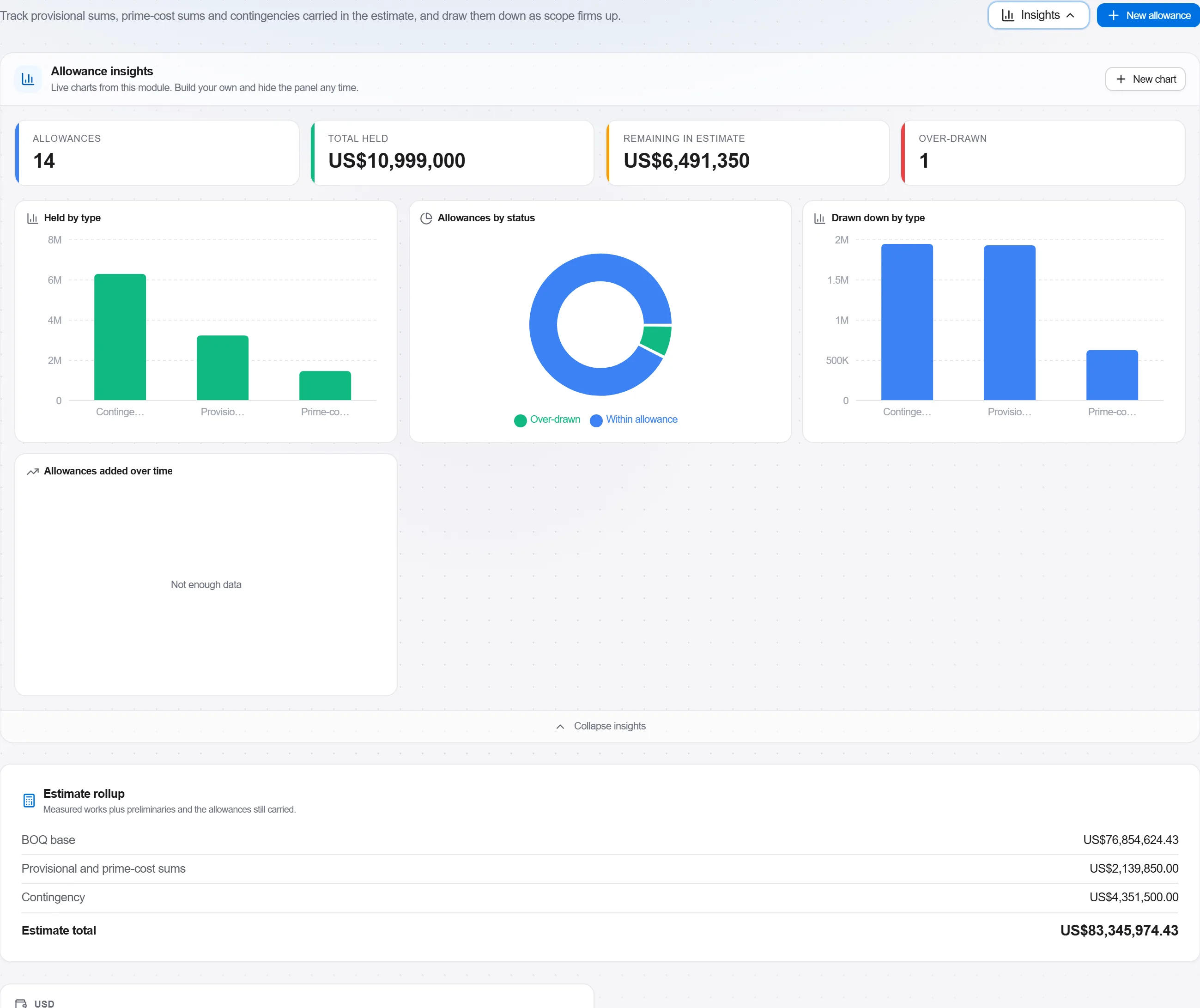
Why: The reserve is capped, and the cap is not the same for an ordinary object and for a technically complex or unique one. It also behaves differently once the job runs: on a state contract the customer controls its release, so a contractor who quietly plans to live off it is planning on money that is not his to spend.
Run validation on the assembled package and read what the rules report: a bill with no price level declared, a line without a norm code or with one that is not in the base, a markup line without a settled base or two lines claiming the same place in the order, and the flag on a reserve computed after profit, which the rule raises by name and which is the expected reading of a Russian summary. Then read the section tree for what no rule can see: every local referenced by an object, every object placed in a chapter, nothing counted twice.
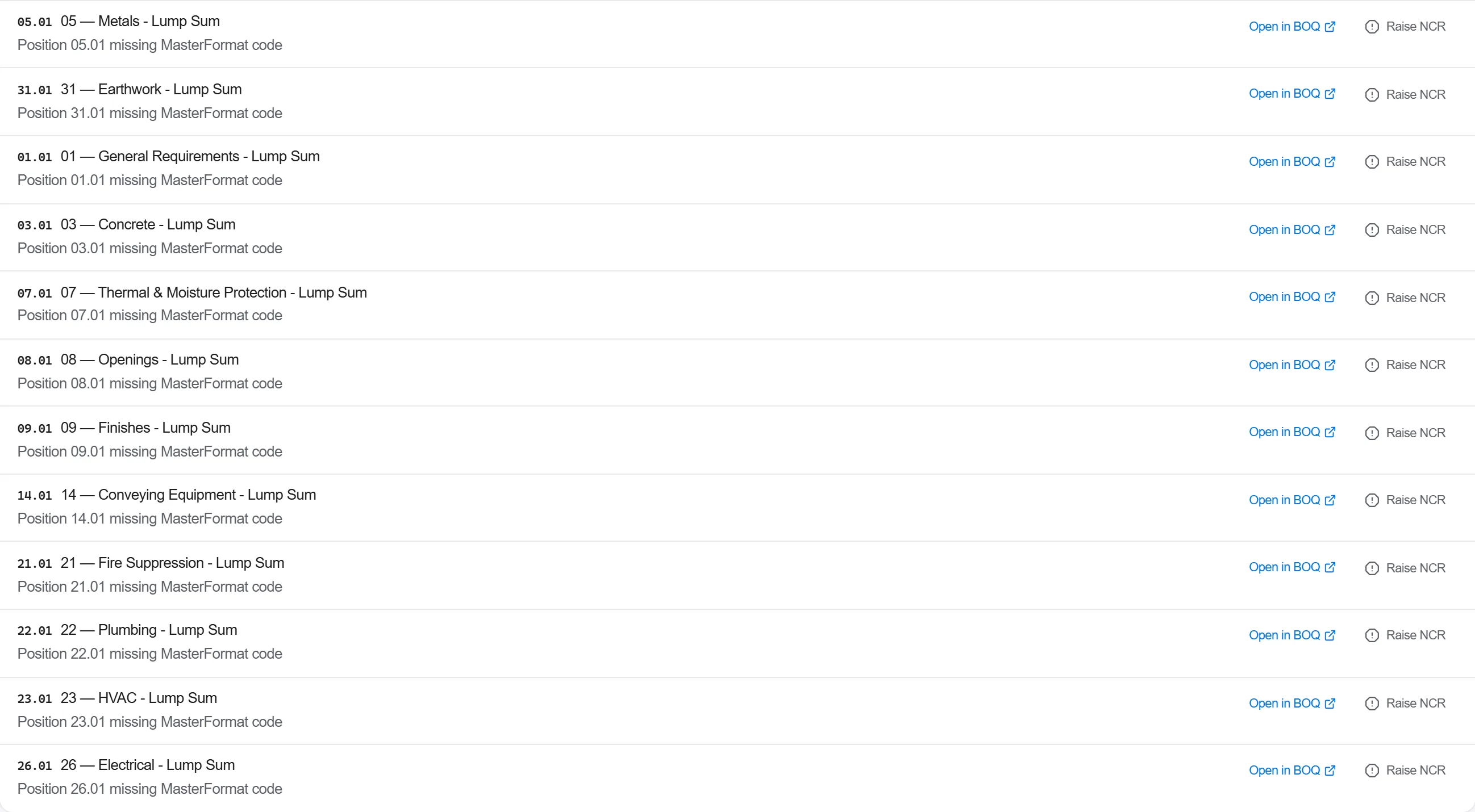
Why: Expertise counts working days from the moment the package is accepted, and an incomplete package is returned without being read at all. The rules catch what is checkable from the document alone, and the reviewer checks exactly that first; the cheapest remark is the one you find here, because it costs an hour rather than a review cycle.
Put the submission together on the profile for the expertise body, defining the profile once if none is built in: the summary calculation, the object and local estimates, the calculations behind the other costs, the price justification for anything quoted from the market and the explanatory note. Generate it, read the validation report on its fields, and submit; the record keeps the payload and the generated file as they went, with the date.
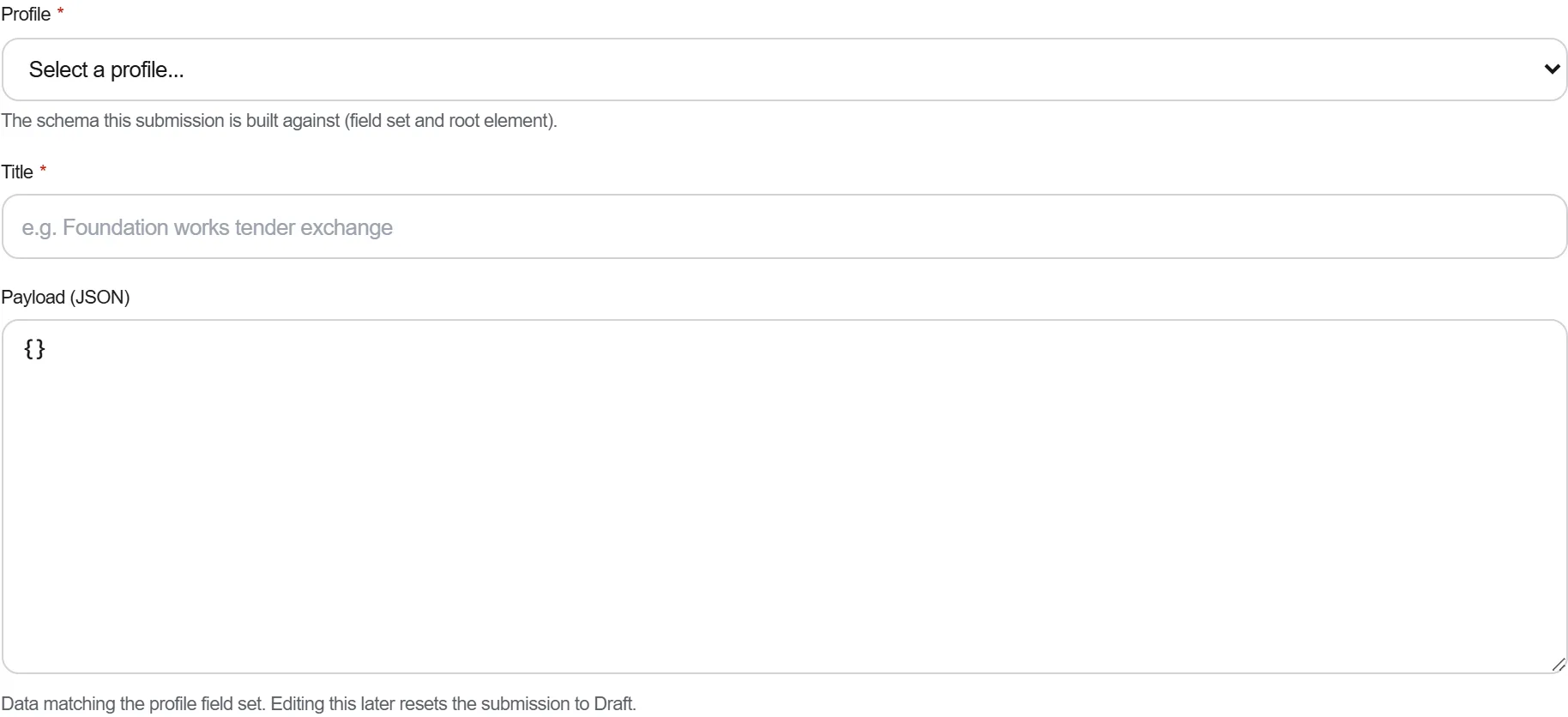
Why: The package is judged as one cross-referenced document set, and it keeps being edited while the review runs. A submission kept as it was sent is what lets you answer a remark six weeks later about a sheet that has changed three times since it went out.
Open a review cycle for the expertise and log each remark as it arrives, classified as one that cites a norm, one without a norm reference that you are entitled to contest, a clarification, or a defect. Answer the first kind with a correction to the sheet, contest the second with a reasoned reply, resubmit, and then look at which remarks came back a second time.
Why: A remark citing a clause is a correction to make, a remark without one is a position you are entitled to argue, and treating both the same way either gives away money or burns the review clock. A remark that repeats after resubmission is the expensive one, because it usually means the answer addressed the wording rather than the finding underneath it.
6 / 190 platform modules
Everything in this case follows how construction work is measured, priced and paid for in this market. The forms, the cost breakdown and the payment rules are the ones used there, not a generic version of them.
Standards it follows
You do not have to set any of that up by hand. The first time you open the platform it asks which market you work in. Choose this one and it sets the interface language, loads the matching cost database and records the cost classification, and it adds an example project you can open straight away.
The rule checks for this market come with the platform too. Switch them on once and an estimate that misses something the market expects is flagged while you are still working on it, not after the tender has gone out.
Put a priced bill through the validation rules, clear every warning and error, then export…
Pull priced items from a real cost database, build the bill from them, bundle recurring bui…
Turn a single-point estimate into a range, run a Monte Carlo over the genuinely uncertain l…
