

Rozpočtování a náklady
Check an estimate before you send it
Put a priced bill through the validation rules, clear every warning and error, then export…
3 kroků8 minOtevřít
 ENEnglish
 DEDeutsch
 FRFrançais
 ESEspañol
 ES-MXEspañol (México)
 ITItaliano
 PTPortuguês
 NLNederlands
 PLPolski
 CSČeština
 RUРусский
 BGБългарски
 TRTürkçe
 SVSvenska
 NONorsk
 FISuomi
 DADansk
 ARالعربية
 ZH中文
ZH中文 JA日本語
JA日本語 KO한국어
KO한국어 HIहिन्दी
 THไทย
THไทย VITiếng Việt
 IDBahasa Indonesia
 RORomână
 HRHrvatski
 MNМонгол
 ETEesti
 BNবাংলা
 KKҚазақша
 KYКыргызча
 FILFilipino
 URاردو
 FAفارسی
 HEעברית
 ELΕλληνικά
Poptávka přichází jako PDF výkresy bez modelu v pozadí. Zkalibrujte plán, změřte na obrazovce délky, plochy a počty, a nechte je přistát jako položky BOQ, kde každé číslo stále odkazuje zpět na linii, kterou jste nakreslili.
7 kroků napříč platformou - co na každém uděláte a proč na tom záleží.
Put the PDF sheets the client issued into the project files, each carrying the sheet number and revision it was issued under. Takeoff picks the file up from here, so you measure the drawing on record rather than a copy out of an inbox.
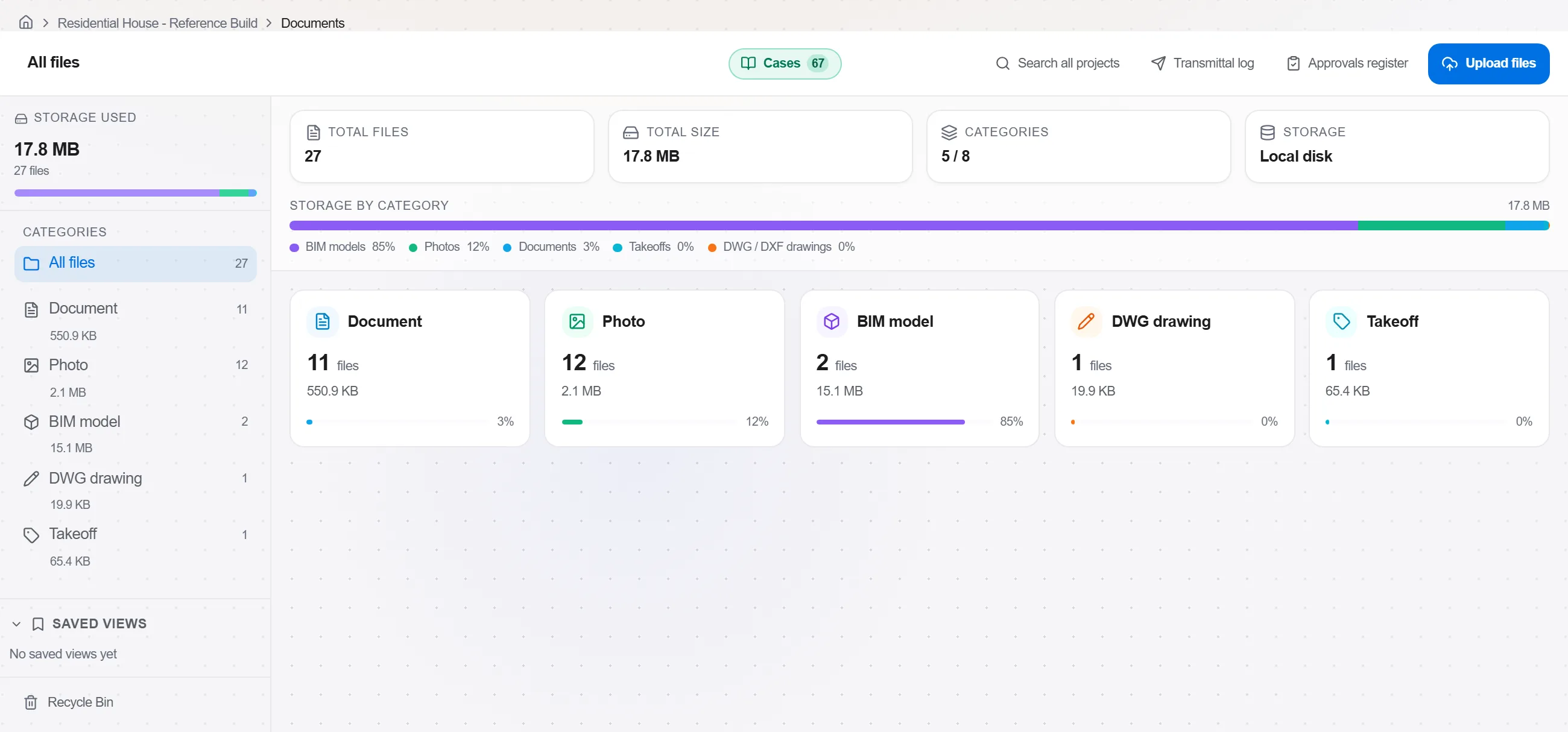
Proč: An Aufmass can only be checked if the reader can find the sheet it came from. Filing the issued revision first means every quantity you produce later names a drawing that still exists in the same form.
Open the sheet on the Measurements tab and calibrate before you draw anything. Click the two ends of a dimension the plan already states, type its real length, and every later measurement converts to metres. On a clean vector sheet you can take the stated scale, 1:50 or 1:100, as a preset instead.

Proč: A plan that has been through a plotter or a scanner is rarely at the scale printed on it. Calibrating against a stated dimension costs a minute, while a scale two percent out multiplies quietly through every area on the sheet and only surfaces at Abrechnung.
Work the sheet trade by trade. Area for floors, screed and wall faces, distance or polyline for skirting, kerb and pipe runs, count for doors, sockets and fittings. Give an area a depth where you need the volume, and take openings off the way the rules for that trade require.
Proč: The rate you are pricing is a rate per the quantity the contract measures, and VOB/C sets those rules trade by trade. Measuring the way the trade is settled keeps the figure in your offer and the figure in the final account the same figure.
In the measurement ledger give each entry a description a stranger would recognise, the storey or room it sits in, and a group per trade. The ledger keeps every entry beside its shape on the sheet, so clicking the line takes you back to the drawing.
Proč: A checkable Aufmass is one where a number leads back to a named measurement on a named sheet. Naming costs seconds now and saves the afternoon when the client asks where a figure came from.
Open the measured quantities register, which rolls up everything captured so far grouped by unit, trade or source with running totals. Filter it down to one drawing or one trade and read the totals against the building you expect. Export the rollup when somebody else has to check it.
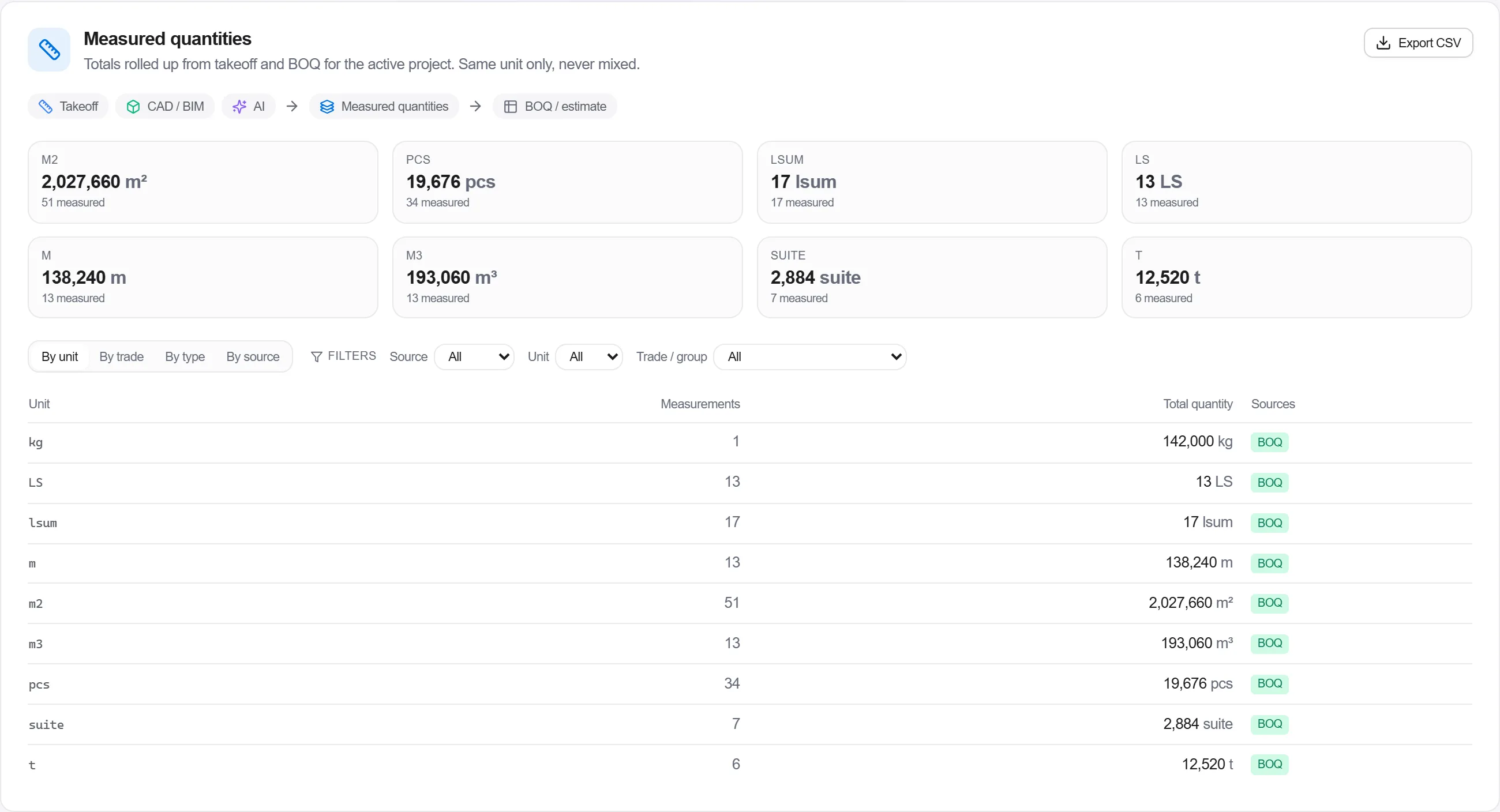
Proč: A storey measured twice and a storey missed altogether both look plausible on the sheet and obvious in the total. This is the last cheap place to catch either, before a wrong quantity gets a price and leaves the office in your offer.
Confirm the measurements you trust into the bill. Each one becomes a position carrying its quantity and unit, and it stays linked to the measurement on the drawing, so a reissued sheet updates the quantity in place instead of sending you back to the start of the takeoff.
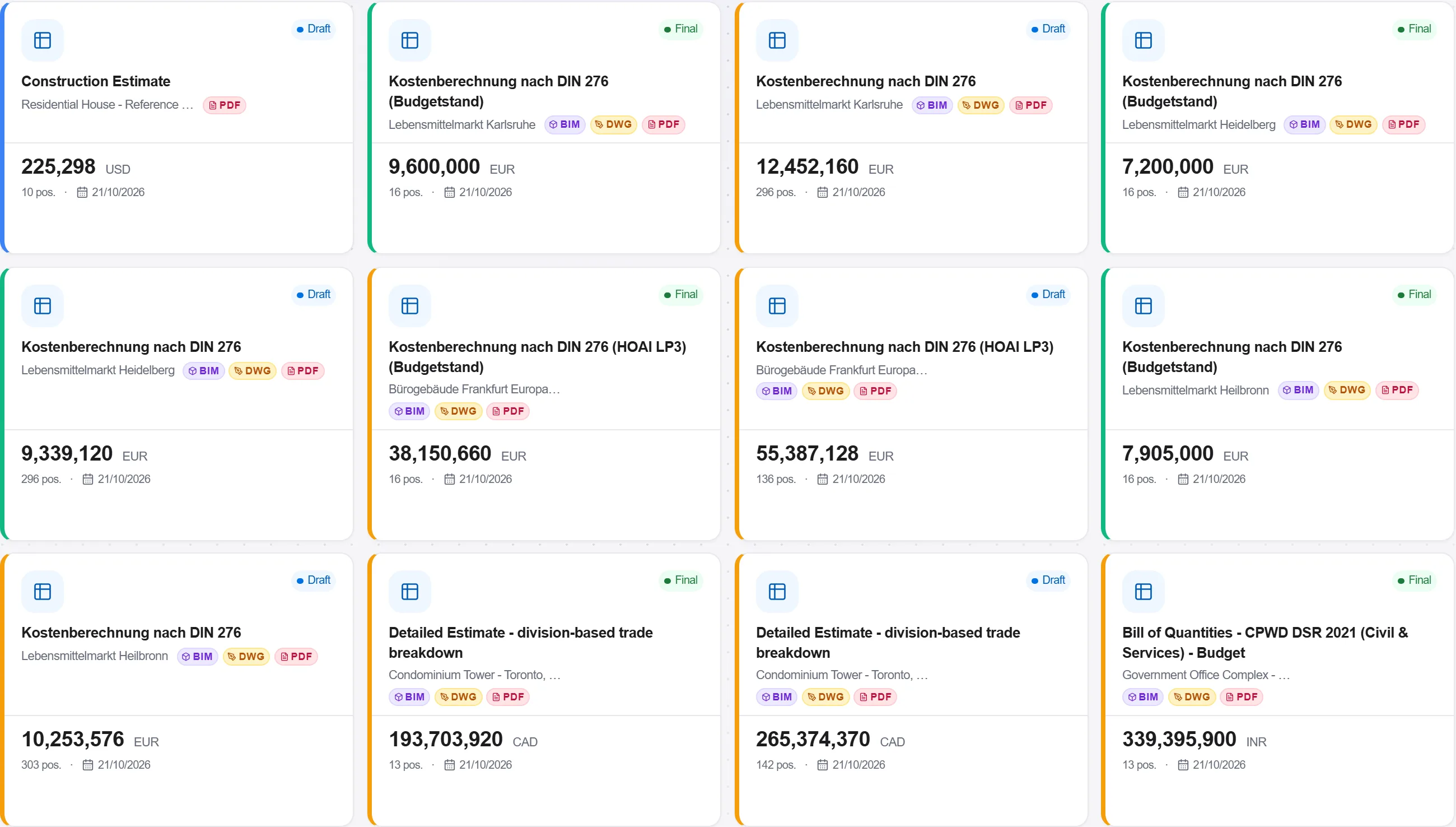
Proč: This is where a measured building turns into something you can price. Because each position keeps its link, the chain from the money back to the line on the plan stays intact, which is exactly what a client checking your Aufmass asks to see.
Export the finished bill as a GAEB XML file straight from the BOQ editor. What leaves the office is the same structure you built from the takeoff, positions, quantities and units, in the exchange format every German AVA package opens without retyping.
Proč: A bill that travels as GAEB stays a bill instead of becoming a PDF someone retypes with new mistakes. The quantities you measured arrive in the other side's software as data, and the Aufmass chain behind them survives the handover.
4 / 190 modulů platformy
Everything in this case follows how construction work is measured, priced and paid for in this market. The forms, the cost breakdown and the payment rules are the ones used there, not a generic version of them.
Standards it follows
You do not have to set any of that up by hand. The first time you open the platform it asks which market you work in. Choose this one and it sets the interface language, loads the matching cost database and records the cost classification, and it adds an example project you can open straight away.
Put a priced bill through the validation rules, clear every warning and error, then export…
Pull priced items from a real cost database, build the bill from them, bundle recurring bui…
Turn a single-point estimate into a range, run a Monte Carlo over the genuinely uncertain l…
