
Rozpočtování a náklady
Zkontrolujte rozpočet, než ho odešlete
Proveďte naceněný výkaz validačními pravidly, vyřešte každé varování a chybu a pak vyexportu…
3 kroků8 minOtevřít
 ENEnglish
 DEDeutsch
 FRFrançais
 ESEspañol
 ES-MXEspañol (México)
 ITItaliano
 PTPortuguês
 NLNederlands
 PLPolski
 CSČeština
 RUРусский
 BGБългарски
 TRTürkçe
 SVSvenska
 NONorsk
 FISuomi
 DADansk
 ARالعربية
 ZH中文
ZH中文 JA日本語
JA日本語 KO한국어
KO한국어 HIहिन्दी
 THไทย
THไทย VITiếng Việt
 IDBahasa Indonesia
 RORomână
 HRHrvatski
 MNМонгол
 ETEesti
 BNবাংলা
 KKҚазақша
 KYКыргызча
 FILFilipino
 URاردو
 FAفارسی
 HEעברית
 ELΕλληνικά
Načtěte SINAPI pro referenční měsíc, přiřaďte každou položku orçamenta k jejímu kódu, držte každé jednotkové náklady na mediánu, který dekret povoluje, a zaznamenejte, odkud pochází náklad u položek, které SINAPI nevede.
6 kroků napříč platformou - co na každém uděláte a proč na tom záleží.
Load the SINAPI tables into the cost database for the state the work is in and the reference month the edital names, and keep the two on the record beside the prices. Load the encargos sociais table that goes with the same month rather than one you already had.
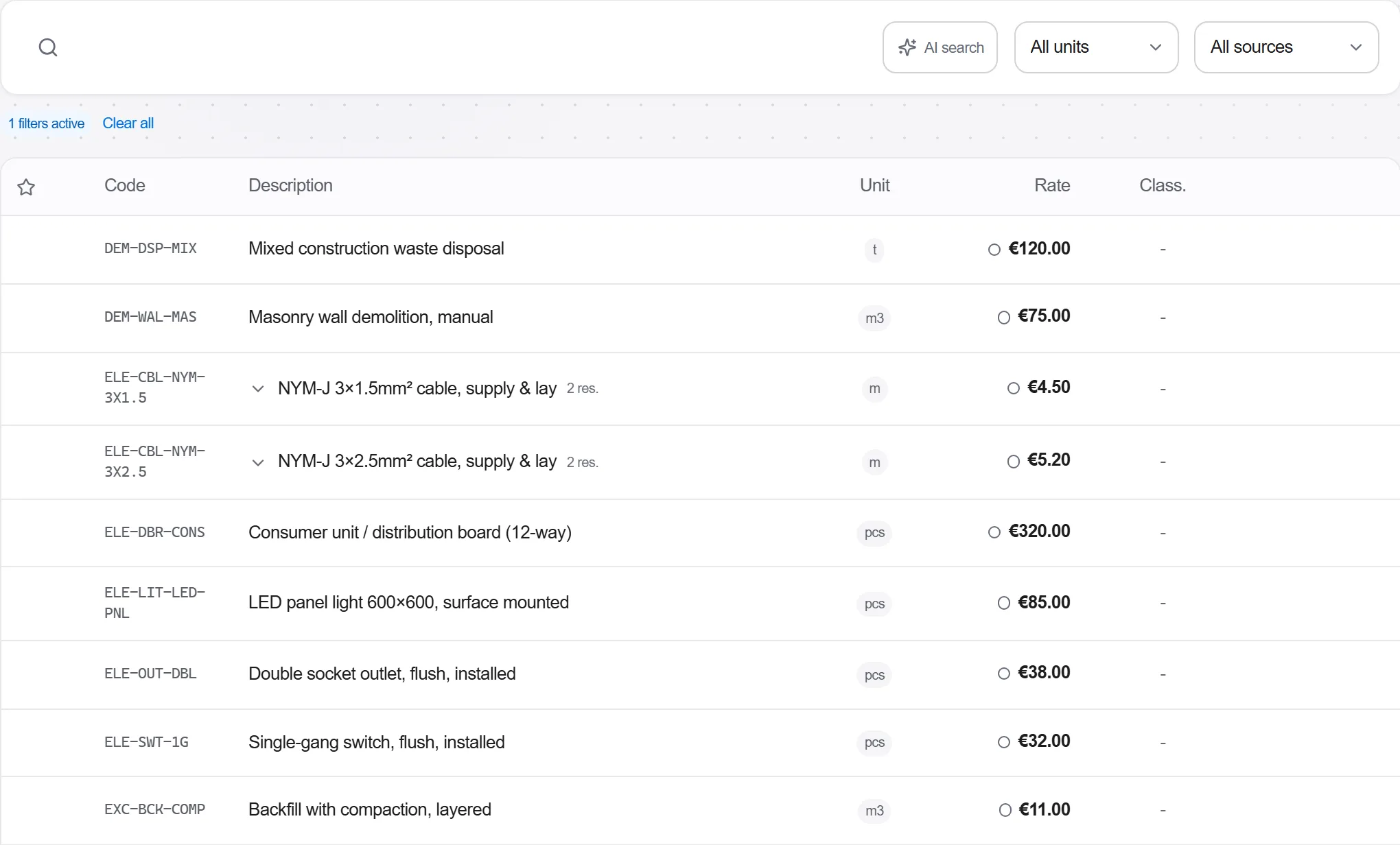
Proč: A SINAPI price without its state and its reference month is not a reference, it is a number. Every argument about the orcamento de referencia begins by agreeing which table both sides are reading, and that agreement is free now and costs a week once the proposals are in.
Put the SINAPI code on each position of the bill and check that the code's description, its unit and its scope really are what your item measures. Where a position is served by two codes that differ only in a detail of the method, pick the one the design specifies and say so. Collect the items no code fits rather than forcing them onto the nearest one.
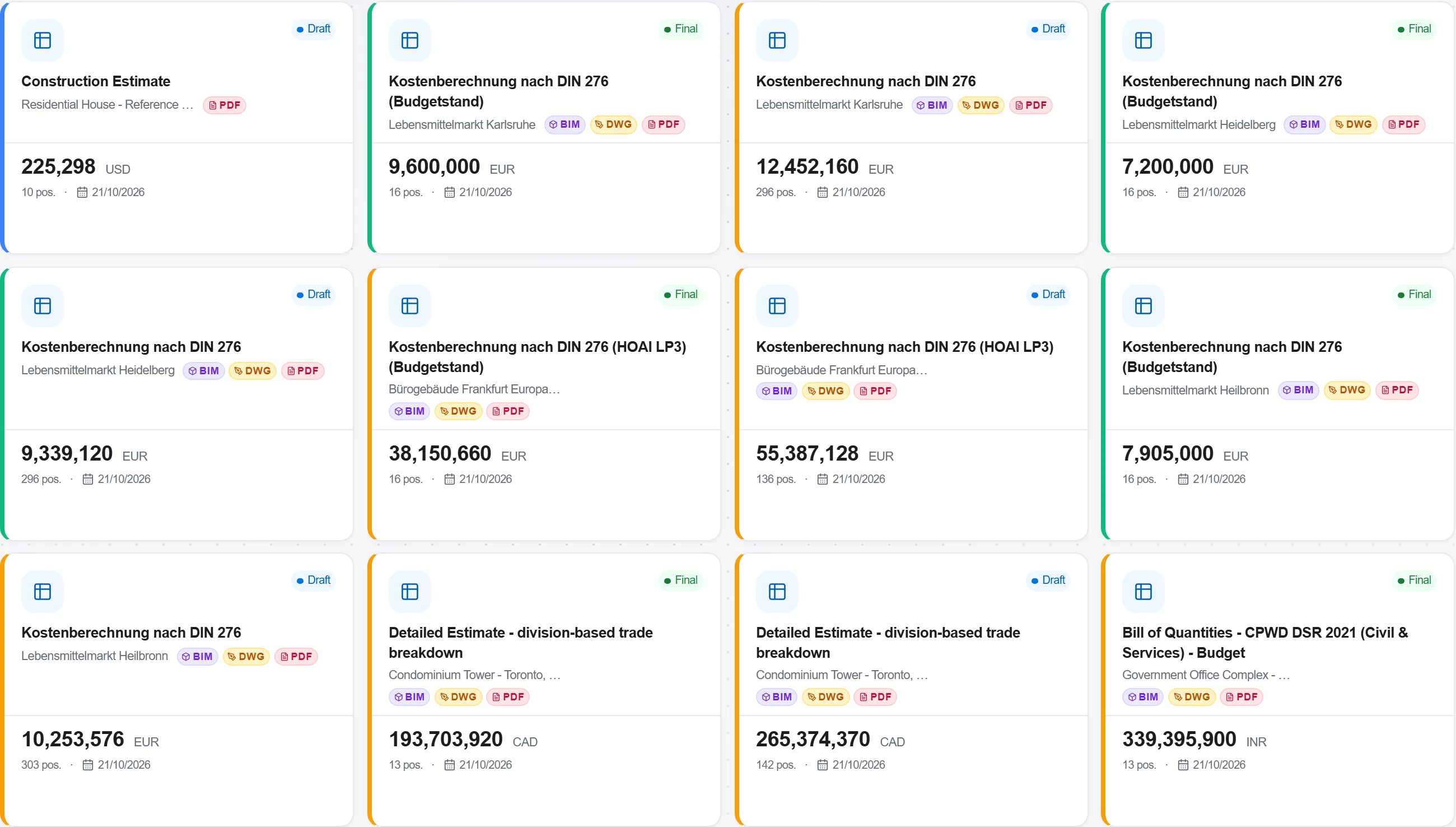
Proč: The code carries the composicao behind the price, so a code chosen for its description alone imports a productivity and a set of insumos nobody read. Forcing an item onto a near code is the quiet version of the same mistake: the total looks defensible and the composicao behind it describes different work.
Run the priced bill against the reference base and list every position whose unit cost sits above the SINAPI median for its code. Treat each one as a question with two possible answers: the code is wrong, or the price needs a written justification. Do not close the list by editing the number down until it fits.
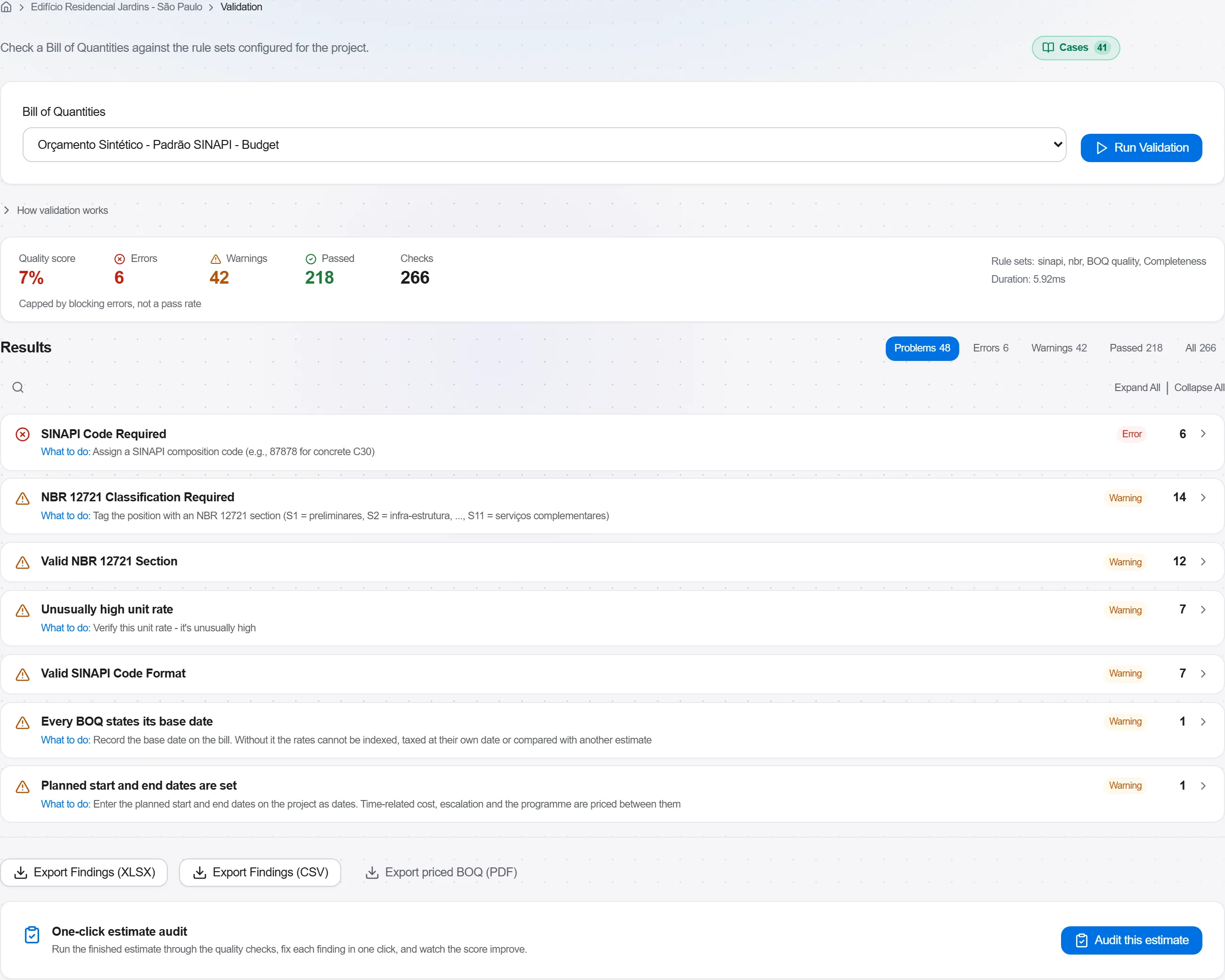
Proč: Decreto 7.983 of 2013 makes the median a ceiling rather than a benchmark for works carried out with federal funds, so a position above it is not expensive, it is outside the rule until somebody explains why. Found here it is a paragraph. Found by the control body it is a finding against the whole orcamento, and the recalculation lands on the contract that was already signed.
For each item left over, work down the order the decree sets before reaching for a quote: another reference table formally approved by a federal body, then specialist technical publications or a sector system, and a market survey only after those. Record on the basis of estimate which one you used, for which item, and on what date.
Proč: The order is the justification. An item priced from three quotes is defensible when the tables above it genuinely carried nothing, and indefensible when nobody looked. Written down at the moment of the decision, the reasoning survives the estimator leaving the company, which is roughly the timescale on which the question gets asked.
Total the direct costs by group and read them against each other before adding anything on top. Keep the BDI as its own visible line rather than folded into the unit costs, and see which groups carry the money so you know which numbers the whole orcamento actually rests on.
Proč: A custo global that arrives as one figure cannot be argued with, only accepted or rejected. Split by group it shows immediately whether the earthworks or the finishes are carrying the estimate, and a BDI folded into the unit costs makes both the median check and the later composition of the BDI impossible to run at all.
Export the orcamento with the SINAPI reference month, the state and the encargos option printed on it, together with the list of items priced from another source. Send that set as one document rather than the bill alone.
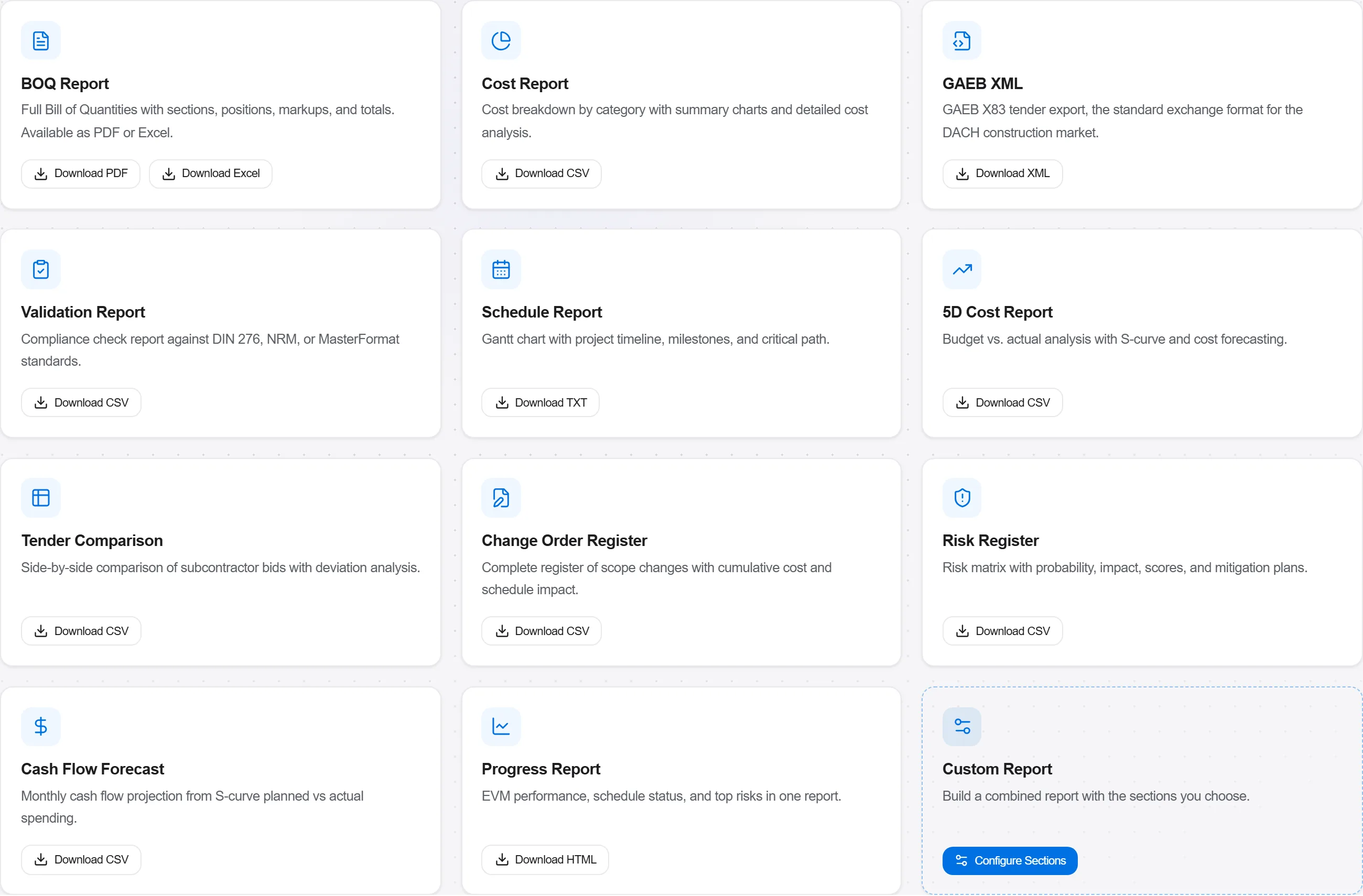
Proč: The bill on its own is the only part anybody copies, and six months later the month it was priced in is the fact everyone needs and nobody has. Printed on the face of the export it travels with the numbers, and the reajustamento clause later has a data-base it can actually point at.
6 / 190 modulů platformy
Everything in this case follows how construction work is measured, priced and paid for in this market. The forms, the cost breakdown and the payment rules are the ones used there, not a generic version of them.
Standards it follows
You do not have to set any of that up by hand. The first time you open the platform it asks which market you work in. Choose this one and it sets the interface language, loads the matching cost database and records the cost classification, and it adds an example project you can open straight away.
The rule checks for this market come with the platform too. Switch them on once and an estimate that misses something the market expects is flagged while you are still working on it, not after the tender has gone out.
Proveďte naceněný výkaz validačními pravidly, vyřešte každé varování a chybu a pak vyexportu…
Vytáhněte oceněné položky ze skutečné cenové databáze, sestavte z nich výkaz, seskupte opaku…
Změňte bodový odhad na rozpětí, proveďte simulaci Monte Carlo nad skutečně nejistými položka…
