
Sprawy handlowe i kontrakty
Zamień zmianę w płatną zmianę kontraktową
Zarejestruj zmianę zakresu, póki jest świeża, wyceń ją jako zmianę kontraktową na uzgodniony…
3 kroków11 minOtwórz
 ENEnglish
 DEDeutsch
 FRFrançais
 ESEspañol
 ES-MXEspañol (México)
 ITItaliano
 PTPortuguês
 NLNederlands
 PLPolski
 CSČeština
 RUРусский
 BGБългарски
 TRTürkçe
 SVSvenska
 NONorsk
 FISuomi
 DADansk
 ARالعربية
 ZH中文
ZH中文 JA日本語
JA日本語 KO한국어
KO한국어 HIहिन्दी
 THไทย
THไทย VITiếng Việt
 IDBahasa Indonesia
 RORomână
 HRHrvatski
 MNМонгол
 ETEesti
 BNবাংলা
 KKҚазақша
 KYКыргызча
 FILFilipino
 URاردو
 FAفارسی
 HEעברית
 ELΕλληνικά
Wprowadź profil podatkowy i dane uwierzytelniające integracji, wystaw fakturę za okres, zweryfikuj ją, zanim wyjdzie, przeprowadź ją przez clearance w ZATCA, przekaż nabywcy dokument po clearance wraz z jego kodem QR, a poprawiaj go notą korygującą, a nie przez usunięcie.
7 kroków w całej platformie - co robisz na każdym z nich i dlaczego to ważne.
Put the seller's VAT registration number, the commercial registration and the address as ZATCA holds them into the profile the invoice is built from, and reference the cryptographic stamp identifier the integration was onboarded with. The buyer's VAT number belongs on the same record, because a standard invoice needs it and an invoice missing it is refused rather than queued.
Dlaczego: The e-invoicing regulation and its controls fix the fields a tax invoice must carry, and the integration checks them at submission rather than at audit. A number typed differently on each invoice is not a formatting question here, it is the difference between a document that clears and one that comes back, and the person who finds out is whoever is holding the payment.
Build the invoice from the certified figure for the period, with the advance recovery and the retention shown as the contract provides for them, and VAT applied at the standard Saudi rate of 15 percent on the taxable lines. Reference the payment certificate on the invoice so the two documents can be read against each other later.

Dlaczego: An invoice built by hand beside the certificate rather than from it is one that will disagree with it by a few riyals, and a cleared invoice cannot be quietly edited to make the disagreement go away. The correction is a credit note that ZATCA also holds, so the cheap moment to get the figure right is before submission.
Run the invoice through validation with the Saudi rule set selected and clear the blocking findings: missing buyer VAT number on a standard invoice, a tax total that does not follow from the lines, an address that does not match the registration, a bank account in the wrong format for a Saudi IBAN.
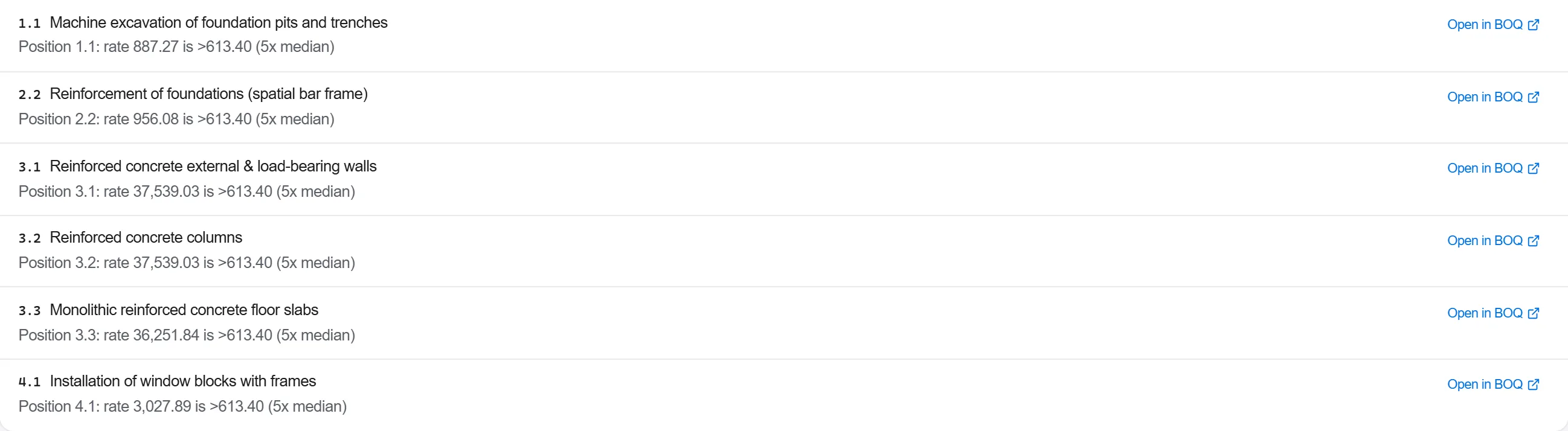
Dlaczego: ZATCA validates at submission and rejects, and a rejection is not a soft failure, it means no valid tax invoice exists for that supply yet. Catching the same defects locally costs a minute and does not consume a document number, which is the whole reason validation sits before the integration and not after it.
Submit the invoice for clearance under the Saudi regime and keep what comes back: the cryptographic stamp, the QR the document must carry, and the identifier the submission is known by. A standard invoice is cleared before issue. A simplified invoice takes the other path and is reported within twenty four hours of being issued, so decide which document you are raising before you submit it, not after.
Dlaczego: This is the step that makes Saudi e-invoicing different from a filing regime. Until clearance comes back, the document your system produced is a draft with a total on it, and issuing it to the buyer does not make it a tax invoice. The cleared document is the one that supports the buyer's input tax, so a contractor who skips this has not just missed a formality, he has handed his client something the client cannot use.
File the cleared invoice with the payment certificate and the measure behind it, and send the buyer that version, the one carrying the stamp and the QR. Keep the XML alongside the readable copy, because the structured document is the record and the printed page is a rendering of it.
Dlaczego: Two documents with the same number and different provenance is the shape this failure takes, and it stays invisible until somebody reconciles. Archiving the cleared version, with everything that justified it in the same place, is what lets a query six months later be answered in one folder rather than in three inboxes.
When the client disputes a quantity or a rate after the invoice has cleared, raise a credit note that references the original invoice and put it through the same integration. Where the correction restores the amount at a different figure, a second invoice follows the credit note. The original stays where it is.

Dlaczego: There is no unclearing. A cleared invoice exists in ZATCA's records whatever your system later shows, so the only correction the regime recognises is a credit note reported through the same channel. Teams used to editing a draft learn this the expensive way, at a reconciliation where their ledger and the tax authority's differ by exactly the amount somebody tidied up.
At the end of the period, list every document that cleared, every credit note against them and the output tax each carried, and read that list against the project ledger. Anything in one and not the other is the thing to explain before the return is filed.
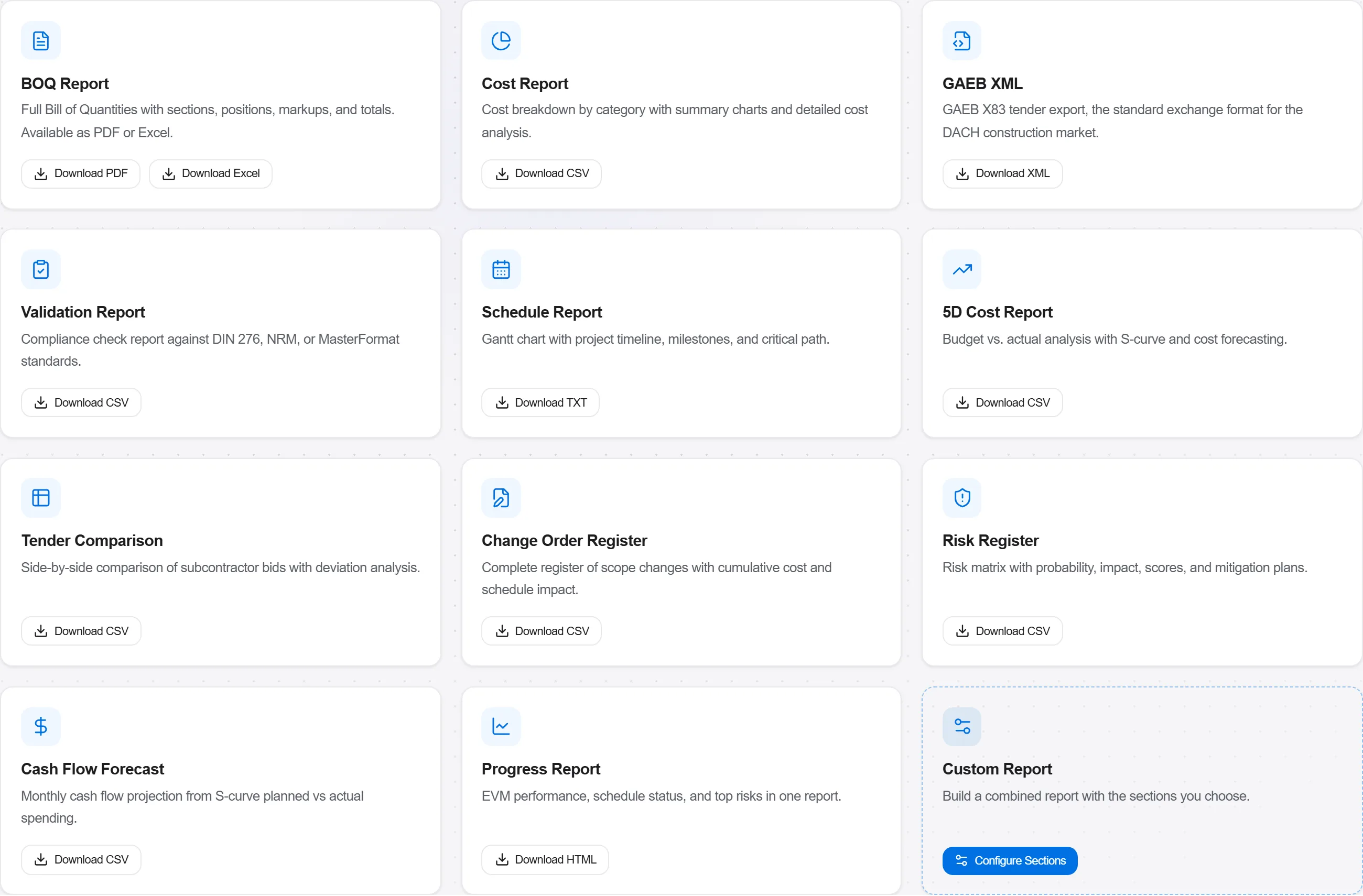
Dlaczego: Under a clearance regime the tax authority already has your sales ledger, so the return is a statement about records ZATCA can compare with its own. A monthly reconciliation turns a mismatch into a two line explanation while somebody still remembers the job, instead of a query about a number nobody in the room recognises.
6 / 190 modułów platformy
Everything in this case follows how construction work is measured, priced and paid for in this market. The forms, the cost breakdown and the payment rules are the ones used there, not a generic version of them.
Standards it follows
You do not have to set any of that up by hand. The first time you open the platform it asks which market you work in. Choose this one and it sets the interface language, loads the matching cost database and records the cost classification, and it adds an example project you can open straight away.
The rule checks for this market come with the platform too. Switch them on once and an estimate that misses something the market expects is flagged while you are still working on it, not after the tender has gone out.
Zarejestruj zmianę zakresu, póki jest świeża, wyceń ją jako zmianę kontraktową na uzgodniony…
Przydziel pakiet branżowy podwykonawcy, wprowadź go na podwykonawstwo z harmonogramem wartoś…
Wyceń pracę wykonaną w tym okresie zgodnie z umową, złóż wniosek o płatność z dowodami, a na…