
BIM & takeoff
Get quantities from a BIM model
Load a converted model, lift the element quantities straight off the geometry, carry them i…
3 steps12 minOpen
 ENEnglish
 DEDeutsch
 FRFrançais
 ESEspañol
 ES-MXEspañol (México)
 ITItaliano
 PTPortuguês
 NLNederlands
 PLPolski
 CSČeština
 RUРусский
 BGБългарски
 TRTürkçe
 SVSvenska
 NONorsk
 FISuomi
 DADansk
 ARالعربية
 ZH中文
ZH中文 JA日本語
JA日本語 KO한국어
KO한국어 HIहिन्दी
 THไทย
THไทย VITiếng Việt
 IDBahasa Indonesia
 RORomână
 HRHrvatski
 MNМонгол
 ETEesti
 BNবাংলা
 KKҚазақша
 KYКыргызча
 FILFilipino
 URاردو
 FAفارسی
 HEעברית
 ELΕλληνικά
Turn a converted BIM model into an embodied carbon footprint. Auto-enrich reads quantities off the geometry and pairs each material with an emission factor, then you set a reduction target and issue the report. Five steps.
5 steps across the platform - what you do at each one, and why it matters.
Open BIM and import the converted model for this job. Once conversion finishes, every wall, slab and column carries both its material tag and the quantity measured from the solid geometry.
Why: The whole footprint is read from the model, so garbage in means garbage out. A converted model hands the carbon match a clean material and a real quantity instead of a figure somebody typed by hand.
Move to Carbon and open a fresh inventory for the project. Fix the system boundary up front, cradle to gate for the shell or cradle to grave when you also need the in-use and end of life stages.
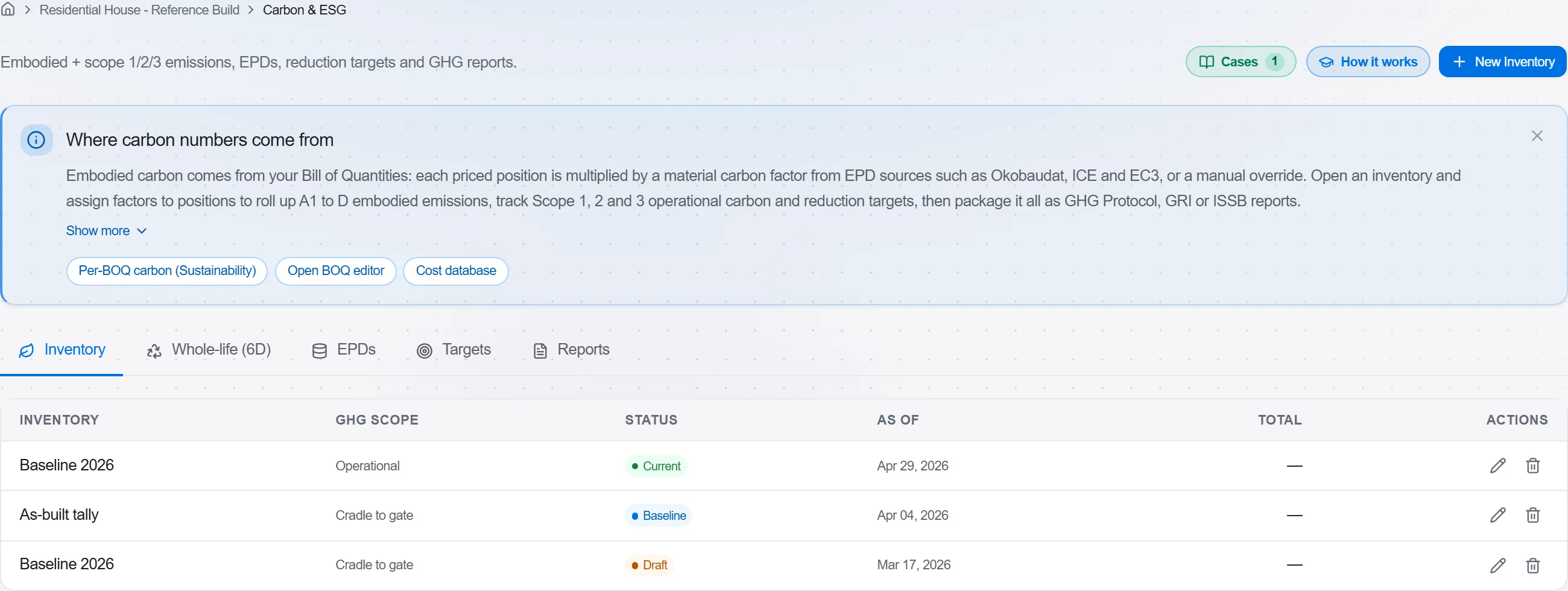
Why: Boundary choice drives the whole result, so pin it down before any entry lands. Two footprints only compare when they cover the same stages, and the inventory is the one place every material line adds up.
Run Auto-enrich from BIM inside the inventory. Choose the model, look over the proposed lines in the preview, then confirm. Each element material is matched to an emission factor and the quantity is pulled straight off the geometry. Nothing is saved until you accept it.
Why: This is where 6D earns its keep. Rather than keying concrete, steel and insulation one line at a time, you get a full embodied list from the model in seconds, and every row shows how sure the match is.
Work down the added lines. Every entry points back to the BIM element that produced it and shows a match confidence, so open the amber and red rows first and correct the factor or the quantity where the pairing looks wrong.
Why: The tool suggests, the estimator signs off. A generic factor on a specialist product can swing the total by tonnes, so the confidence flag tells you exactly which rows deserve a second look.
Set a reduction target, either as an absolute total or per square metre of floor area, then generate the report for the period in the framework your client asks for. The target tracks live as the inventory changes.
Why: A raw carbon figure convinces no one on its own. A target draws the line you are trying to beat, and the exported report turns the footprint into a dated record you can put in front of an assessor or a planning officer.
2 / 190 platform modules
Load a converted model, lift the element quantities straight off the geometry, carry them i…
Load a DWG, lock the scale against a known dimension, measure the areas, lengths and counts…
Bring the discipline models together on one coordinate base, run the clash test, clear the…
