
Commercial & contracts
Turn a change into a paid variation
Capture a scope change while it is fresh, price it as a contract variation on your agreed r…
3 steps11 minOpen
 ENEnglish
 DEDeutsch
 FRFrançais
 ESEspañol
 ES-MXEspañol (México)
 ITItaliano
 PTPortuguês
 NLNederlands
 PLPolski
 CSČeština
 RUРусский
 BGБългарски
 TRTürkçe
 SVSvenska
 NONorsk
 FISuomi
 DADansk
 ARالعربية
 ZH中文
ZH中文 JA日本語
JA日本語 KO한국어
KO한국어 HIहिन्दी
 THไทย
THไทย VITiếng Việt
 IDBahasa Indonesia
 RORomână
 HRHrvatski
 MNМонгол
 ETEesti
 BNবাংলা
 KKҚазақша
 KYКыргызча
 FILFilipino
 URاردو
 FAفارسی
 HEעברית
 ELΕλληνικά
Get the invoice content right first, report the data to NAV at the moment of issue, clear what comes back rejected or flagged, and reconcile the reported set against the invoices the project thinks it raised.
6 steps across the platform - what you do at each one, and why it matters.
Build the szamla with the content the VAT Act requires: both parties and their tax numbers, the invoice number and dates, the description and quantity of the work, the taxable amount, the rate and the tax, or the marking that says why there is none. Reference the teljesitesigazolas the invoice answers.

Why: The report carries the invoice, so a defect in the invoice becomes a defect in the report and then a defect in the customer's deduction. Correcting it means a modifying invoice and a second report, and on a construction account it means the payment clock restarts on a document the client has every reason to send back.
Send the invoice data through the Online Szamla channel as the invoice is issued, in the XML structure the tax authority publishes, and keep the transaction identifier the system returns against the invoice record.
Why: For an invoice produced by software the obligation is immediate and automatic: no batching to the end of the day, no operator pressing a button. Keeping the transaction identifier against the invoice is what turns the claim that it was reported into a fact somebody can check, which is exactly what nobody can produce when the question arrives eighteen months later.
For an invoice written out of a numbered book, open a deadline the day it is issued and give it an owner. Four calendar days is the normal window, and one calendar day where the tax on the invoice reaches 500 000 forint, so the amount decides which clock you are on.
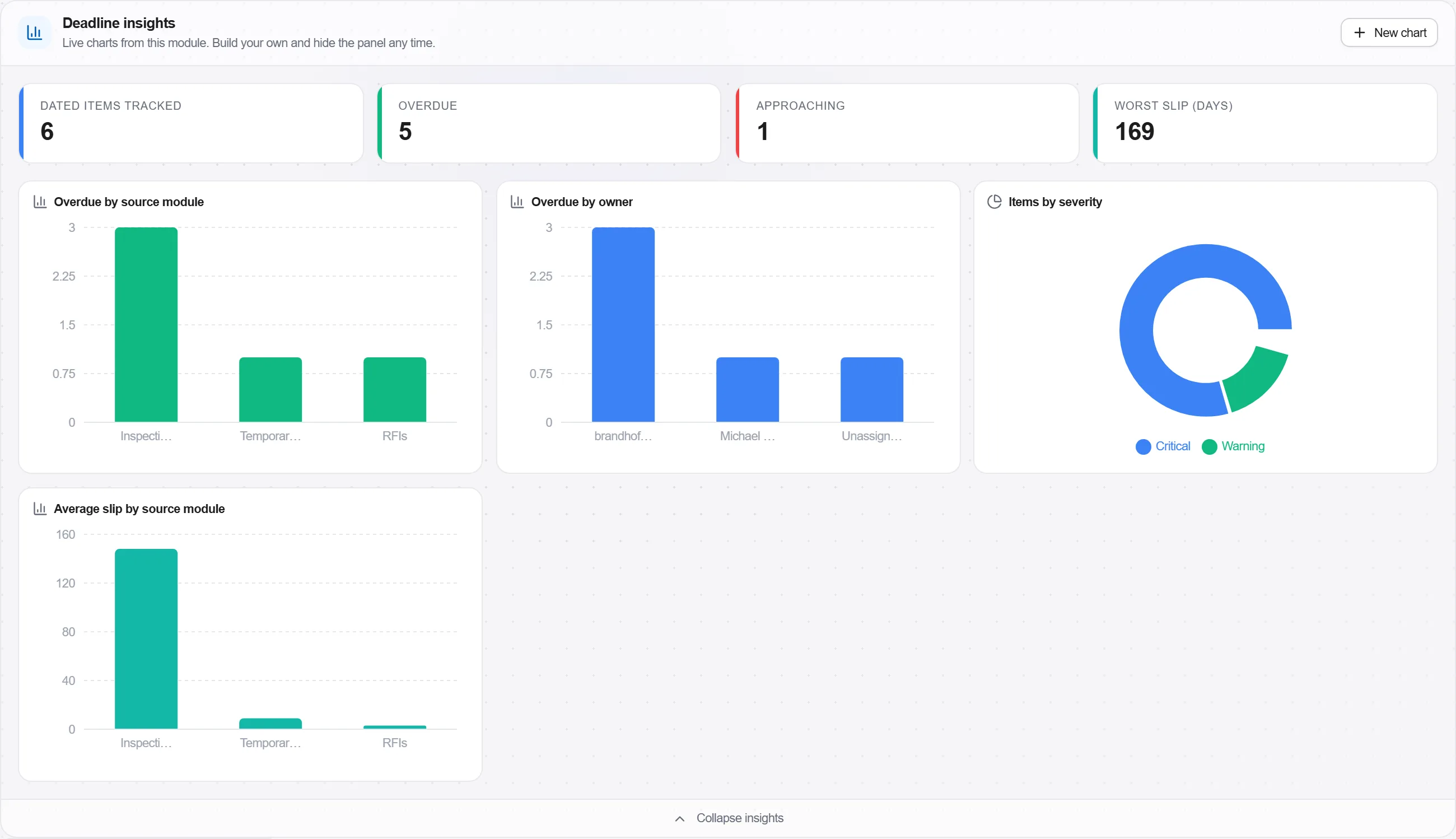
Why: The short window is the one that catches people out, because the invoice large enough to trigger it is exactly the one raised in a hurry to unblock a payment. Nothing on the paper says which deadline applies and nobody in the office knows the invoice exists yet, so the clock has to be started by whoever wrote it rather than by whoever files it.
Check the processing result for every submission. Clear the technical errors and resend, and record the warnings rather than closing them, because a warning is a report that landed with something wrong inside it.
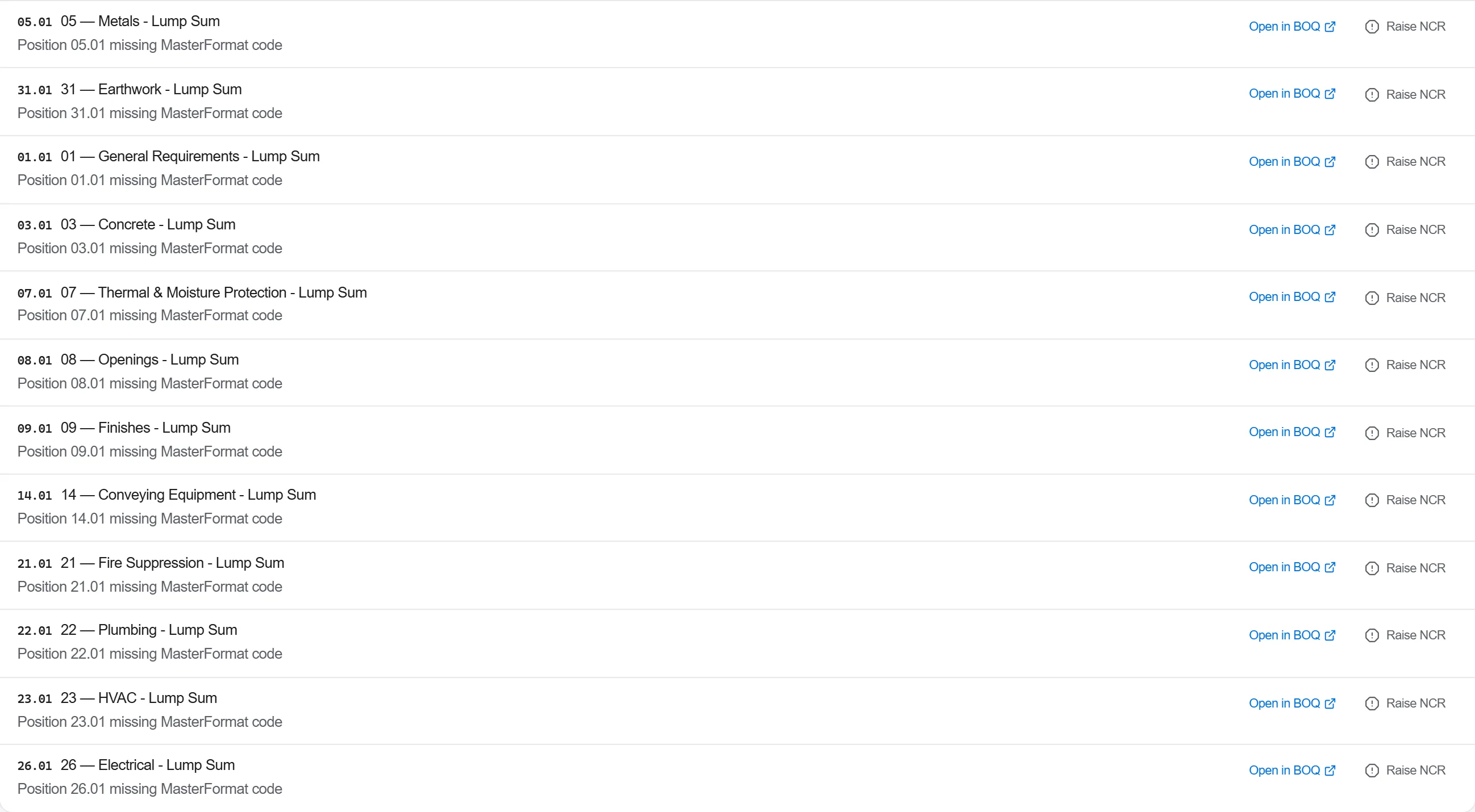
Why: A submission that was accepted for transmission and then rejected in processing is an invoice that has not been reported at all, and nothing about it looks different from the sending side. This is the failure that accumulates silently for a quarter and is then discovered as a set rather than as an incident.
Match the invoices the project believes it raised against the invoices that carry a transaction identifier, and look at both sides of the difference: an invoice with no report, and a report with no invoice on the project.
Why: On a construction account the gap is almost never a system fault, it is an invoice raised outside the normal route: from site, from a different company in the group, or against a project code nobody uses any more. Reconciling by count rather than by document is how a firm satisfies itself that everything is reported while one invoice a month is not.
File the invoice, its transaction receipt and the teljesitesigazolas it answers together on the project, so the three travel as one record rather than living in three systems that agree only when somebody checks.
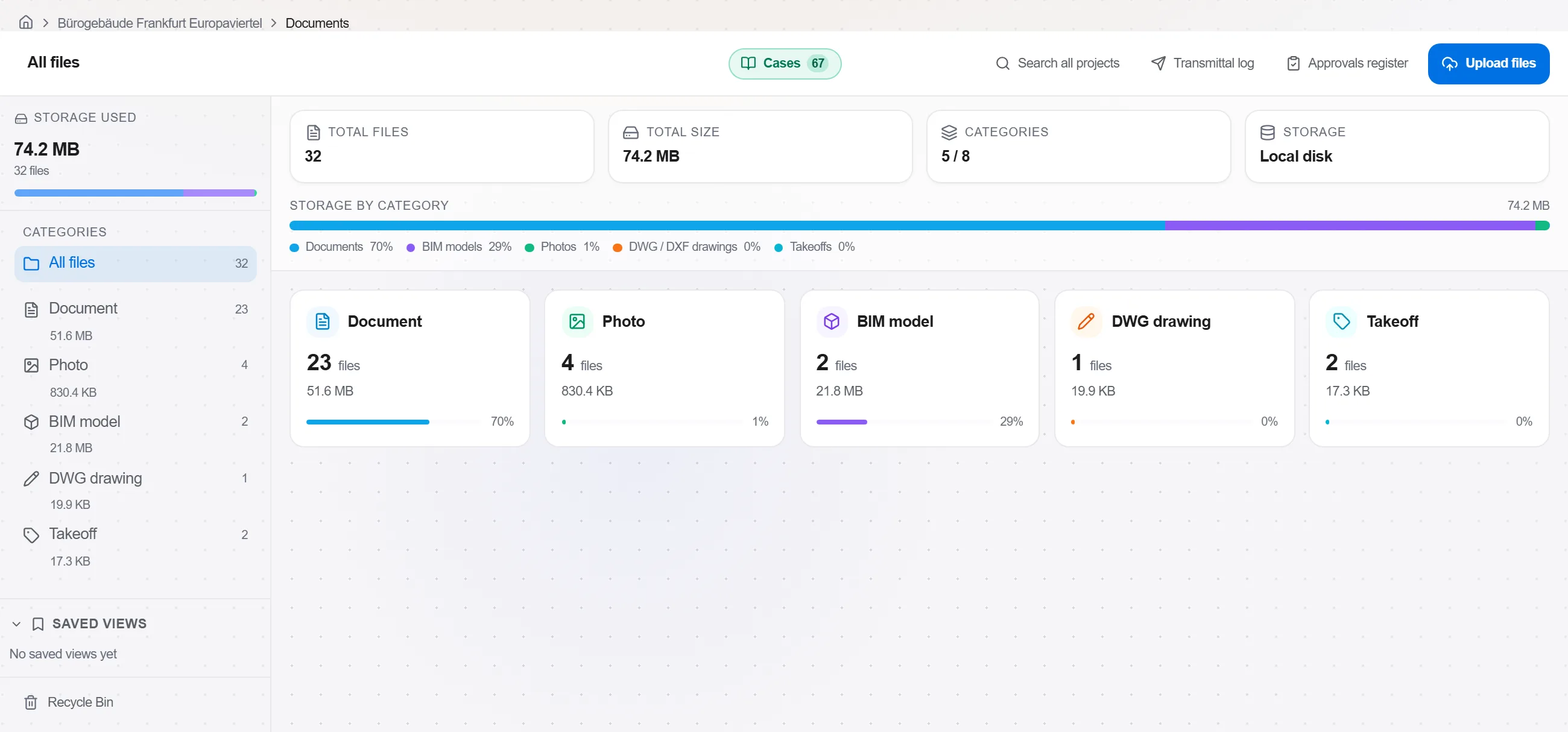
Why: Questions about an invoice arrive on the project long before they arrive in the accounts: a client disputes a period, a subcontractor claims a payment, a final account is being settled. Whoever answers is on the site side of the business, and giving them the proof of report in the same place as the invoice is the difference between an answer and a request forwarded to somebody on holiday.
6 / 190 platform modules
Everything in this case follows how construction work is measured, priced and paid for in this market. The forms, the cost breakdown and the payment rules are the ones used there, not a generic version of them.
Standards it follows
You do not have to set any of that up by hand. The first time you open the platform it asks which market you work in. Choose this one and it sets the interface language, loads the matching cost database and records the cost classification, and it adds an example project you can open straight away.
The rule checks for this market come with the platform too. Switch them on once and an estimate that misses something the market expects is flagged while you are still working on it, not after the tender has gone out.
Capture a scope change while it is fresh, price it as a contract variation on your agreed r…
Award a trade package to a subcontractor, place it on a subcontract with a schedule of valu…
Value the work put in place this period against the contract, raise the application with th…