
Ausschreibung & Beschaffung
Ausschreibung aus einem LV durchführen
Ein bepreistes Leistungsverzeichnis auf den Markt bringen: es paketieren, die Nachunternehme…
5 Schritte12 Min.Öffnen
 ENEnglish
 DEDeutsch
 FRFrançais
 ESEspañol
 ES-MXEspañol (México)
 ITItaliano
 PTPortuguês
 NLNederlands
 PLPolski
 CSČeština
 RUРусский
 BGБългарски
 TRTürkçe
 SVSvenska
 NONorsk
 FISuomi
 DADansk
 ARالعربية
 ZH中文
ZH中文 JA日本語
JA日本語 KO한국어
KO한국어 HIहिन्दी
 THไทย
THไทย VITiếng Việt
 IDBahasa Indonesia
 RORomână
 HRHrvatski
 MNМонгол
 ETEesti
 BNবাংলা
 KKҚазақша
 KYКыргызча
 FILFilipino
 URاردو
 FAفارسی
 HEעברית
 ELΕλληνικά
Lesen Sie, welche Einstufung eine Ausschreibung verlangt, gleichen Sie Ihre eigene Registrierung und Stufe damit ab, halten Sie die Verlängerung vom kritischen Weg fern und prüfen Sie dasselbe bei jedem Nachunternehmer, den Sie mitnehmen.
6 Schritte über die Plattform hinweg - was Sie bei jedem tun und warum es zählt.
Open the tender and write down the designation it asks for, both halves of it: the class of work, and the grade. Then read the scope against the class, because a building contract with a substantial electrical or mechanical element can call for more than one class.
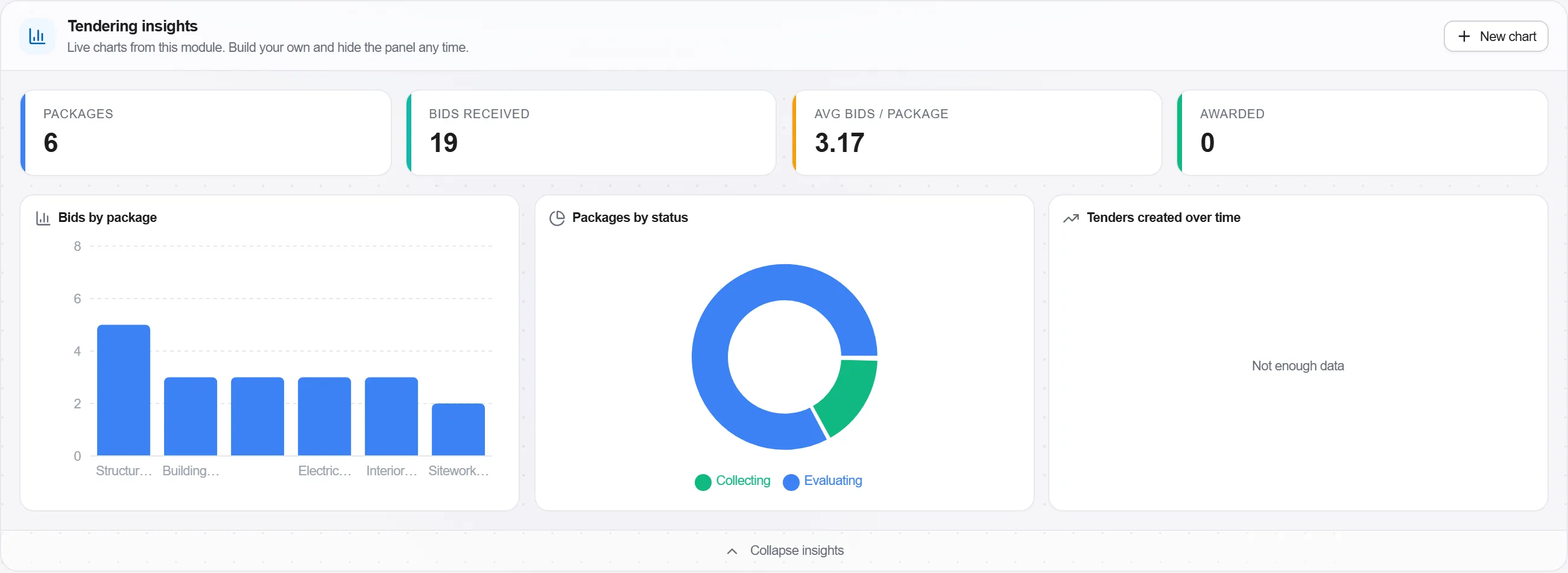
Warum: The designation is the first thing an evaluation committee checks and the cheapest thing to fail on. A bid from a firm whose class of work does not cover the contract is not scored and then rejected, it is set aside before scoring, and the tender fee and three weeks of estimating go with it.
Put your own designation next to your estimate of the tender value and make the bid or no bid decision on it. Each grade carries a tender value ceiling, rising through the nine grades, and only grade 9 has no upper limit.
Warum: A grade is a ceiling, not a guideline: a public sector client cannot award above it whatever the merits of the price. Making the call before the estimating starts is the difference between a considered no bid and an expensive one, and recording why you passed is what lets you argue for an upgrade with evidence next year.
Record the expiry date of the registration as a deadline with a reminder far enough ahead to renew, and put the same date against every bid in the pipeline that closes after it.
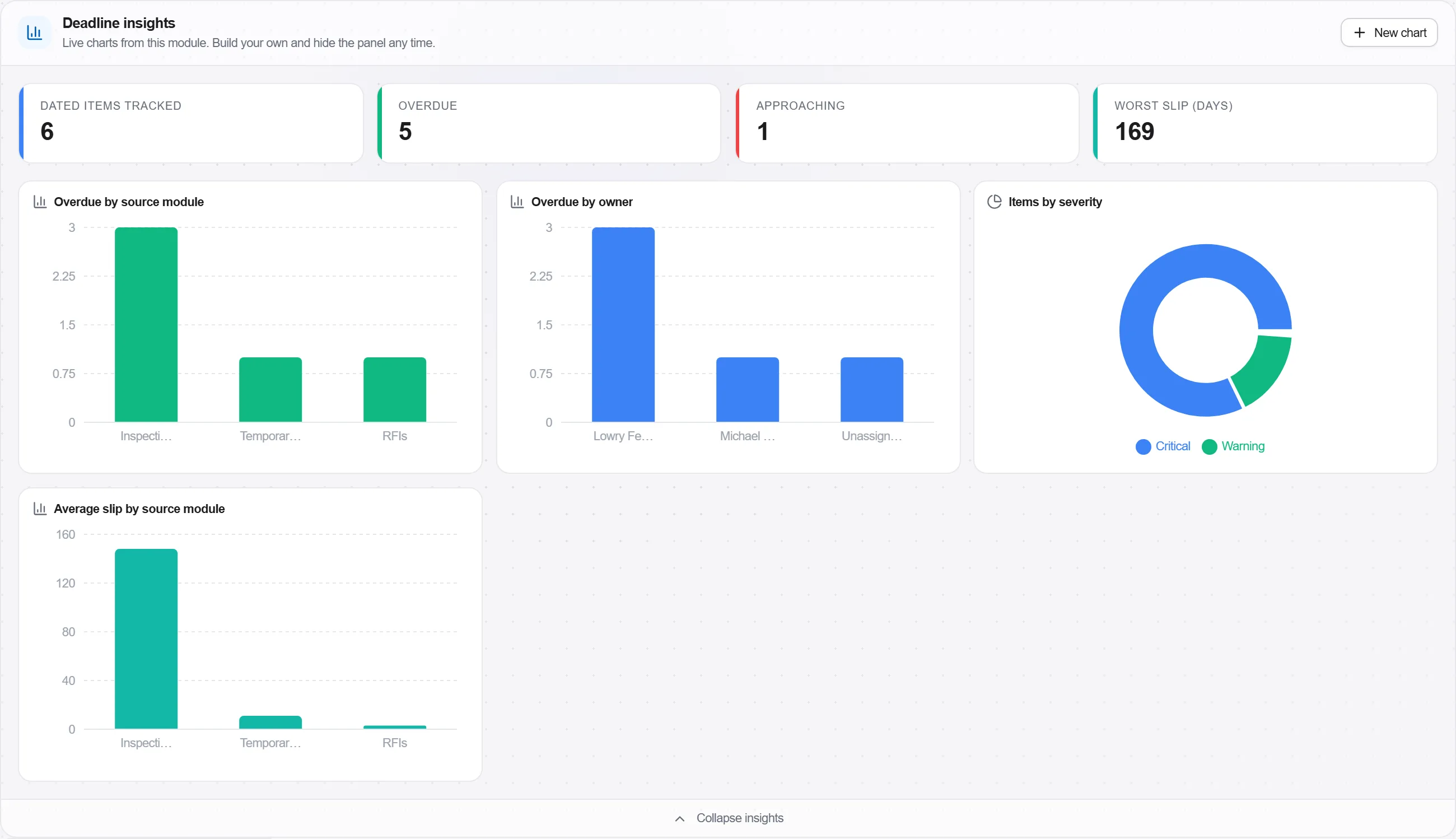
Warum: Registration is checked as at the closing date of the tender, not as at the day the work starts. A firm that has been on the register for eleven years and let it lapse for eleven days is, on that day, a firm a public sector client may not award to, and no amount of history changes that.
For each package you intend to sublet, record the subcontractor, the class of work its designation carries and the value of the package, and flag any package whose value or class the subcontractor cannot cover.
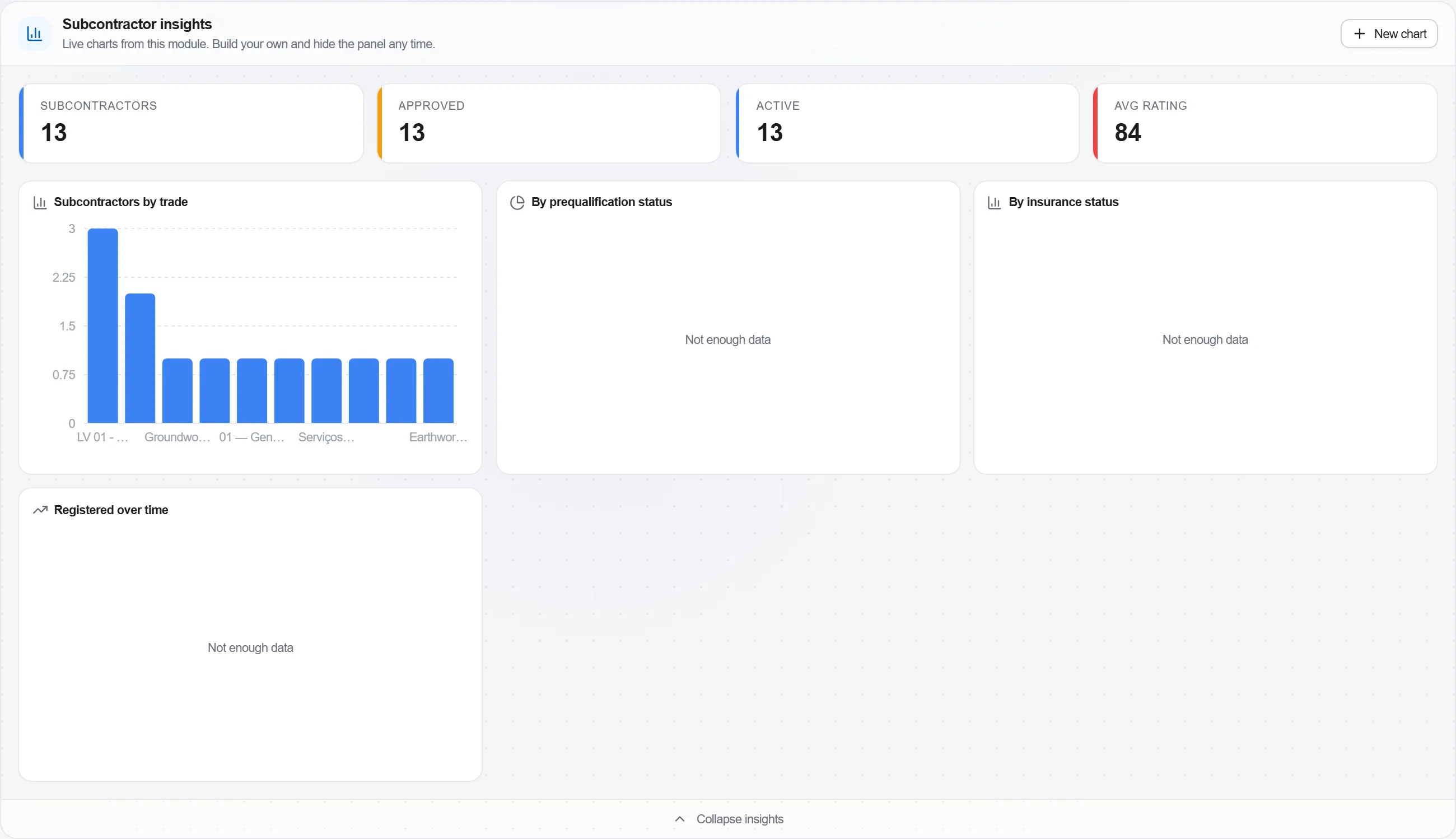
Warum: The electrical and mechanical classes exist precisely because that work is graded separately from general building. A team assembled on price alone can be perfectly capable and still put a package with a firm whose designation does not reach it, and the tender document usually asks you to name them.
Hold the registration certificate, the tax clearance, the letter of good standing under the Compensation for Occupational Injuries and Diseases Act 130 of 1993 and the B-BBEE certificate or sworn affidavit in one place, each with the date it stops being current.
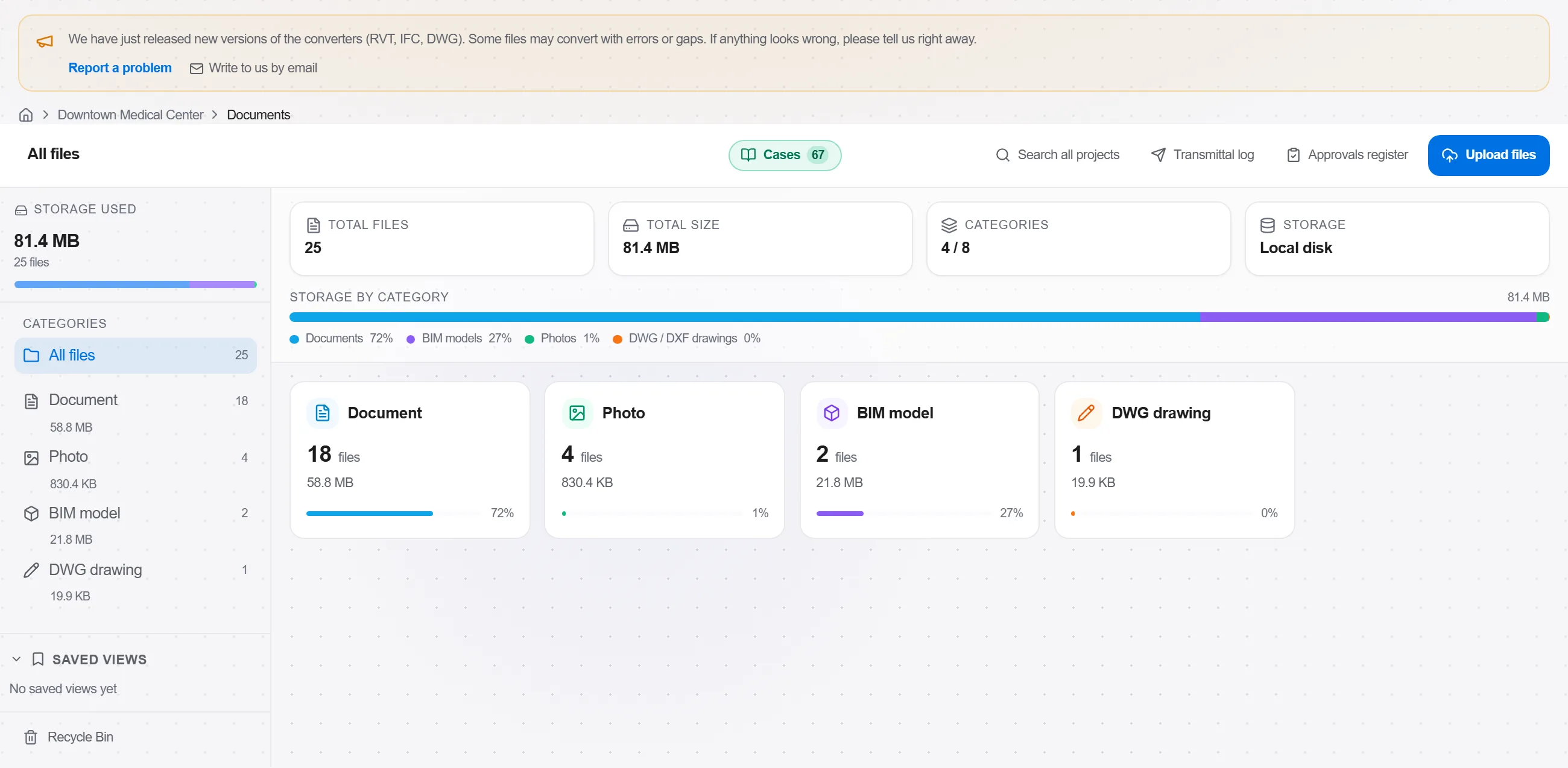
Warum: Every one of these documents is asked for by almost every tender and every one of them expires. Hunting for the current version on the afternoon a bid closes is how a compliant firm submits an expired certificate, and an expired certificate is treated as no certificate.
Supply the client with what the register of projects needs and keep the record of the submission. A public sector client registers construction works above R200 000; for state owned entities and for private sector work the threshold is R10 million.
Warum: The register of projects is the client's duty under the construction industry development regulations, but the data comes from the contractor and the delay lands on the contractor. It also matters to you later: the performance record built on registered projects is what a grading upgrade application is assessed on, so a project nobody registered is a project that never counted towards your next grade.
6 / 190 Plattform-Modulen
Alles in diesem Fallbeispiel folgt der Art, wie Bauleistungen in diesem Markt aufgemessen, kalkuliert und abgerechnet werden. Die Formulare, die Kostengliederung und die Zahlungsregeln sind die, die dort gelten, und keine allgemeine Fassung davon.
Standards, denen es folgt
Das müssen Sie nicht von Hand einrichten. Beim ersten Start fragt die Plattform, in welchem Markt Sie arbeiten. Wählen Sie diesen aus, und sie stellt die Oberflächensprache ein, lädt die passende Kostendatenbank, hinterlegt die Kostengliederung und legt ein Beispielprojekt an, das Sie sofort öffnen können.
Die Prüfregeln für diesen Markt sind ebenfalls dabei. Einmal eingeschaltet, fällt eine Kalkulation, der etwas Marktübliches fehlt, schon während der Arbeit auf und nicht erst nach der Abgabe.
Ein bepreistes Leistungsverzeichnis auf den Markt bringen: es paketieren, die Nachunternehme…
Kaufen Sie die Mengen ein, die Sie bereits bepreist haben: erstellen Sie eine Bestellanforde…
Nehmen Sie einen Ordner mit zurückgesandten Angeboten, die nie ganz übereinstimmen, reduzier…