
Licitación y compras
Gestionar una licitación a partir de un BOQ
Saca al mercado un presupuesto de mediciones valorado: empaquétalo, invita a los subcontrati…
5 pasos12 minAbrir
 ENEnglish
 DEDeutsch
 FRFrançais
 ESEspañol
 ES-MXEspañol (México)
 ITItaliano
 PTPortuguês
 NLNederlands
 PLPolski
 CSČeština
 RUРусский
 BGБългарски
 TRTürkçe
 SVSvenska
 NONorsk
 FISuomi
 DADansk
 ARالعربية
 ZH中文
ZH中文 JA日本語
JA日本語 KO한국어
KO한국어 HIहिन्दी
 THไทย
THไทย VITiếng Việt
 IDBahasa Indonesia
 RORomână
 HRHrvatski
 MNМонгол
 ETEesti
 BNবাংলা
 KKҚазақша
 KYКыргызча
 FILFilipino
 URاردو
 FAفارسی
 HEעברית
 ELΕλληνικά
Elija la proporción de puntos que dicta el importe de la licitación, exponga los objetivos específicos en el pliego, nivele los presupuestos valorados para que el precio que puntúa sea comparable, y después puntúe el precio por fórmula y la preferencia sobre lo que publicó.
7 pasos a lo largo de la plataforma - qué hacer en cada uno y por qué importa.
Take the ratio from your own estimate of the value: 80 points for price and 20 for preference up to R50 million, 90 and 10 above it. Then write into the tender document the specific goals that will earn the preference points and the number of points each is worth, together with the proof a bidder must submit to claim them.

Por que: Under the Preferential Procurement Policy Framework Act 5 of 2000 the goals are the organ of state's to choose, but only in the tender document and only in advance. Goals that commonly appear include the bidder's B-BBEE contributor status level, but nothing is scored by default: an evaluation committee that awards points for a goal the advertisement never mentioned has given every unsuccessful bidder a review, and one that ignores a goal it did publish has done the same.
Log every bid received with its price and the returnable schedules it came with, then run the responsiveness check before any scoring: CIDB registration current and of the right designation, tax status, the goal claims supported by the proof the tender asked for.
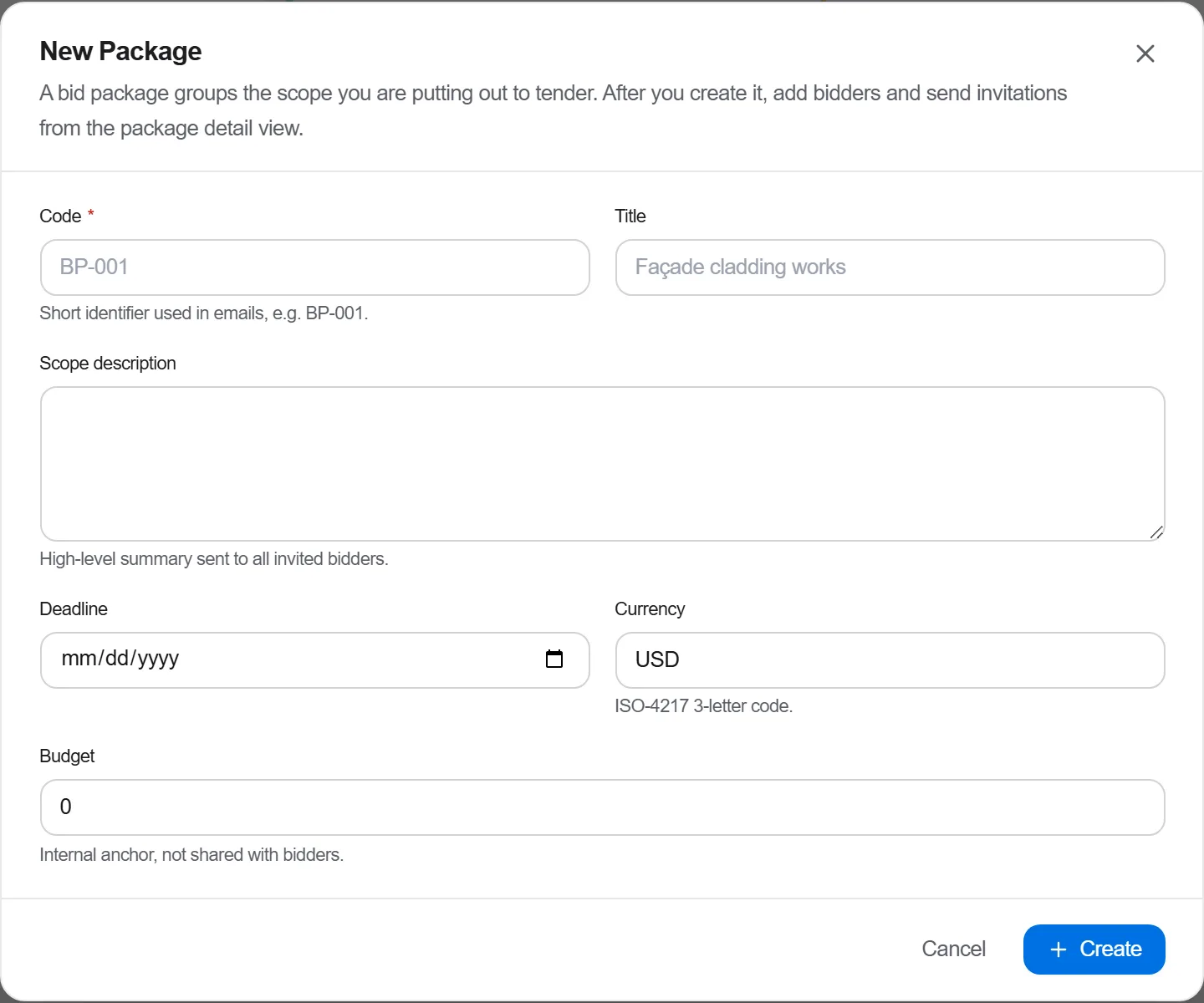
Por que: Responsiveness is a gate and not a score. A bid that fails it never reaches the points table, and mixing the two up is how a committee ends up defending why it gave a non-responsive bid 78 points instead of why it set the bid aside. Doing the check first, in writing, is what makes the rest of the evaluation short.
Put the priced bills side by side at item level, find the arithmetic errors, the items priced at nil and the qualifications written into a covering letter, and raise a query on each before the price goes into the formula.
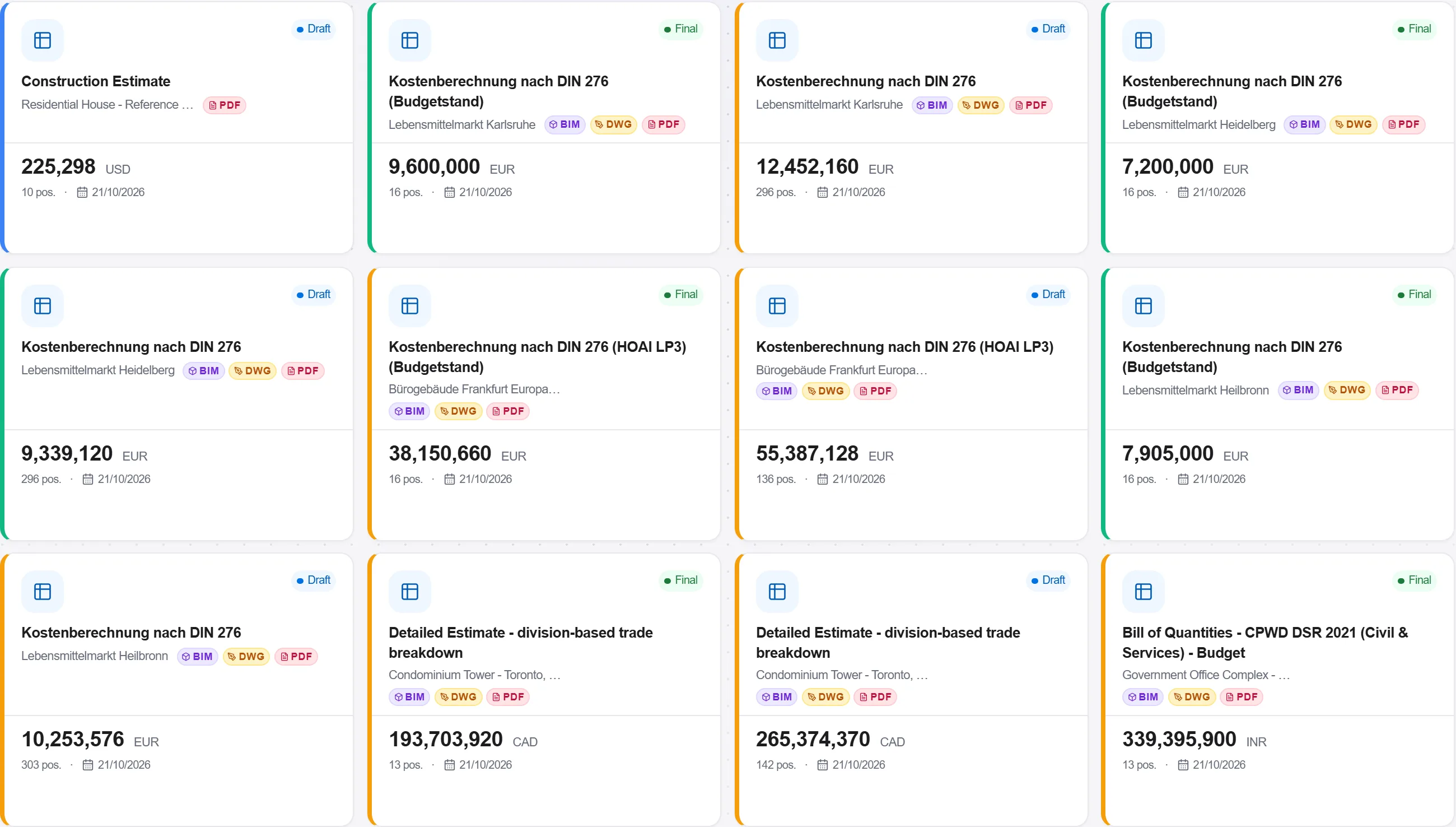
Por que: The price points formula measures every bid against the lowest one, so an arithmetic slip in the cheapest bid does not just misprice that bid, it moves the score of every other bidder. Levelling is the only step that makes the number going into the formula mean the same thing for everyone.
Score price with the formula the regulations give: the lowest acceptable bid takes the full weighting, and every other bid loses the proportion by which it exceeds that lowest bid. Then add the preference points, goal by goal, against the proof each bidder submitted, and total the two.
Por que: The formula is what makes preference points decisive rather than decorative. A bid five per cent above the lowest gives up only a small part of its price points, so full preference points can and often do outweigh that gap, and a committee that quietly awards on price alone has ignored the Act. Writing the arithmetic down per bidder is what makes the award defensible.
Send the evaluation report and the points table through the delegation of authority the organ of state works to, so the adjudication decision and the person who took it are both on the record with a date.
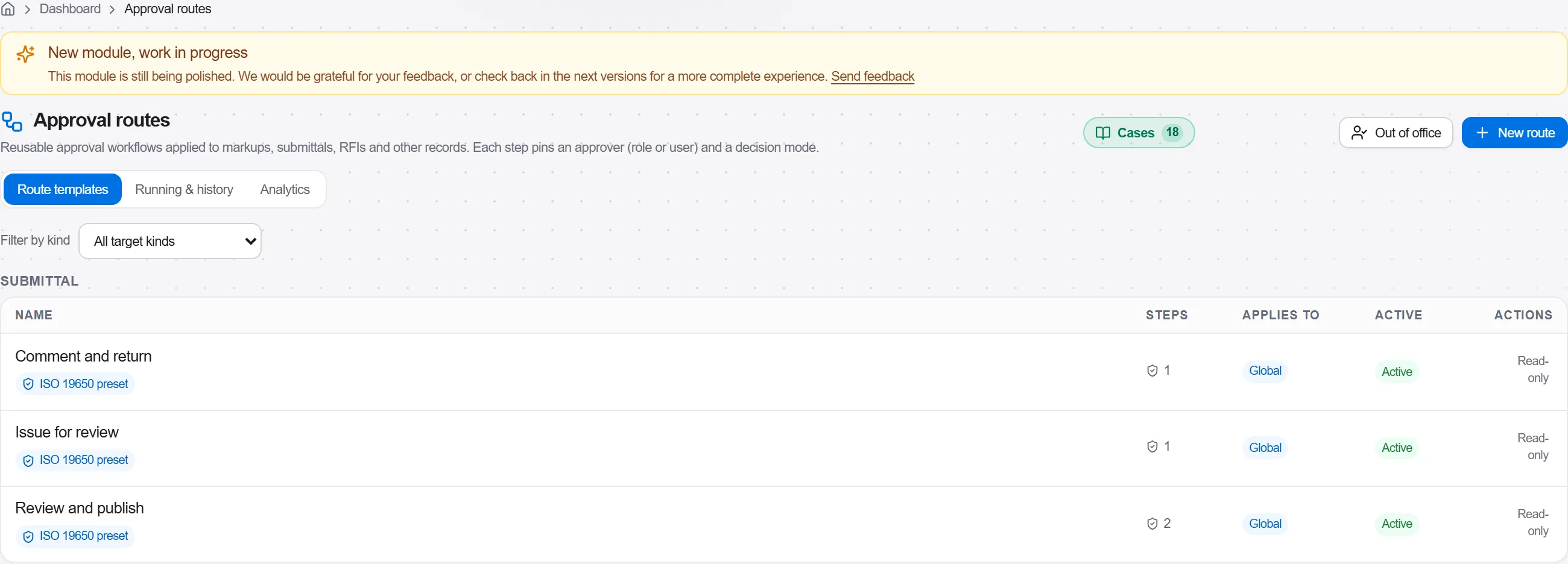
Por que: A tender award is reviewable, and the first thing a review asks is who decided and on what. An approval trail that shows the points table the decision was taken on, unchanged, answers that in one page. Note also that the Public Procurement Act 28 of 2024 has been passed and is being brought into operation in stages, so record which regime the tender was advertised under.
Draw up the contract on the form the tender was advertised on and complete the contract data: the accepted priced document, the dates, the securities, the penalty, and the goals the bidder committed to that now become contractual obligations.

Por que: A goal that earned preference points and was never written into the contract is a promise nobody can enforce. Carrying the commitments across at signature is what makes the preference part of the score mean something on site rather than only on the scoresheet.
Write to the successful and the unsuccessful bidders, publish the award as the organ of state is required to, and close the file with the advertisement, the bids, the responsiveness check, the points table and the approval in it.
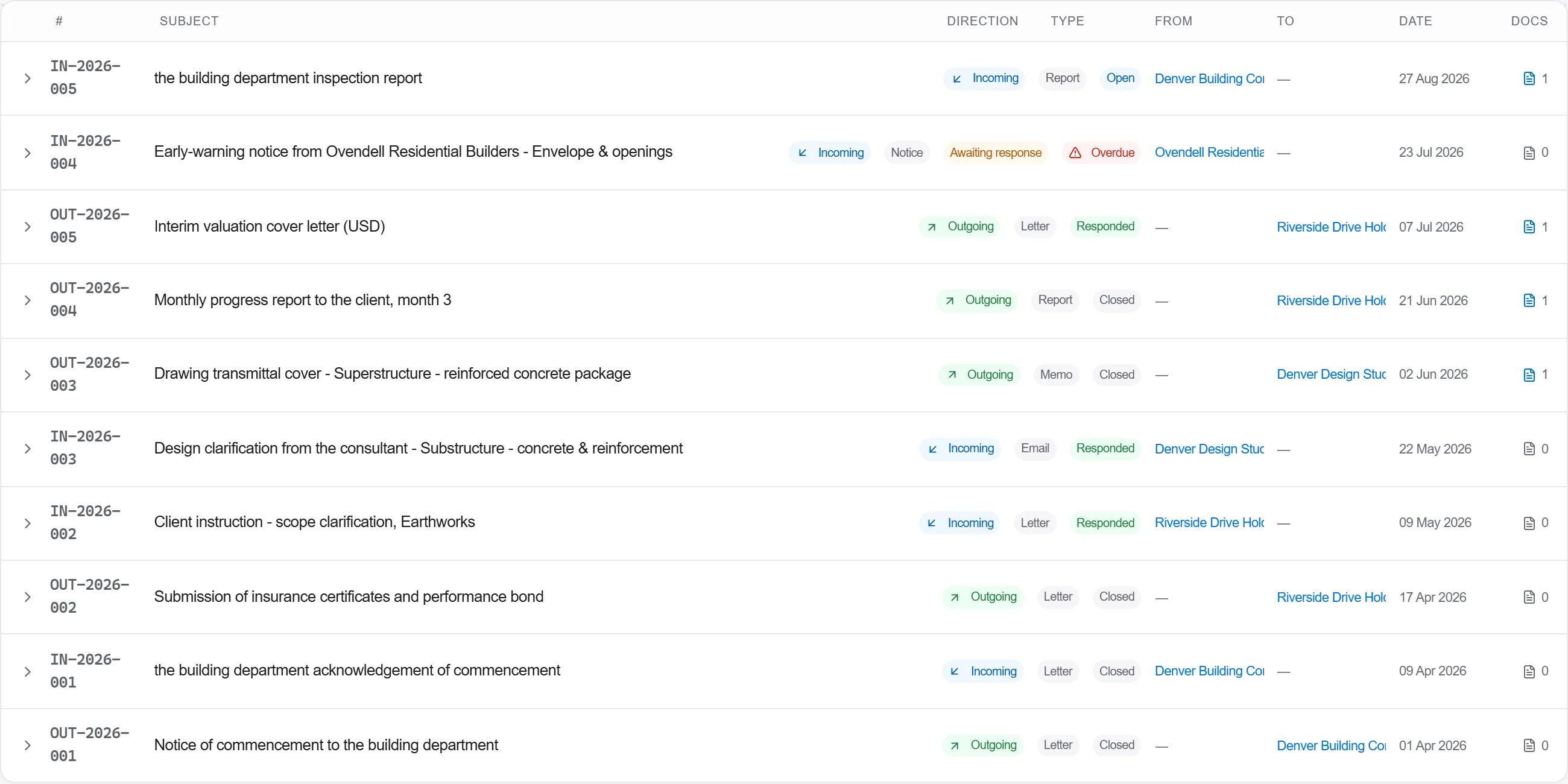
Por que: An unsuccessful bidder is entitled to know it lost and to ask why, and the answer is the points table. A tender file assembled after a challenge arrives always looks assembled after a challenge arrives; one closed on the day of the award is simply the record.
6 / 190 módulos de la plataforma
Todo en este caso sigue la forma en que la obra se mide, se valora y se paga en este mercado. Los documentos, el desglose de costes y las reglas de pago son los que se usan allí, no una versión genérica.
Normas que sigue
No tienes que configurar nada de eso a mano. La primera vez que abres la plataforma te pregunta en qué mercado trabajas. Elige este y ajusta el idioma de la interfaz, carga la base de costes correspondiente, registra la clasificación de costes y añade un proyecto de ejemplo que puedes abrir enseguida.
Las comprobaciones de este mercado también vienen con la plataforma. Actívalas una vez y un presupuesto al que le falte algo que el mercado espera queda señalado mientras trabajas en él, no después de presentar la oferta.
Saca al mercado un presupuesto de mediciones valorado: empaquétalo, invita a los subcontrati…
Compra las cantidades que ya has valorado: crea una solicitud de compra a partir del presupu…
Parte de una carpeta de ofertas recibidas que nunca coinciden del todo, redúcelas al mismo a…