

Handover & lifecycle
Hand over and close out
Finish the job cleanly: work the punch list to zero, confirm every inspection passed and no…
5 steps14 minOpen
 ENEnglish
 DEDeutsch
 FRFrançais
 ESEspañol
 ES-MXEspañol (México)
 ITItaliano
 PTPortuguês
 NLNederlands
 PLPolski
 CSČeština
 RUРусский
 BGБългарски
 TRTürkçe
 SVSvenska
 NONorsk
 FISuomi
 DADansk
 ARالعربية
 ZH中文
ZH中文 JA日本語
JA日本語 KO한국어
KO한국어 HIहिन्दी
 THไทย
THไทย VITiếng Việt
 IDBahasa Indonesia
 RORomână
 HRHrvatski
 MNМонгол
 ETEesti
 BNবাংলা
 KKҚазақша
 KYКыргызча
 FILFilipino
 URاردو
 FAفارسی
 HEעברית
 ELΕλληνικά
Turn the asset register into a preventive maintenance plan: pick the assets that need scheduled care, set their service tasks and frequencies, and check the coverage before the first year runs.
3 steps across the platform - what you do at each one, and why it matters.
Open the asset register and mark the equipment that needs scheduled attention, from the plant that must not fail to the items a warranty says to service. Note the maker's interval for each.
Why: The register is the only complete list of what you actually own to maintain. Starting the plan from it, rather than memory, is what stops a critical unit being missed until it breaks.
Create the recurring service tasks against each asset at its interval, say who does them and what each visit checks, so the work is queued before it is due rather than after it fails.
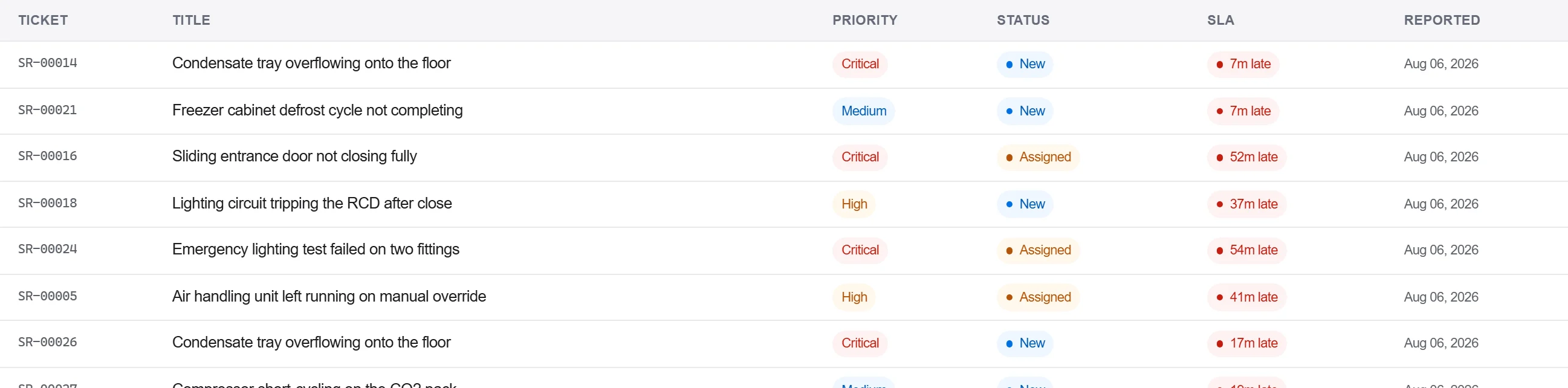
Why: A frequency in a manual does nothing until it is a task with an owner and a date. Turning the intervals into a live schedule is what actually gets the filter changed and the belt checked on time.
Run a report that lines the schedule up against the register to show which assets are covered, which are not, and how much planned work lands in each month. Close the gaps.
Why: A plan you cannot see the holes in is a plan with holes. The coverage view is what proves every critical asset is on the schedule and that the workload is spread, not stacked into one week.
3 / 190 platform modules
Finish the job cleanly: work the punch list to zero, confirm every inspection passed and no…
Pull the as-built record together, prove the quality file has no gaps, then issue an operat…
Walk the finished works with the client, record what passes and what does not against the a…