

引き渡しとライフサイクル
Hand over and close out
Finish the job cleanly: work the punch list to zero, confirm every inspection passed and no…
5ステップ14 分開く
 ENEnglish
 DEDeutsch
 FRFrançais
 ESEspañol
 ES-MXEspañol (México)
 ITItaliano
 PTPortuguês
 NLNederlands
 PLPolski
 CSČeština
 RUРусский
 BGБългарски
 TRTürkçe
 SVSvenska
 NONorsk
 FISuomi
 DADansk
 ARالعربية
 ZH中文
ZH中文 JA日本語
JA日本語 KO한국어
KO한국어 HIहिन्दी
 THไทย
THไทย VITiếng Việt
 IDBahasa Indonesia
 RORomână
 HRHrvatski
 MNМонгол
 ETEesti
 BNবাংলা
 KKҚазақша
 KYКыргызча
 FILFilipino
 URاردو
 FAفارسی
 HEעברית
 ELΕλληνικά
資産台帳を予防保全計画に変える。計画的な手入れが必要な資産を選び、その保全作業と頻度を設定し、初年度が回る前にカバー範囲を確認する。
プラットフォーム全体で3ステップ - 各ステップで何をするか、そしてなぜ重要か。
資産台帳を開き、計画的な注意が必要な機器に印をつける。故障してはならない設備から、保証が保全を求める項目までである。各々についてメーカーの間隔を記す。
理由: 台帳は、実際に保有し保全すべきものの唯一の完全な一覧だ。記憶ではなく台帳から計画を始めることが、重要な機器が壊れるまで見落とされるのを防ぐ。
各資産に対しその間隔で繰り返し保全作業を作成し、誰が行い各訪問で何を点検するかを定め、故障後ではなく期限前に作業が予約されるようにする。
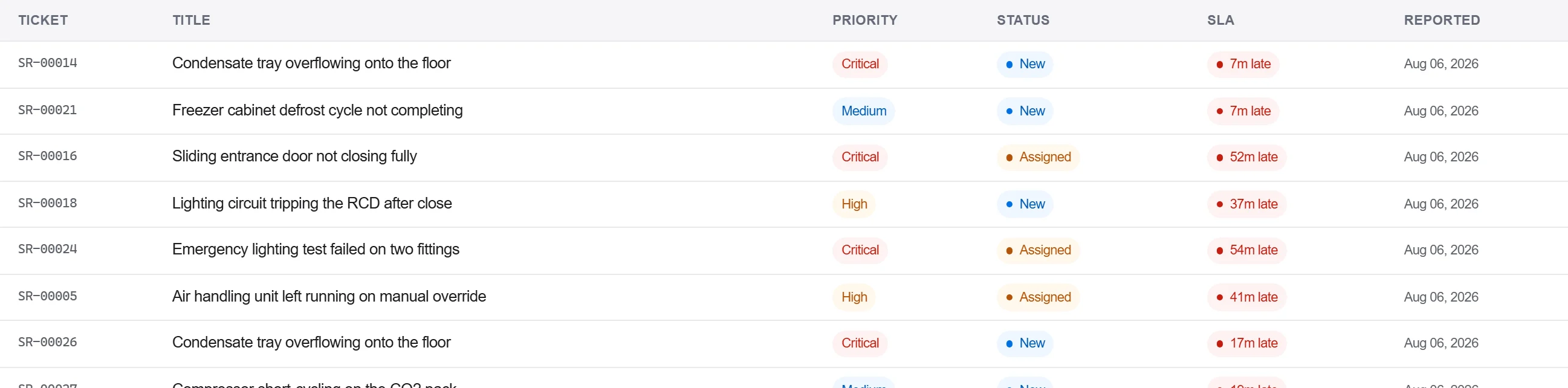
理由: 取扱説明書の頻度は、担当者と期日のある作業になるまで何もしない。間隔を生きたスケジュールに変えることが、実際にフィルターを期日どおりに交換させ、ベルトを点検させる。
スケジュールを台帳と突き合わせるレポートを実行し、どの資産がカバーされ、どれがされていないか、そして毎月どれだけの計画作業が入るかを示す。抜けを埋める。

理由: 穴が見えない計画は穴のある計画だ。カバー範囲ビューが、すべての重要資産がスケジュールに載り、作業量が一週間に積み上がらず分散していることを証明する。
プラットフォーム 190 モジュール中 3 個
Finish the job cleanly: work the punch list to zero, confirm every inspection passed and no…
Pull the as-built record together, prove the quality file has no gaps, then issue an operat…
Walk the finished works with the client, record what passes and what does not against the a…