

BIM और मात्रा आकलन
Get 6D carbon from a BIM model
Turn a converted BIM model into an embodied carbon footprint. Auto-enrich reads quantities…
5 चरण12 मिनटखोलें
 ENEnglish
 DEDeutsch
 FRFrançais
 ESEspañol
 ES-MXEspañol (México)
 ITItaliano
 PTPortuguês
 NLNederlands
 PLPolski
 CSČeština
 RUРусский
 BGБългарски
 TRTürkçe
 SVSvenska
 NONorsk
 FISuomi
 DADansk
 ARالعربية
 ZH中文
ZH中文 JA日本語
JA日本語 KO한국어
KO한국어 HIहिन्दी
 THไทย
THไทย VITiếng Việt
 IDBahasa Indonesia
 RORomână
 HRHrvatski
 MNМонгол
 ETEesti
 BNবাংলা
 KKҚазақша
 KYКыргызча
 FILFilipino
 URاردو
 FAفارسی
 HEעברית
 ELΕλληνικά
मौजूदा स्थितियों का एक लेजर-स्कैन पॉइंट क्लाउड लोड करें, जिन दूरियों, क्षेत्रों और आयतनों की आपको जरूरत है उन्हें सीधे सर्वेक्षण से मापें, उन्हें टेकऑफ में ले जाएं और काम की कीमत लगाएं।
प्लेटफ़ॉर्म भर में 4 चरण - हर एक में आप क्या करते हैं और यह क्यों मायने रखता है।
मौजूदा स्थितियों का पॉइंट क्लाउड लोड करें और इसमें खुद को उन्मुख करें, जांचते हुए कि स्कैन उन क्षेत्रों को कवर करता है जिन्हें आपको बड़े छाया या अंतराल के बिना मापना है।
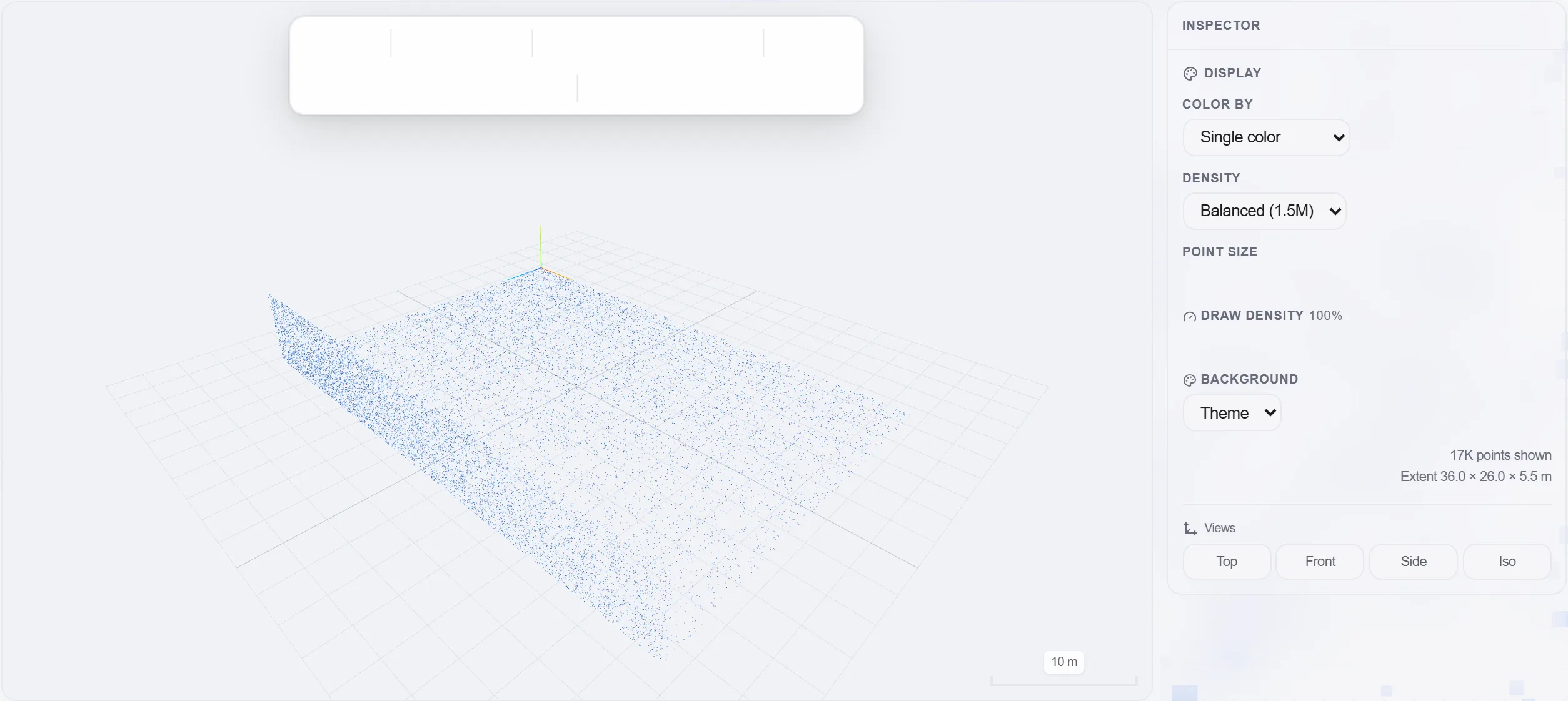
क्यों: एक स्कैन जिसमें वहां छेद है जहां आपको एक आयाम चाहिए, वह कोई स्कैन न होने से बदतर है, क्योंकि आपको केवल मापते समय पता चलता है। पहले कवरेज जांचना साइट पर एक बर्बाद वापसी बचाता है।
जिन दूरियों, दीवार और फर्श क्षेत्रों, कमरे की ऊंचाइयों और आयतनों की आपको जरूरत है, उन्हें सीधे क्लाउड पर मापें, उन्हें एक ड्राइंग के बजाय वास्तविक ज्यामिति से पढ़ते हुए।
क्यों: मौजूदा इमारतें कभी उस तरह चौकोर या सीधी नहीं होतीं जैसा एक ड्राइंग दिखावा करती है। जैसे-बनी वास्तविकता को मापना ही एक नवीनीकरण मात्रा को ईमानदार और उसके पीछे की कीमत को सुरक्षित रखता है।
मापे गए आयामों को मात्रा टेकऑफ में काम की स्रोत मात्राओं के रूप में लाएं, हर एक को कहां मापा गया इसका लिंक वापस बनाए रखते हुए।
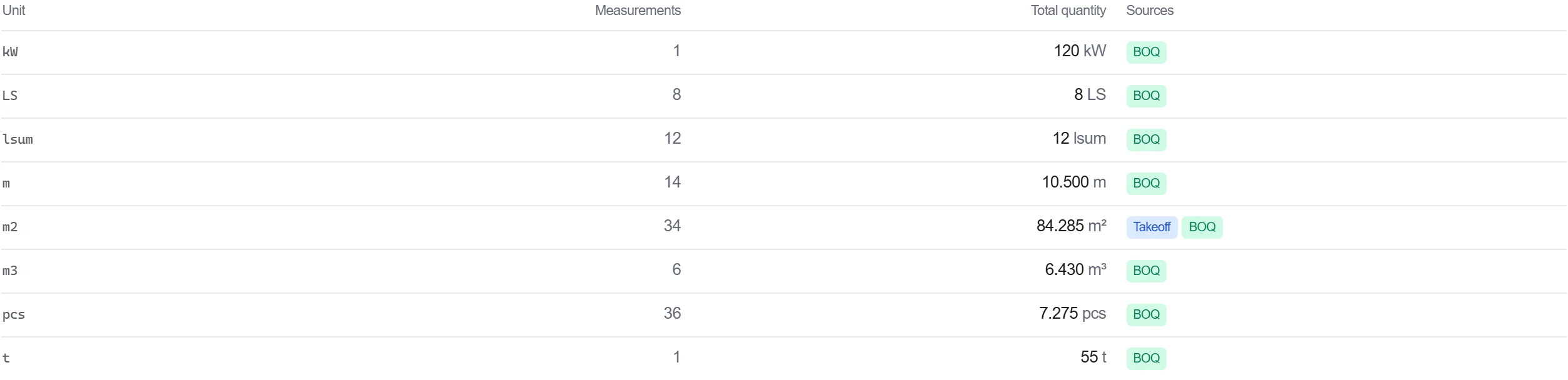
क्यों: एक मात्रा जो सर्वेक्षण पर एक बिंदु तक वापस जाती है, बचाव योग्य है। जब कोई किसी आंकड़े पर सवाल उठाता है, तो आप क्लाउड खोल सकते हैं और वह माप दिखा सकते हैं जिससे यह आया।
बिल में मापे गए काम की कीमत लगाएं, ताकि सर्वेक्षण-आधारित मात्राएं बीच में बिना दोबारा टाइप किए सीधे एक लागत में बहें।
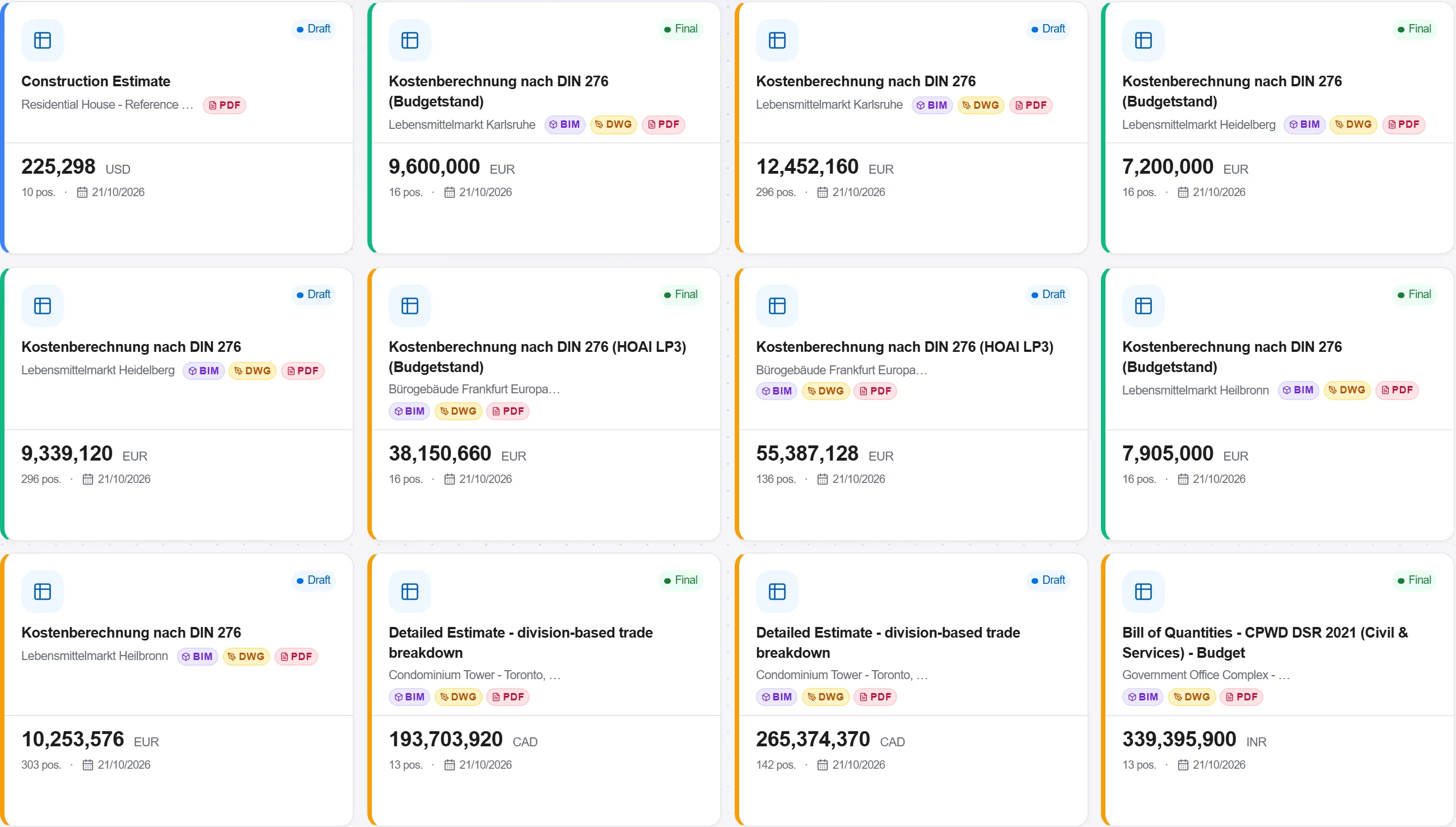
क्यों: स्कैन मापों को बिल तक ले जाना वास्तविक इमारत से कीमत तक एक अटूट श्रृंखला रखता है। उस श्रृंखला में हर मैनुअल कॉपी एक त्रुटि पेश करने का मौका है।
प्लेटफ़ॉर्म के 190 में से 3 मॉड्यूल
Turn a converted BIM model into an embodied carbon footprint. Auto-enrich reads quantities…
Load a converted model, lift the element quantities straight off the geometry, carry them i…
Load a DWG, lock the scale against a known dimension, measure the areas, lengths and counts…