
Quality & safety
Inspect work and close a non-conformance
Inspect the work against its acceptance criteria, raise a non-conformance the moment it fai…
3 steps10 minOpen
 ENEnglish
 DEDeutsch
 FRFrançais
 ESEspañol
 ES-MXEspañol (México)
 ITItaliano
 PTPortuguês
 NLNederlands
 PLPolski
 CSČeština
 RUРусский
 BGБългарски
 TRTürkçe
 SVSvenska
 NONorsk
 FISuomi
 DADansk
 ARالعربية
 ZH中文
ZH中文 JA日本語
JA日本語 KO한국어
KO한국어 HIहिन्दी
 THไทย
THไทย VITiếng Việt
 IDBahasa Indonesia
 RORomână
 HRHrvatski
 MNМонгол
 ETEesti
 BNবাংলা
 KKҚазақша
 KYКыргызча
 FILFilipino
 URاردو
 FAفارسی
 HEעברית
 ELΕλληνικά
Decide which drawings are regulated designs, check every practitioner is registered for the class of work they are declaring, collect the construction issued designs and their compliance declarations, lodge them before building work starts, catch the site change that creates a new regulated design and close out with the declaration the occupation certificate depends on.
7 steps across the platform - what you do at each one, and why it matters.
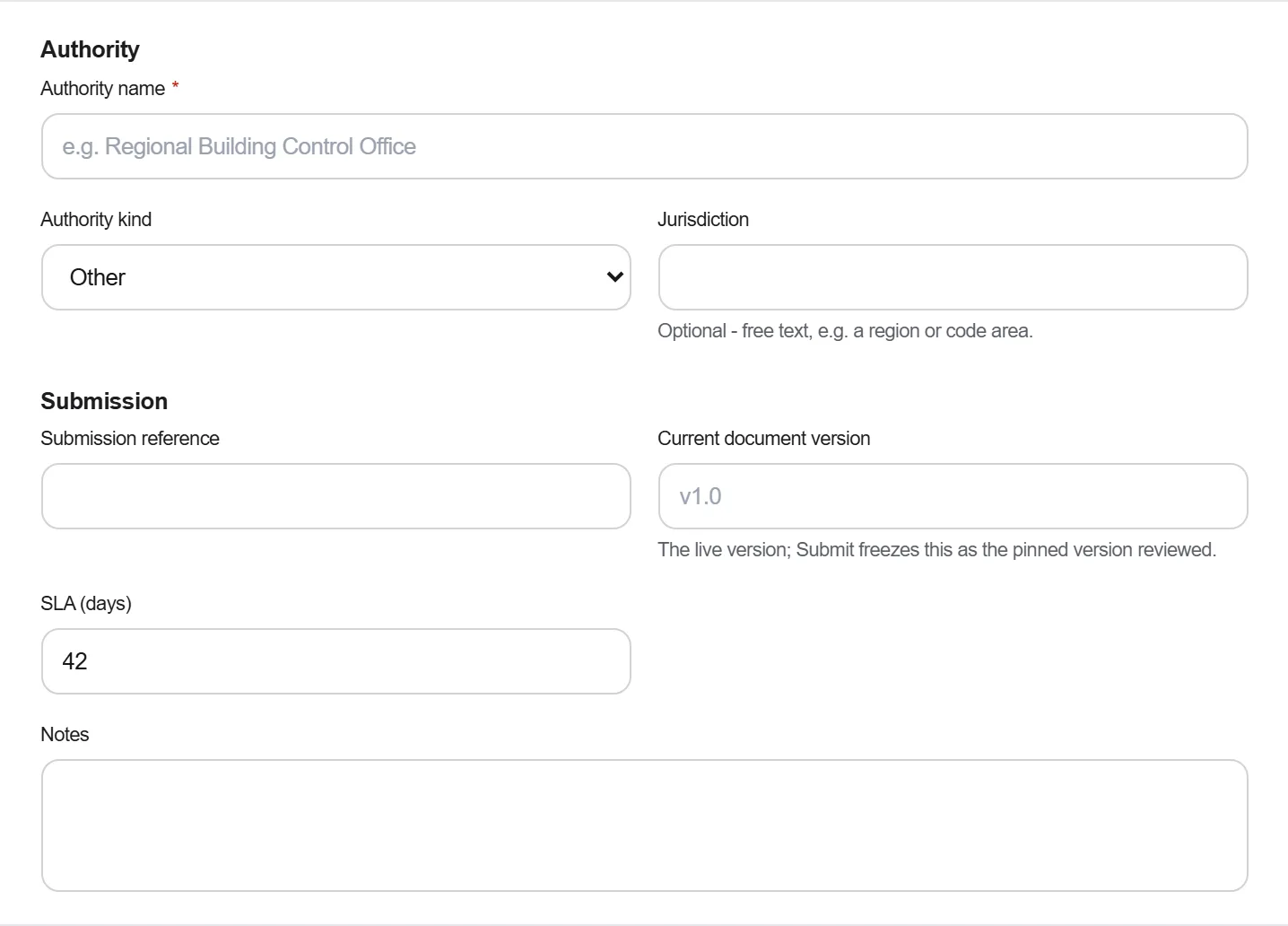
Work through the design register and mark which documents are regulated designs, the ones covering building elements the regulation names, such as fire safety systems, waterproofing, and the internal and external load bearing components, together with the performance solutions that support them. Name the practitioner who will declare each one.
Why: The list decides the whole workflow, and it is drawn once at the start when it is cheap. A document identified as regulated three months into construction needs a declaration from a practitioner who may not have been engaged on that basis, at a price nobody budgeted, for work that is already built.
Record each practitioner's registration, the classes of design work it authorises and its expiry, along with the professional indemnity cover the scheme requires. Check the registration against the class of the design they are being asked to declare, not simply that they hold one.

Why: A declaration made by someone whose registration does not authorise that class of work is not a declaration, and the failure is invisible until it is checked. Registration also expires mid project, which turns a valid declaration into a problem on a date nobody was watching.
Run the regulated designs through the submittal register so each one arrives with its revision, its date and the practitioner who prepared it, and so a design still outstanding is visible as an outstanding item rather than as an absence nobody noticed.

Why: What is lodged has to be the version that will actually be built from, and a register that tracks revisions is the only thing that keeps those two the same document. A declaration attached to a superseded revision is worse than none, because it reads as compliance while describing a building nobody is constructing.
Collect a design compliance declaration signed by the registered design practitioner for each regulated design. Where a principal design practitioner has been appointed, they make the principal compliance declaration that the designs are covered and the declarations were made by practitioners authorised to make them.
Why: The declaration is a personal statement by a named practitioner and it carries personal consequences, which is why it is chased rather than given. Collecting them as they are signed, against a list drawn at the start, is the difference between a routine administrative task and a search for six people at the end of a job.
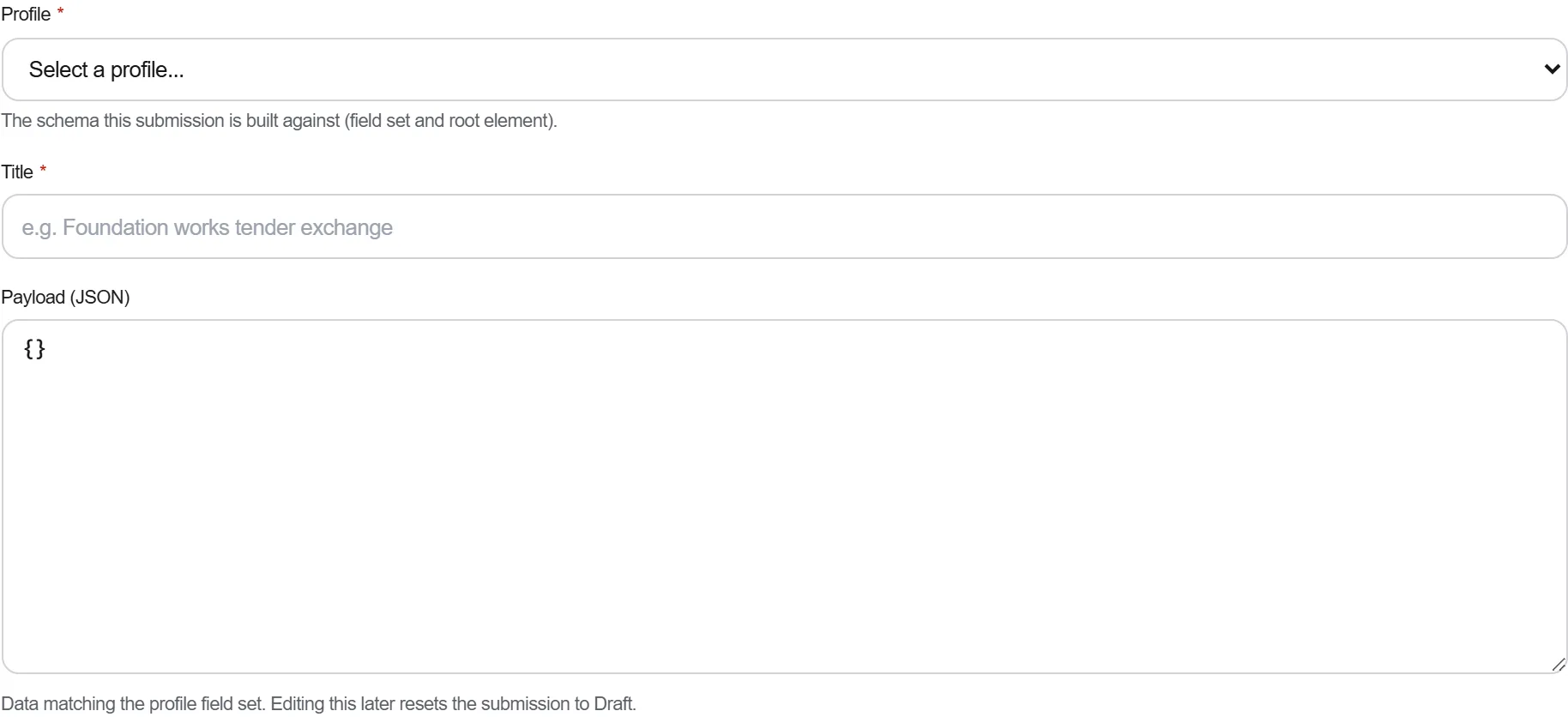
Lodge the construction issued regulated designs and their declarations through the state planning portal before building work commences, and keep the lodgement receipts against the submission record so the date can be shown rather than remembered.
Why: The obligation is tied to the start of the work rather than to a milestone anybody celebrates, so the deadline arrives while the site is mobilising and everyone is busy with something else. Lodging late is not curable by lodging afterwards, because the record shows when the work started.
Route every change that touches a regulated design back through the same loop, a varied regulated design, a fresh declaration from a registered practitioner and a lodgement, before the varied work is built. Keep the link between the change and the design it varied.

Why: This is the step the regime is most often failed on, and it fails quietly. Work built to a marked up sketch is work with no declared design behind it, and nothing on site looks wrong; the gap appears at the end, when the building is finished and the only remedies are expensive.
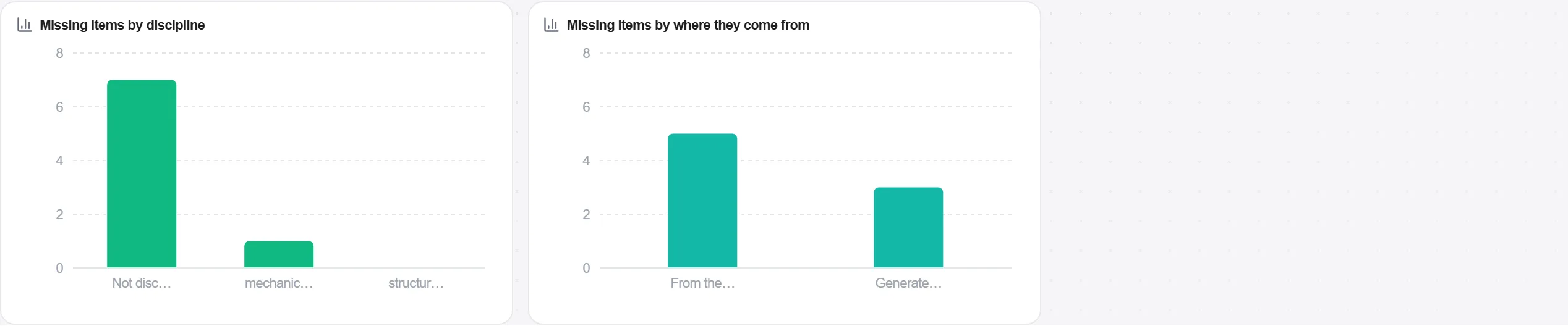
Check the close-out register holds every regulated design, every declaration and every lodgement receipt, then have the registered building practitioner make the building compliance declaration that the work complies with the designs as declared.
Why: The compliance declarations have to be in place before an application for an occupation certificate can be made, which means a single missing declaration holds up handover for a finished building. Every day of that is carrying cost on a project that has stopped earning.
7 / 190 platform modules
Everything in this case follows how construction work is measured, priced and paid for in this market. The forms, the cost breakdown and the payment rules are the ones used there, not a generic version of them.
Standards it follows
You do not have to set any of that up by hand. The first time you open the platform it asks which market you work in. Choose this one and it sets the interface language, loads the matching cost database and records the cost classification, and it adds an example project you can open straight away.
The rule checks for this market come with the platform too. Switch them on once and an estimate that misses something the market expects is flagged while you are still working on it, not after the tender has gone out.
Inspect the work against its acceptance criteria, raise a non-conformance the moment it fai…
Brief the crew on the hazards this shift actually carries, capture who was there, then prov…
Put the product you plan to buy in front of the designer with its data behind it, get it ch…
