
आकलन और लागत
Price a building from a PDF
Start from a flat PDF drawing and finish with a priced, validated estimate ready to export.…
5 चरण15 मिनटखोलें
 ENEnglish
 DEDeutsch
 FRFrançais
 ESEspañol
 ES-MXEspañol (México)
 ITItaliano
 PTPortuguês
 NLNederlands
 PLPolski
 CSČeština
 RUРусский
 BGБългарски
 TRTürkçe
 SVSvenska
 NONorsk
 FISuomi
 DADansk
 ARالعربية
 ZH中文
ZH中文 JA日本語
JA日本語 KO한국어
KO한국어 HIहिन्दी
 THไทย
THไทย VITiếng Việt
 IDBahasa Indonesia
 RORomână
 HRHrvatski
 MNМонгол
 ETEesti
 BNবাংলা
 KKҚазақша
 KYКыргызча
 FILFilipino
 URاردو
 FAفارسی
 HEעברית
 ELΕλληνικά
एक GAEB निविदा फ़ाइल प्राप्त करें, इसे बिना दोबारा टाइप किए एक बिल के रूप में लाएं, स्थितियों की कीमत लगाएं, संरचना को सत्यापित करें और एक मूल्यांकित GAEB वापस सौंपें जिसे ग्राहक सीधे अपनी प्रणाली में पढ़ सके।
प्लेटफ़ॉर्म भर में 5 चरण - हर एक में आप क्या करते हैं और यह क्यों मायने रखता है।
ग्राहक द्वारा जारी GAEB फ़ाइल को निमंत्रण के साथ परियोजना फ़ाइलों में सहेजें, ताकि जिस संस्करण की आपने कीमत लगाई वह रिकॉर्ड पर संस्करण हो।
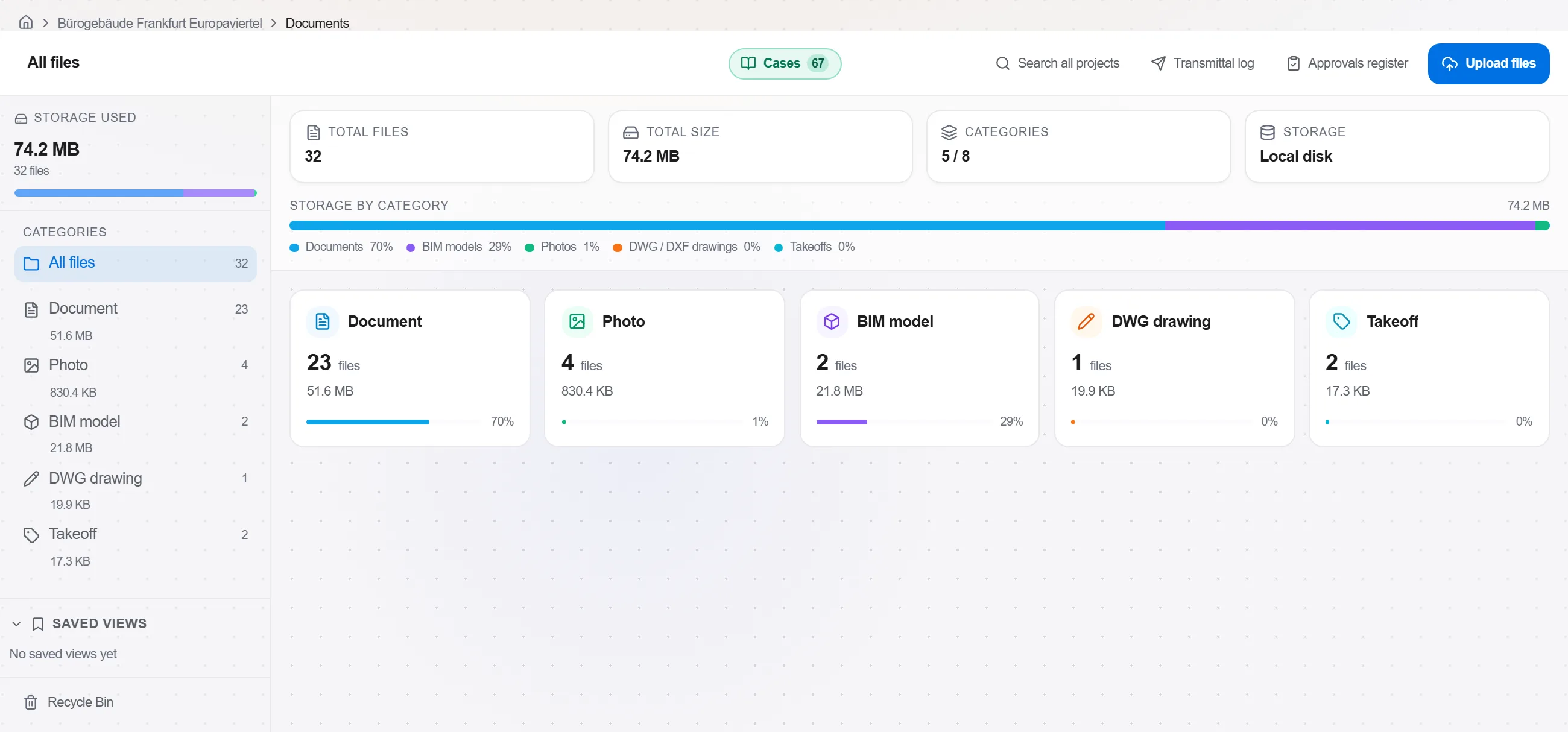
क्यों: निविदाएं फिर से जारी होती हैं। जिस सटीक फ़ाइल से आपने काम किया उसे दाखिल करने का मतलब है कि बाद में यह पूछताछ कि आपने कौन सा संशोधन कीमत लगाया, का एक-क्लिक उत्तर है, न कि एक बहस।
GAEB को एक नए बिल में आयात करें। समूह, स्थितियां, मात्राएं, इकाइयां और लंबा पाठ अक्षुण्ण आते हैं, ताकि आपके पास भरने के लिए एक खाली मूल्यांकित कॉलम हो और कुछ भी दोबारा टाइप न करना पड़े।
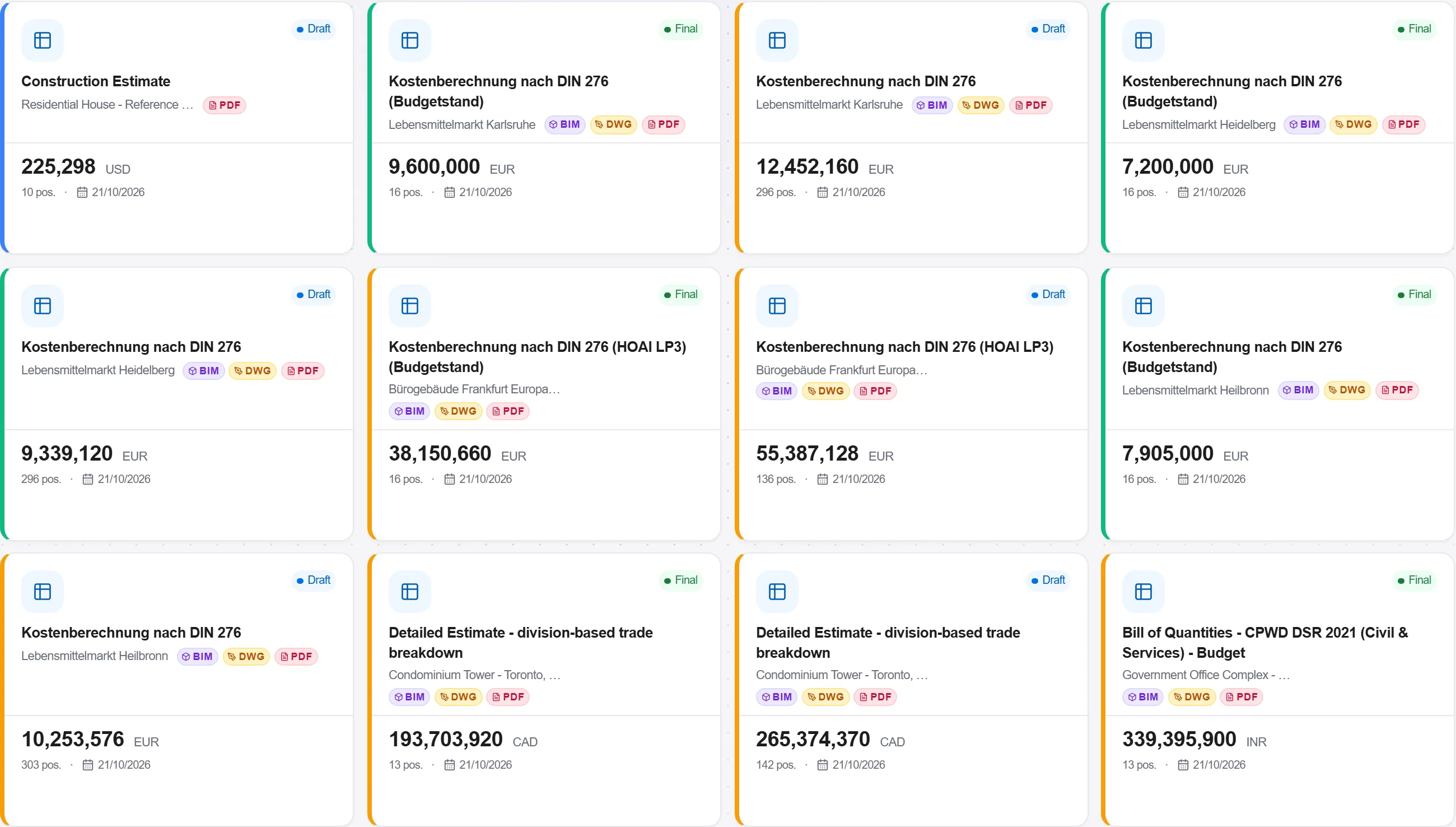
क्यों: कुछ सौ स्थितियों के बिल को दोबारा टाइप करना वह जगह है जहां उलटी हुई मात्राएं और छूटी हुई मदें घुस जाती हैं। आयात करना आपके प्रस्ताव को ग्राहक के सटीक शब्दांकन और क्रमांकन से जोड़े रखता है।
हर स्थिति को लागत सूची या असेंबली से एक दर से मिलाएं, जहां मानक दर पूरी तरह फिट नहीं होती वहां शब्दांकन के लिए समायोजित करें, जब तक हर लाइन एक इकाई मूल्य न रखे।
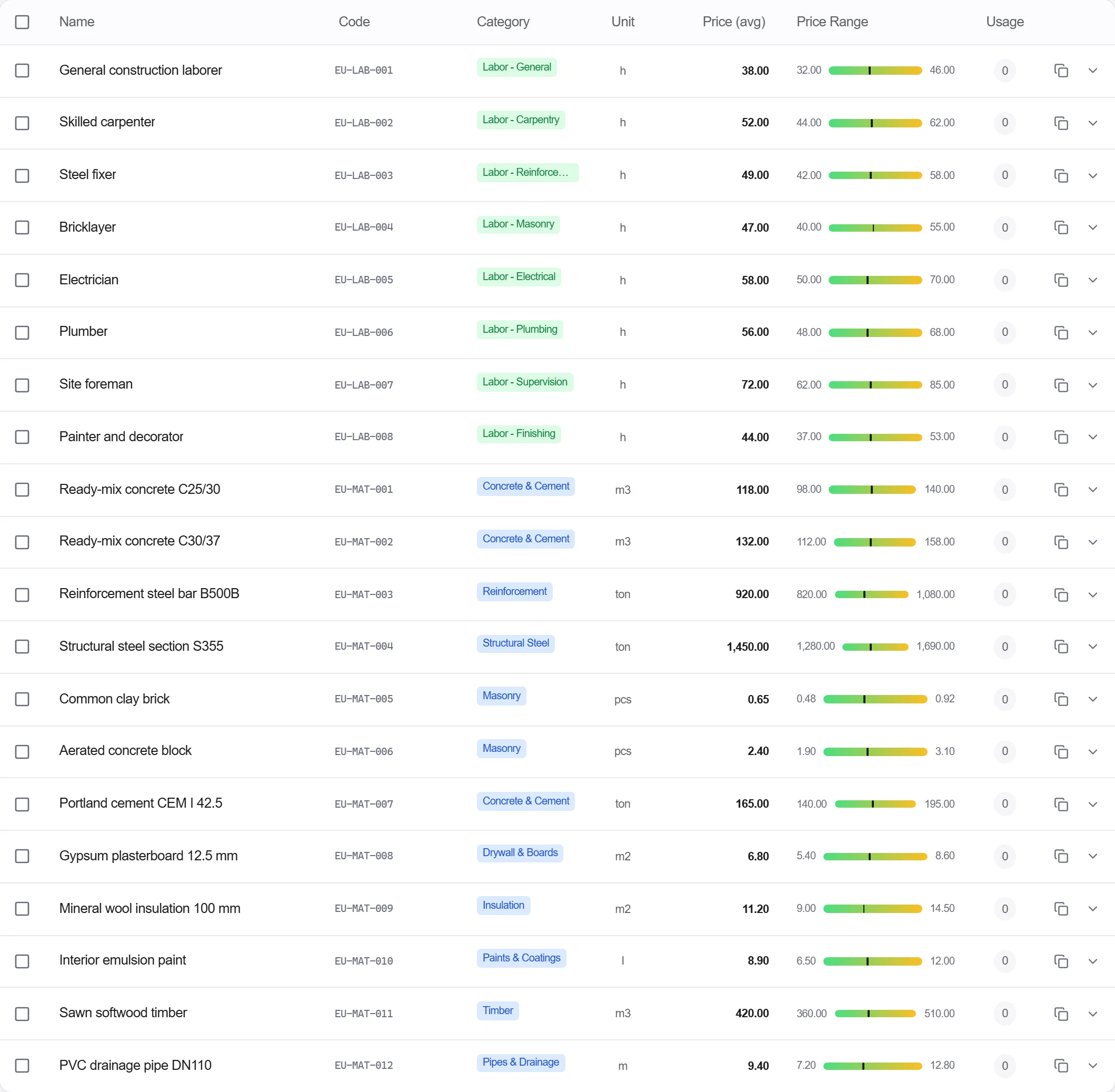
क्यों: एक बनाए रखी लागत सूची से खींची गई दर बचाव योग्य और तेज होती है। कीमत लगाते समय स्थिति पाठ पढ़ना वह जगह है जहां आप एक विवरण में छिपी योग्यता पकड़ते हैं जो अन्यथा आपको साइट पर महंगी पड़ती।
किसी शून्य पर छोड़ी गई स्थिति, न जुड़ने वाली मात्रा, या वापसी फ़ाइल को सम्मान देने वाले किसी GAEB संरचना नियम को पकड़ने के लिए बिल को सत्यापन के माध्यम से चलाएं।
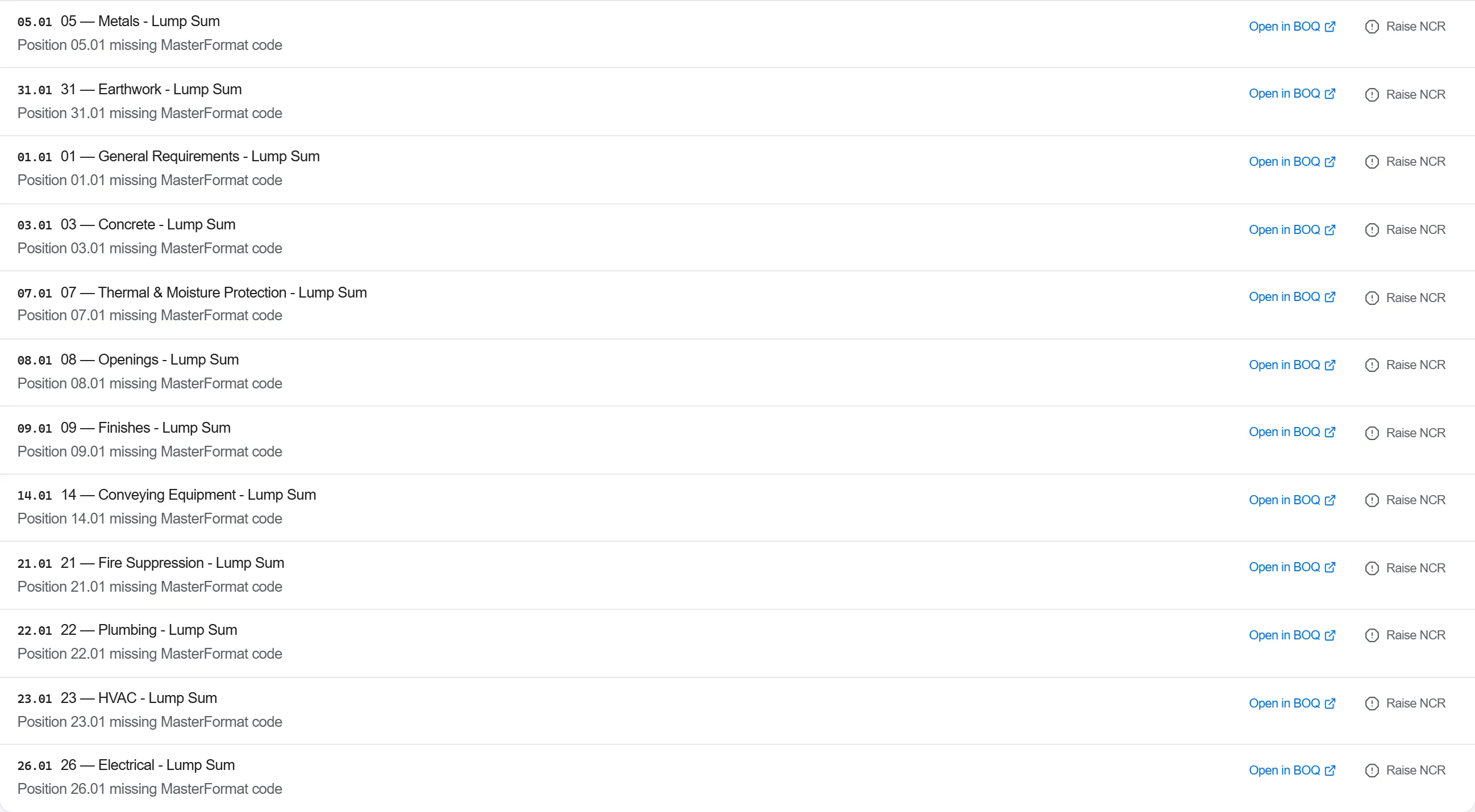
क्यों: एक अकेली बिना मूल्यांकित स्थिति एक प्रस्तुति को अमान्य कर सकती है या एक हानि छिपा सकती है जिसे आप पूरे रास्ते साइट तक ले जाते हैं। सत्यापन एक अंतिम-क्षण की भागदौड़ को एक हरी झंडी में बदल देता है जिस पर आप भरोसा कर सकते हैं।
मूल्यांकित बिल को वापस GAEB में निर्यात करें और इसे अपने प्रस्ताव के रूप में जारी करें, ताकि ग्राहक बिना कीबोर्ड छुए आपकी कीमतें सीधे अपने मूल्यांकन में पढ़े।
क्यों: एक प्रस्ताव जो ग्राहक की प्रणाली में साफ-सुथरे ढंग से लोड होता है, उसे पुरस्कृत करना आसान होता है। जो खुला प्रारूप आपको दिया गया उसे वापस करना एक छोटी शिष्टता है जो आपकी बोली को ढेर के आगे रखती है।
प्लेटफ़ॉर्म के 190 में से 5 मॉड्यूल
Everything in this case follows how construction work is measured, priced and paid for in this market. The forms, the cost breakdown and the payment rules are the ones used there, not a generic version of them.
Standards it follows
You do not have to set any of that up by hand. The first time you open the platform it asks which market you work in. Choose this one and it sets the interface language, loads the matching cost database and records the cost classification, and it adds an example project you can open straight away.
Start from a flat PDF drawing and finish with a priced, validated estimate ready to export.…
Put a priced bill through the validation rules, clear every warning and error, then export…
Pull priced items from a real cost database, build the bill from them, bundle recurring bui…