

Estimating & costing
Price a building from a PDF
Start from a flat PDF drawing and finish with a priced, validated estimate ready to export.…
5 steps15 minOpen
 ENEnglish
 DEDeutsch
 FRFrançais
 ESEspañol
 ES-MXEspañol (México)
 ITItaliano
 PTPortuguês
 NLNederlands
 PLPolski
 CSČeština
 RUРусский
 BGБългарски
 TRTürkçe
 SVSvenska
 NONorsk
 FISuomi
 DADansk
 ARالعربية
 ZH中文
ZH中文 JA日本語
JA日本語 KO한국어
KO한국어 HIहिन्दी
 THไทย
THไทย VITiếng Việt
 IDBahasa Indonesia
 RORomână
 HRHrvatski
 MNМонгол
 ETEesti
 BNবাংলা
 KKҚазақша
 KYКыргызча
 FILFilipino
 URاردو
 FAفارسی
 HEעברית
 ELΕλληνικά
Move a priced estimate to another region without guessing: pick the regional cost base, apply the local rates and adjustment factors, then validate that the localized numbers still stand up.
3 steps across the platform - what you do at each one, and why it matters.
Choose the cost base that matches the region and currency the work will be built in, and check it covers the trades in your bill rather than leaving gaps you would have to price by hand.
Why: Labour rates, material prices and productivity differ sharply from one region to the next, so a rate that was right in one place can be far out in another. Starting from the local base is what keeps the estimate defensible in the new market.
Re-rate the bill against the regional base and apply the location and currency adjustment factors, keeping quantities as they are so only the pricing moves and the scope stays fixed.
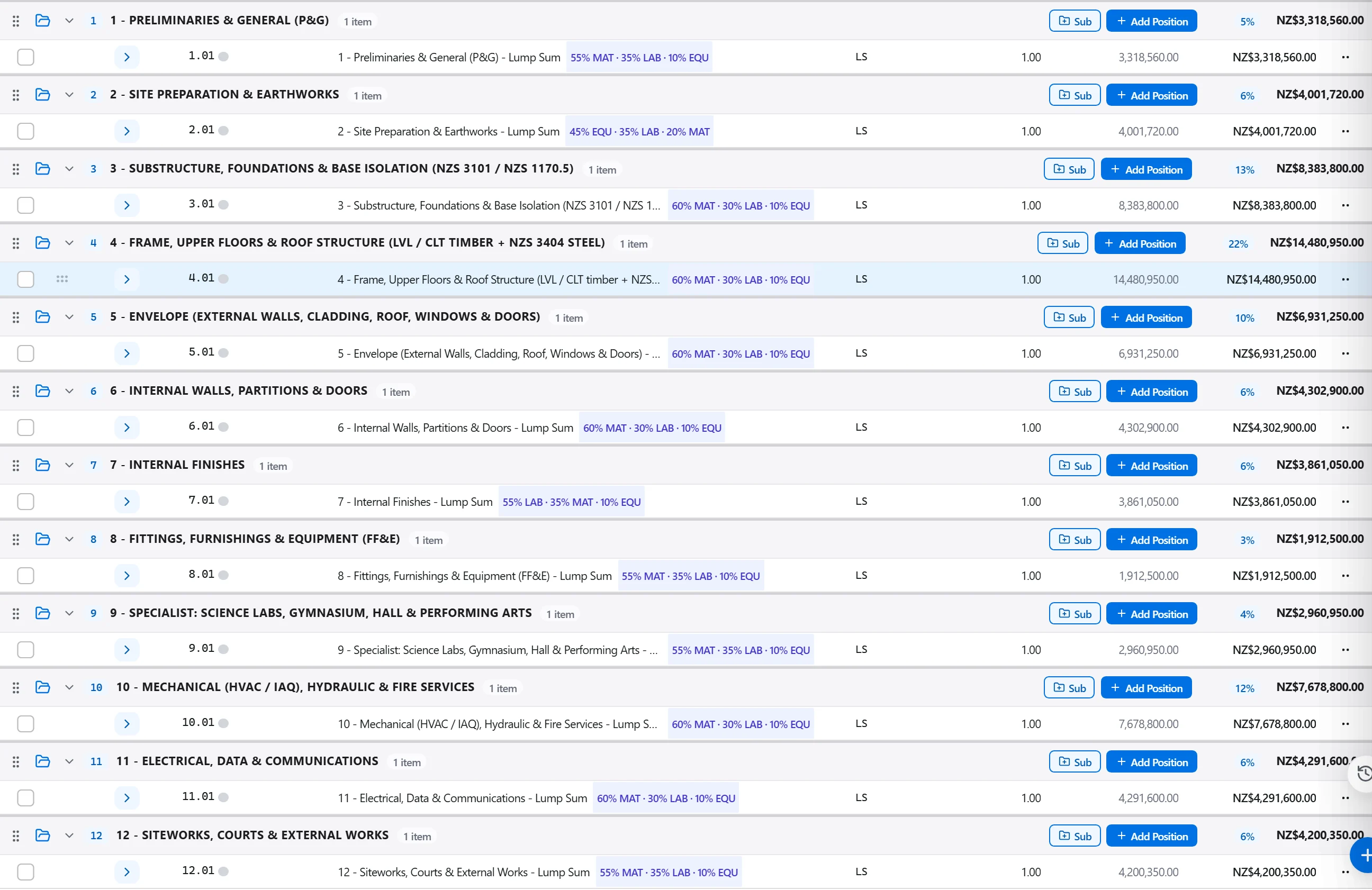
Why: Holding the quantities and changing only the rates keeps the two effects, scope and price, cleanly separate. That way you can see exactly how much of the new number is the region and how much is the design.
Run the localized estimate through the checks for zero prices, blank quantities and unit rates sitting outside the regional benchmark band, and review the cost per square metre against local jobs.
Why: A currency mismatch or a factor applied twice hides easily inside a re-rated bill and can move a bid by a serious margin. Validating against local benchmarks catches the slip while you can still correct it quietly.
3 / 190 platform modules
Start from a flat PDF drawing and finish with a priced, validated estimate ready to export.…
Put a priced bill through the validation rules, clear every warning and error, then export…
Pull priced items from a real cost database, build the bill from them, bundle recurring bui…