

Comercial și contracte
Turn a change into a paid variation
Capture a scope change while it is fresh, price it as a contract variation on your agreed r…
3 pași11 minDeschide
 ENEnglish
 DEDeutsch
 FRFrançais
 ESEspañol
 ES-MXEspañol (México)
 ITItaliano
 PTPortuguês
 NLNederlands
 PLPolski
 CSČeština
 RUРусский
 BGБългарски
 TRTürkçe
 SVSvenska
 NONorsk
 FISuomi
 DADansk
 ARالعربية
 ZH中文
ZH中文 JA日本語
JA日本語 KO한국어
KO한국어 HIहिन्दी
 THไทย
THไทย VITiếng Việt
 IDBahasa Indonesia
 RORomână
 HRHrvatski
 MNМонгол
 ETEesti
 BNবাংলা
 KKҚазақша
 KYКыргызча
 FILFilipino
 URاردو
 FAفارسی
 HEעברית
 ELΕλληνικά
Pune listul atribuit alături de listul de decont, clasifică fiecare linie modificată drept adăugată, eliminată, cu cantitate schimbată sau preț schimbat, asociază fiecare schimbare cu instrucțiunea care a provocat-o, și convine lista în scris.
5 pași în cadrul platformei - ce faceți la fiecare și de ce contează.
Save the contract bill as awarded and the settlement bill as submitted into the project files, dated, with the covering letter that came with each.
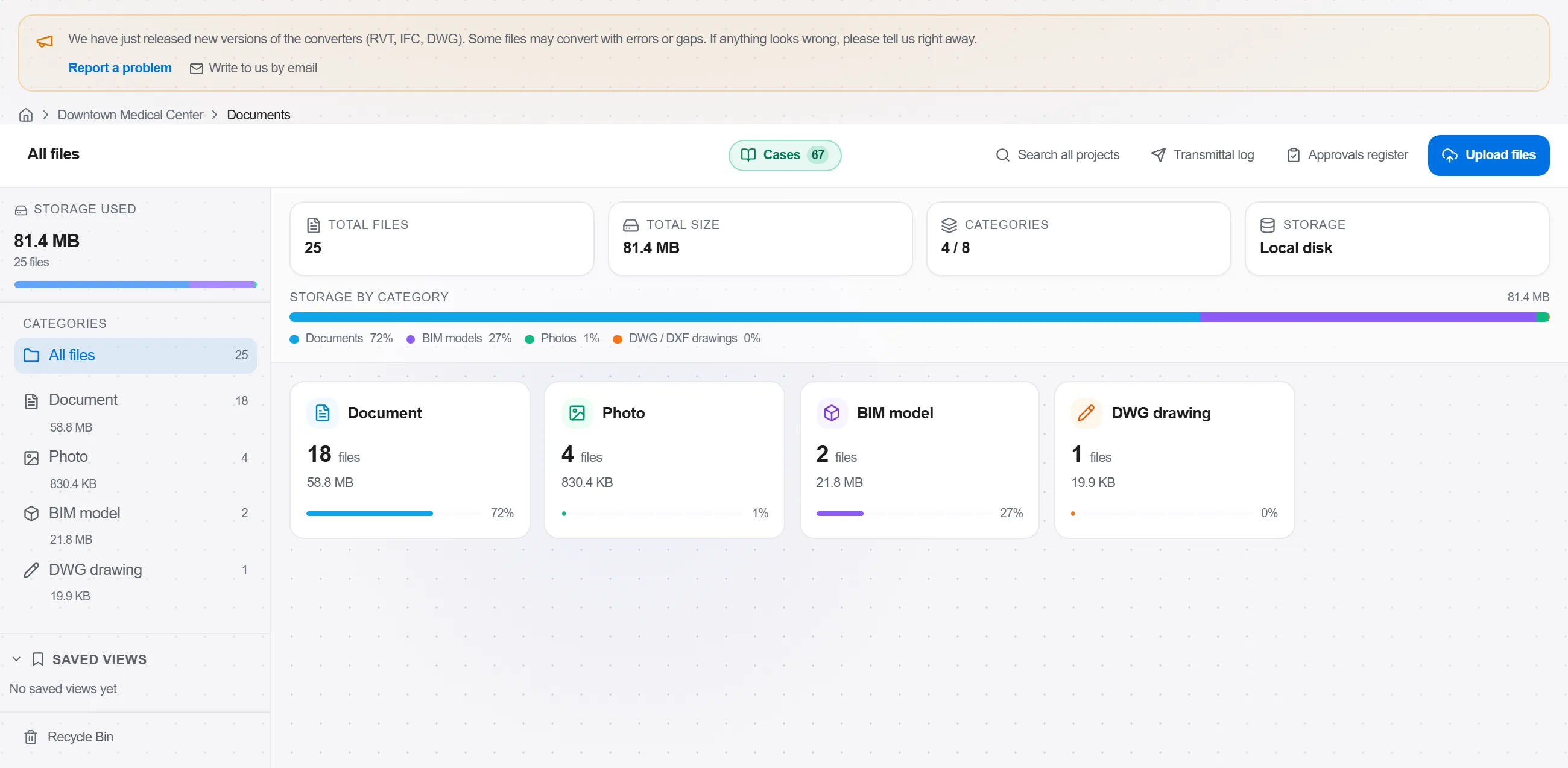
De ce: A settlement review is read months later by somebody who was not there, and the first question is always which two documents were compared. Filing them takes a minute now and removes an argument that otherwise has no evidence on either side.
Load each bill so both live in the project side by side, and check that the item codes came across on both. If one side lost its codes in transit, fix that before comparing rather than after.
De ce: The item code is what makes a line the same line on both sides. With codes, a contractor who inserted twelve items and renumbered everything below them still produces a readable comparison. Without them, the match falls back to position number and the report tells you almost nothing.
Open the comparison on the awarded bill and pick the settlement bill as the other side. Every line comes back classified as added, removed, quantity changed, rate changed or unchanged, with the old and new quantity, rate and total, and the difference rebased into the project's currency.
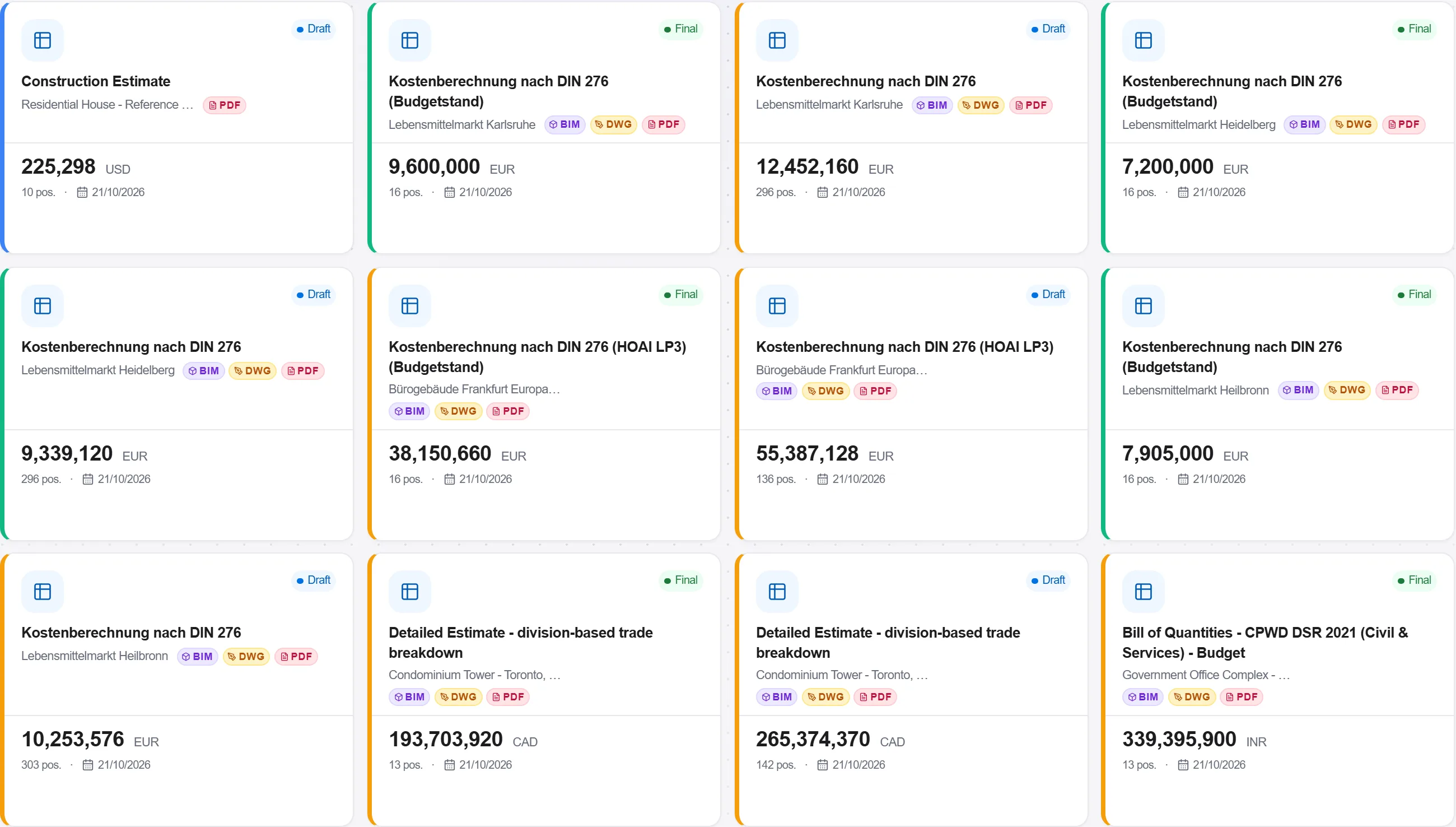
De ce: This is the part of a settlement review that consumes the days and produces none of the judgement. Getting it in one pass leaves your attention for the lines that are actually contentious, and it catches the quiet ones - a rate that moved by a few percent on a very large quantity - that eyes reading a printout do not.
Work down the moved lines with the change order register open beside them, and mark which instruction each movement answers to. The list that is left over - movements with no instruction behind them - is your query list.
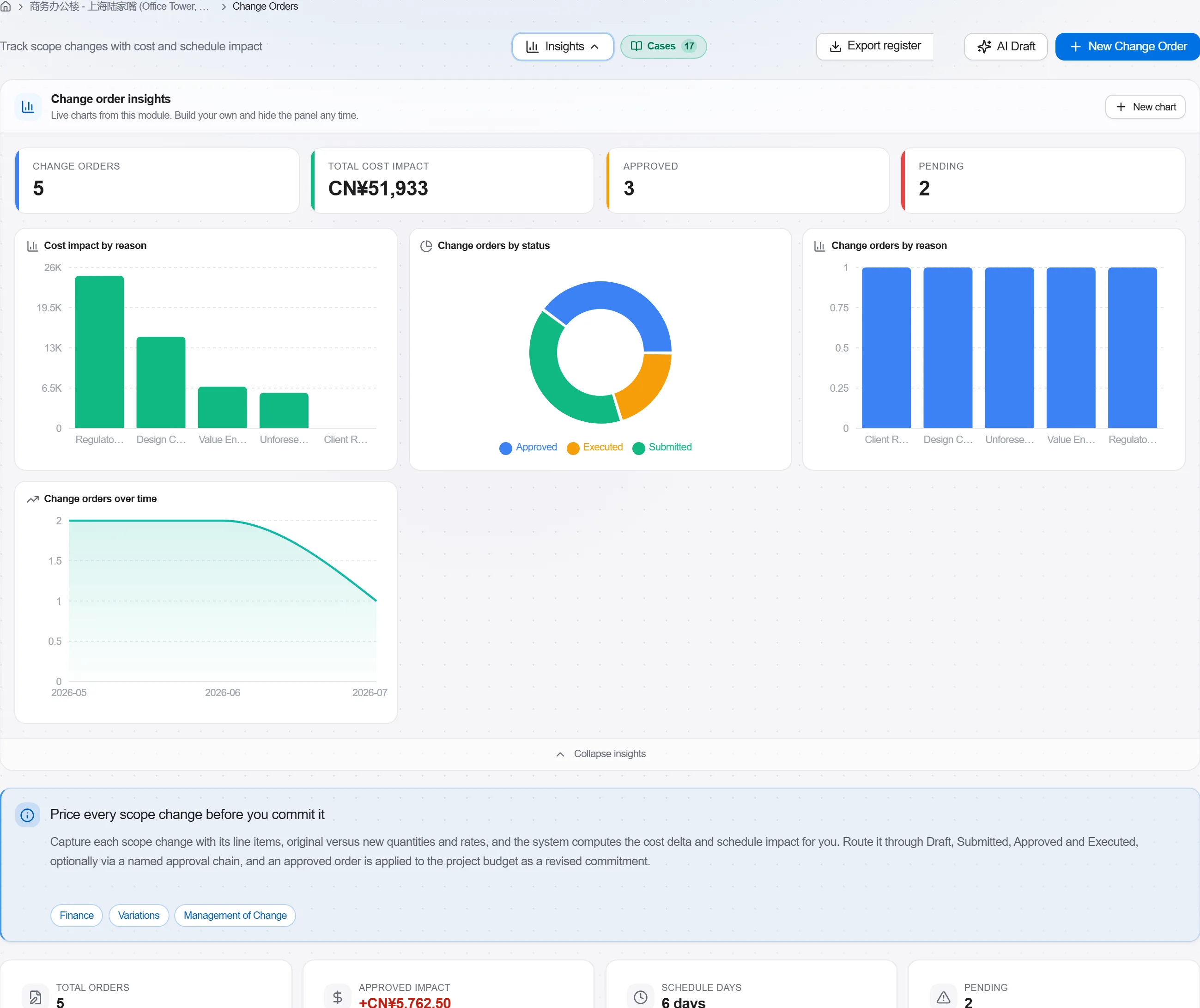
De ce: The comparison tells you what moved and the register tells you what was instructed; pairing them is judgement and stays yours. Doing it while the classified list is in front of you is what turns a settlement review into a short, specific set of questions instead of a general objection nobody can answer.
Issue the query list as correspondence, item by item with the amount at stake on each, and record the answer against the query rather than in somebody's inbox.
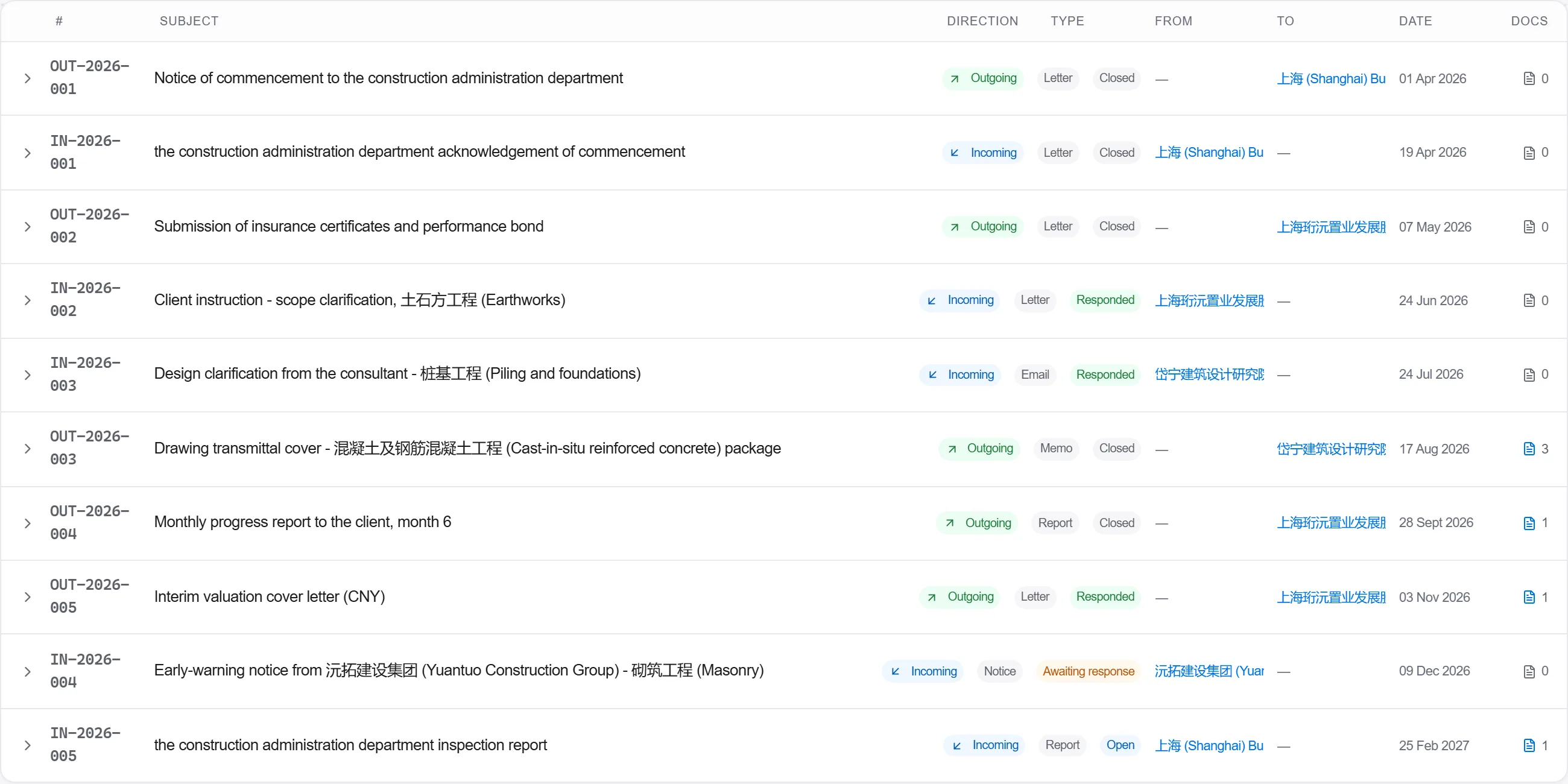
De ce: A settlement is agreed line by line or it is not agreed at all. Queries raised in writing get answered; queries raised in a meeting get remembered differently by each side, and the difference surfaces at the worst possible moment, when the final figure is being signed.
4 / 190 module ale platformei
Everything in this case follows how construction work is measured, priced and paid for in this market. The forms, the cost breakdown and the payment rules are the ones used there, not a generic version of them.
Standards it follows
You do not have to set any of that up by hand. The first time you open the platform it asks which market you work in. Choose this one and it sets the interface language, loads the matching cost database and records the cost classification, and it adds an example project you can open straight away.
The rule checks for this market come with the platform too. Switch them on once and an estimate that misses something the market expects is flagged while you are still working on it, not after the tender has gone out.
Capture a scope change while it is fresh, price it as a contract variation on your agreed r…
Award a trade package to a subcontractor, place it on a subcontract with a schedule of valu…
Value the work put in place this period against the contract, raise the application with th…