
Pag-estimate at pagpepresyo
Check an estimate before you send it
Put a priced bill through the validation rules, clear every warning and error, then export…
3 hakbang8 minBukas
 ENEnglish
 DEDeutsch
 FRFrançais
 ESEspañol
 ES-MXEspañol (México)
 ITItaliano
 PTPortuguês
 NLNederlands
 PLPolski
 CSČeština
 RUРусский
 BGБългарски
 TRTürkçe
 SVSvenska
 NONorsk
 FISuomi
 DADansk
 ARالعربية
 ZH中文
ZH中文 JA日本語
JA日本語 KO한국어
KO한국어 HIहिन्दी
 THไทย
THไทย VITiếng Việt
 IDBahasa Indonesia
 RORomână
 HRHrvatski
 MNМонгол
 ETEesti
 BNবাংলা
 KKҚазақша
 KYКыргызча
 FILFilipino
 URاردو
 FAفارسی
 HEעברית
 ELΕλληνικά
Kumuha ng coded item sa bill of quantities, ilagay dito ang sariling paggawa, materyales at kagamitan, idagdag ang management fee at kita, at basahin ang komprehensibong unit rate na ang mga bahagi ay katumbas ng numero sa linya.
5 hakbang sa buong platform - ano ang gagawin mo sa bawat isa at bakit mahalaga ito.
Open the bill, find the section and the item you are pricing, and read the item description and its code before you price anything. The code tells you which schedule item this is; the description tells you what the rate has to cover.
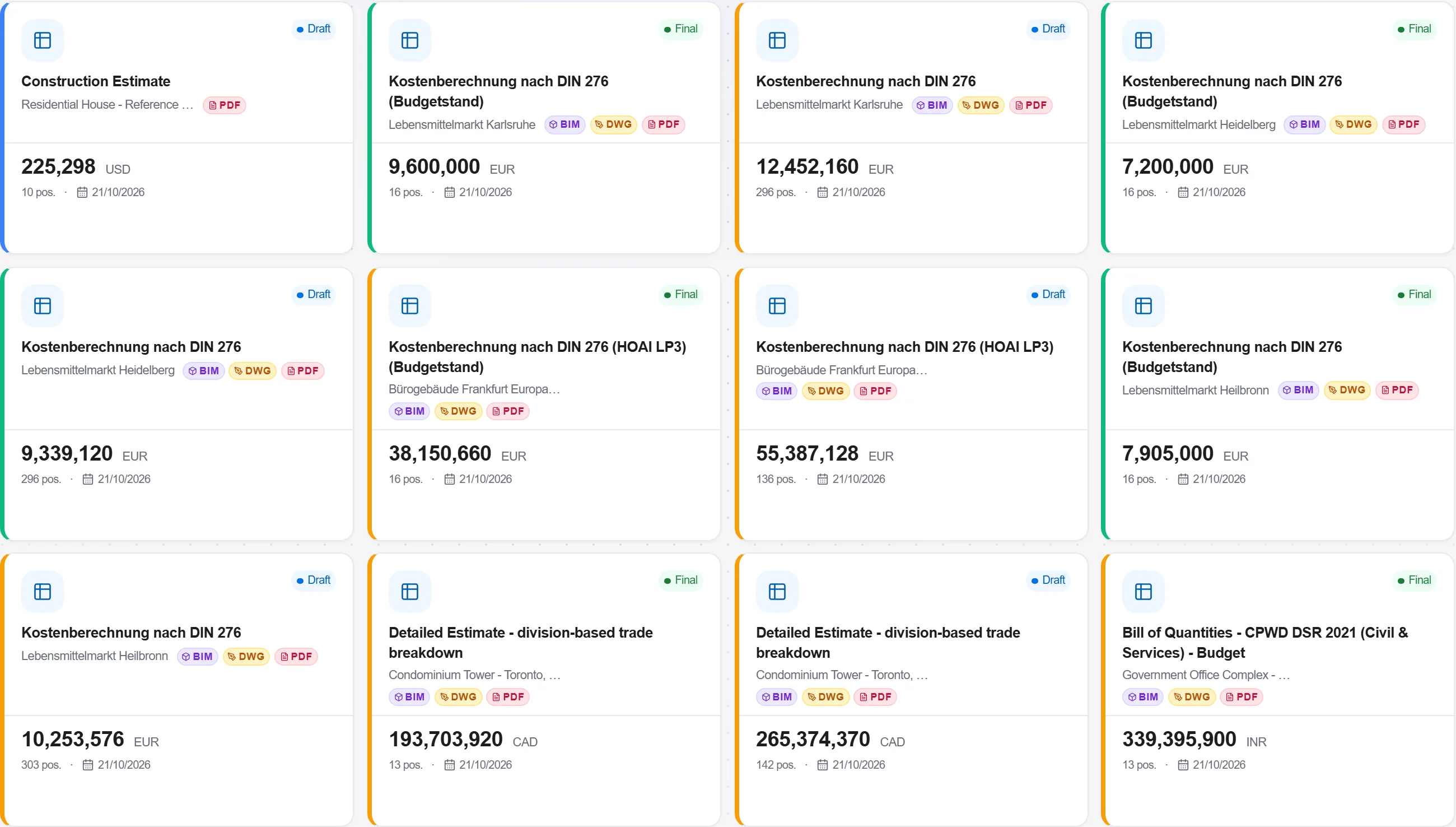
Bakit: Under GB 50500 the item description is the ground for what the rate includes, and most final-account arguments start with an item whose description did not say enough. Reading it before you price is the cheapest minute in the whole exercise.
Put the prices you actually buy at into the resource catalog: wage costs by trade, material prices by supplier, plant by the hour. Keep them current rather than accurate once a year.
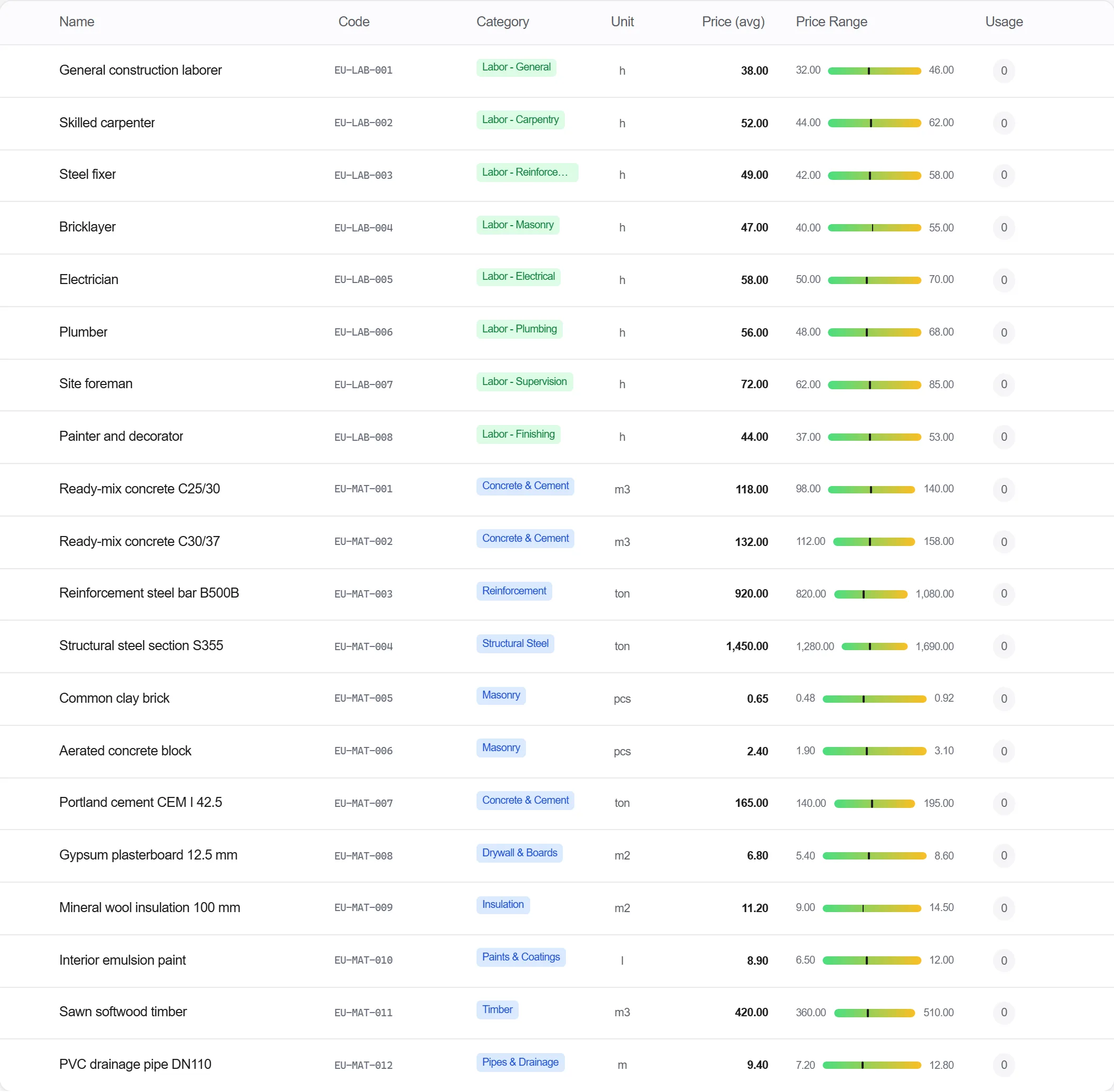
Bakit: The rates a contractor is judged on are the firm's own, and a published average is a starting point rather than an answer. Holding them centrally means the next hundred rates you build are consistent with this one, and a price change is one edit instead of a hunt through old bids.
Enter the labour, material and plant the item consumes per unit, then open the rate analysis on the line. It shows the direct cost per unit, the management fee, the profit, the comprehensive unit rate and the item total, in that order.
Bakit: That sequence is the composition GB 50500 defines, and seeing it as a chain rather than as a total is what lets you answer a client who asks why the rate is what it is. The fee and the profit are taken on the direct cost, so the measure items, the statutory charges and the tax stay where they belong, on the bill total, instead of inflating a rate from the inside.
Run the bill through validation. For a project in China the GB 50500 rules are selected for you: every item has to carry a code, and the code has to be well formed at nine or twelve digits.
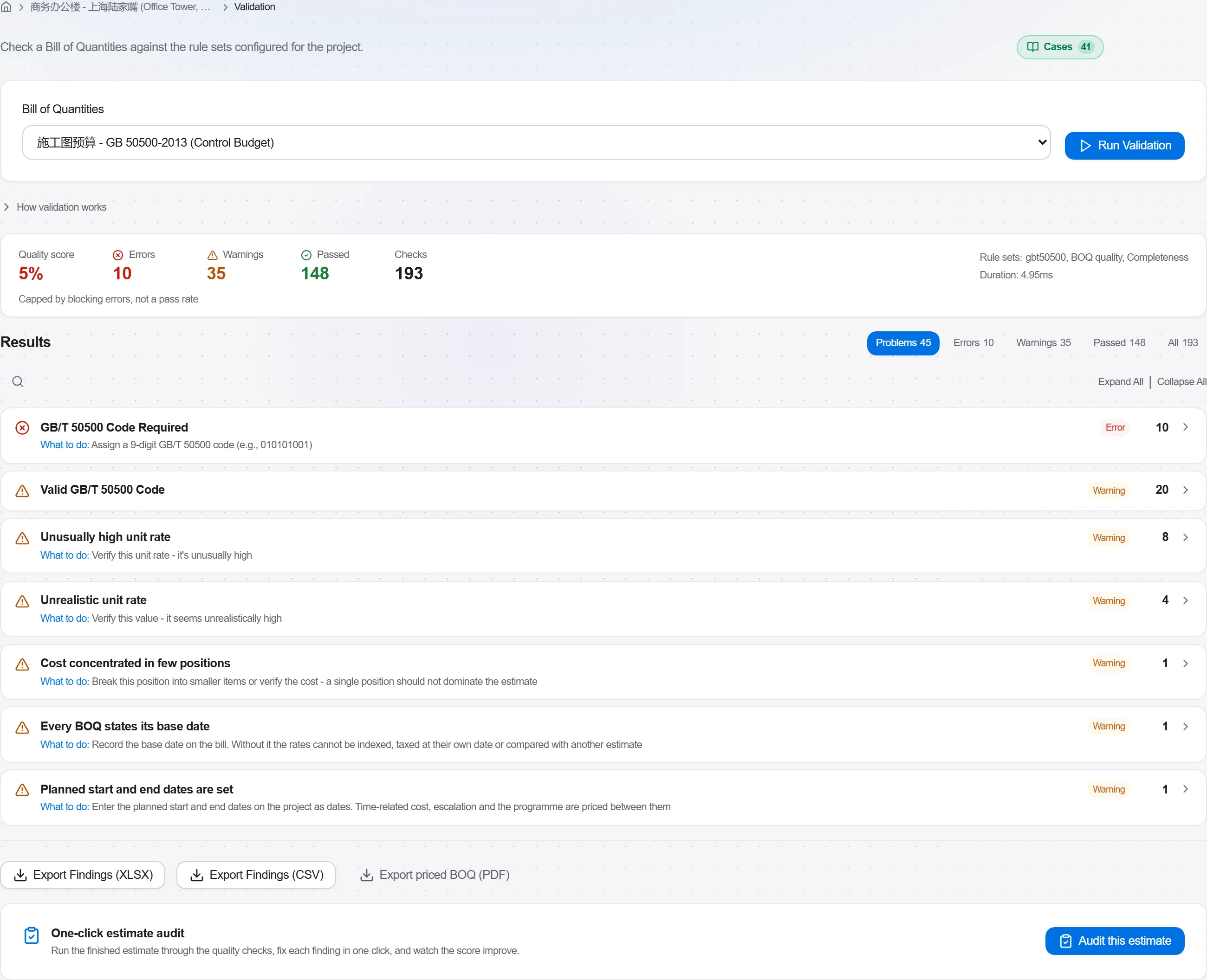
Bakit: One item left at zero can carry a loss all the way to site, and a malformed code is the sort of thing an owner's reviewer finds before you do. The check is on the shape of the code rather than on its membership in the national schedule, so treat a clean run as a floor and still read the codes yourself.
Report the priced bill, and keep the rate analysis for the items that carry real money. The analysis is the document you bring to a rate query, not something you rebuild when one arrives.
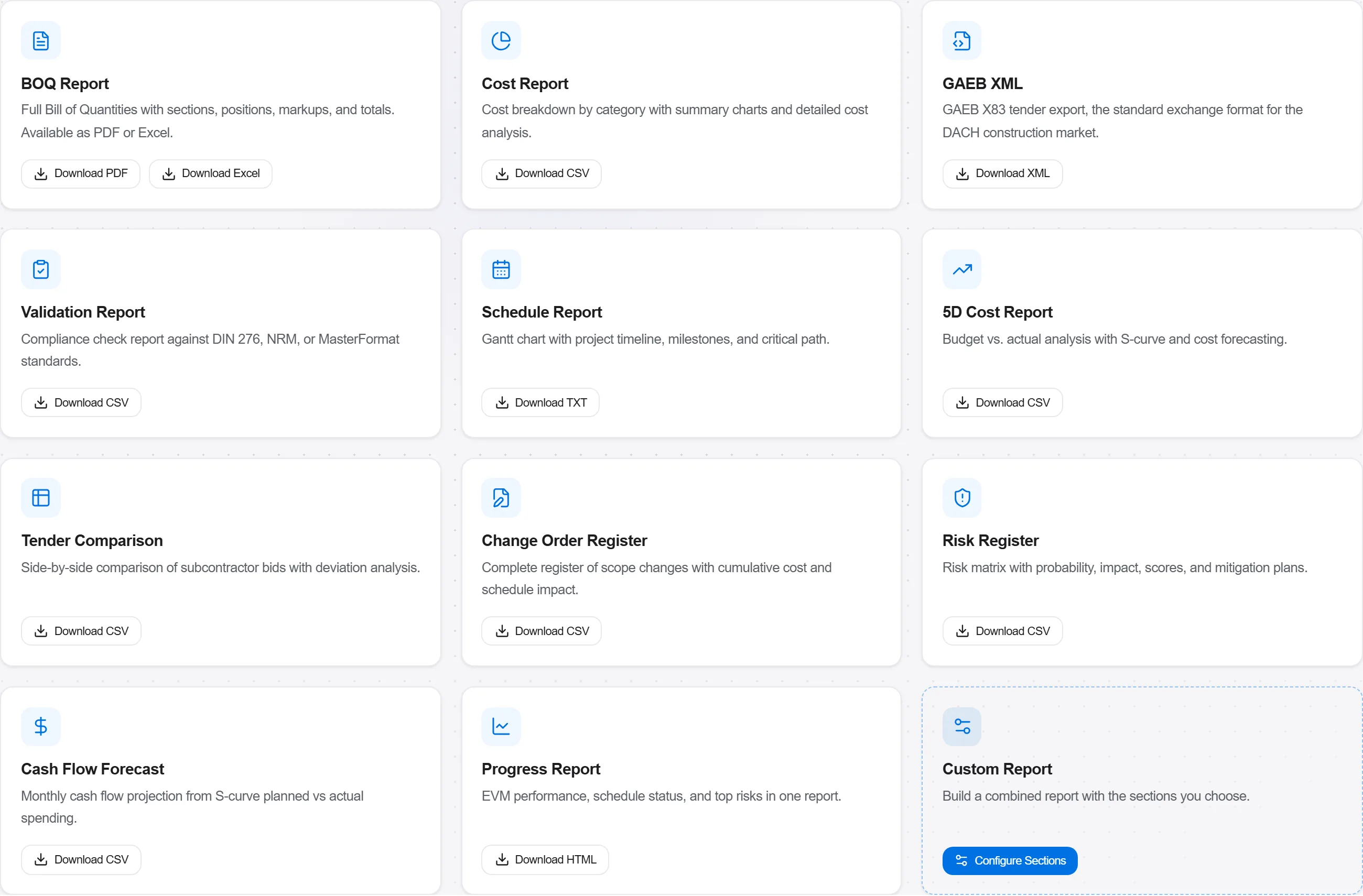
Bakit: A rate you can take apart in a meeting settles a query in ten minutes. A rate that exists only as a total turns the same query into a week of reconstruction, and every reconstruction after the event looks like an argument rather than a record.
4 / 190 na module ng platform
Everything in this case follows how construction work is measured, priced and paid for in this market. The forms, the cost breakdown and the payment rules are the ones used there, not a generic version of them.
Standards it follows
You do not have to set any of that up by hand. The first time you open the platform it asks which market you work in. Choose this one and it sets the interface language, loads the matching cost database and records the cost classification, and it adds an example project you can open straight away.
The rule checks for this market come with the platform too. Switch them on once and an estimate that misses something the market expects is flagged while you are still working on it, not after the tender has gone out.
Put a priced bill through the validation rules, clear every warning and error, then export…
Pull priced items from a real cost database, build the bill from them, bundle recurring bui…
Turn a single-point estimate into a range, run a Monte Carlo over the genuinely uncertain l…
