

Сметы и калькуляция
Price a building from a PDF
Start from a flat PDF drawing and finish with a priced, validated estimate ready to export.…
Шагов: 515 минОткрыть
 ENEnglish
 DEDeutsch
 FRFrançais
 ESEspañol
 ES-MXEspañol (México)
 ITItaliano
 PTPortuguês
 NLNederlands
 PLPolski
 CSČeština
 RUРусский
 BGБългарски
 TRTürkçe
 SVSvenska
 NONorsk
 FISuomi
 DADansk
 ARالعربية
 ZH中文
ZH中文 JA日本語
JA日本語 KO한국어
KO한국어 HIहिन्दी
 THไทย
THไทย VITiếng Việt
 IDBahasa Indonesia
 RORomână
 HRHrvatski
 MNМонгол
 ETEesti
 BNবাংলা
 KKҚазақша
 KYКыргызча
 FILFilipino
 URاردو
 FAفارسی
 HEעברית
 ELΕλληνικά
Верните проект с превышением бюджета к цели, не выхолащивая его: найдите самые дорогие элементы в ведомости, проверьте более дешёвые варианты на ценность и отчитайтесь об экономии, которую вы можете обосновать.
3 шагов через всю платформу - что делать на каждом и почему это важно.
Отсортируйте расценённую ведомость, чтобы увидеть, какие элементы несут стоимость и насколько итог выше цели, чтобы усилия по оптимизации шли туда, где деньги реально есть.
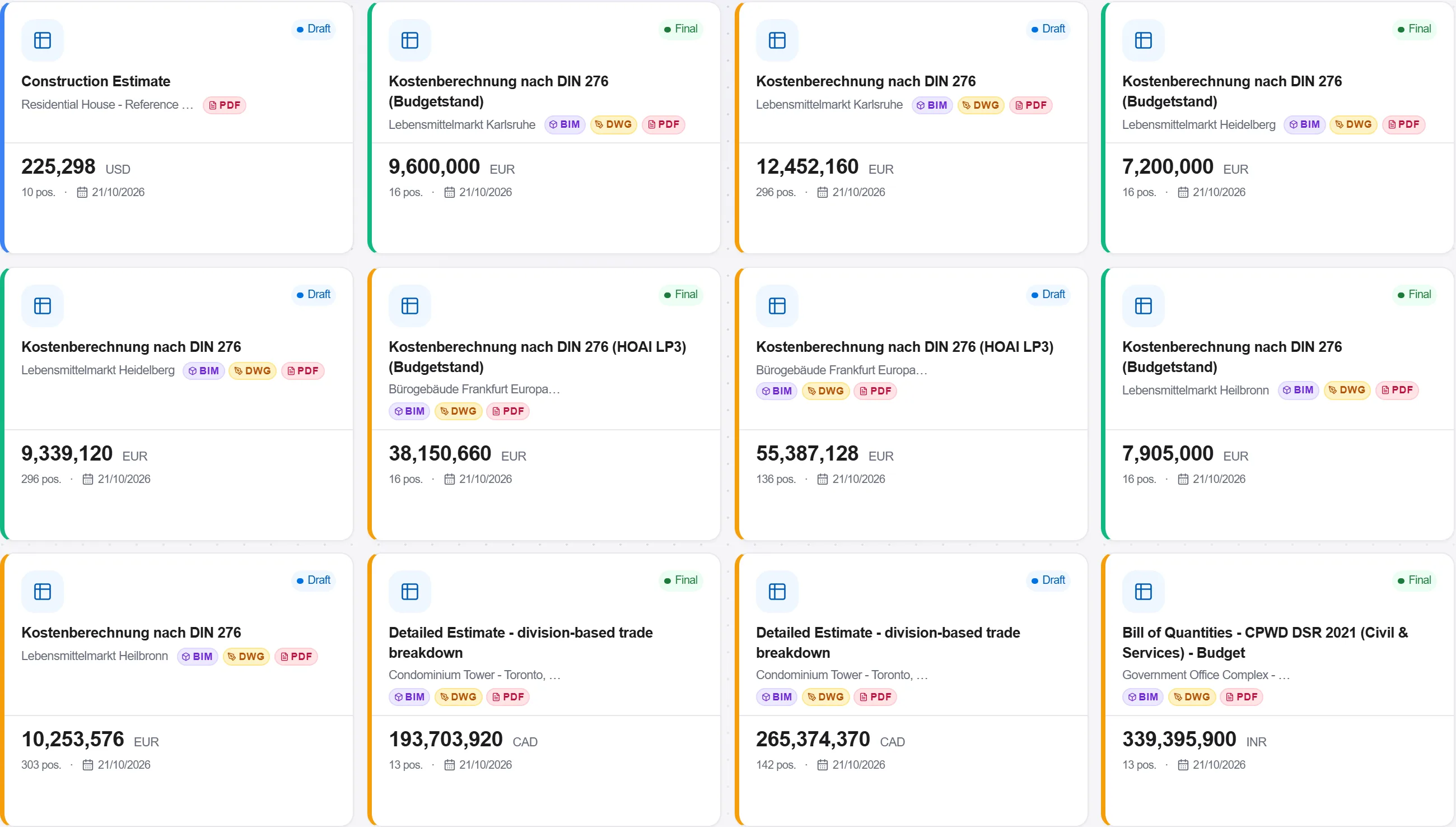
Зачем: Гоняться за копейками по дешёвым строкам, пока дорогие элементы остаются нетронутыми, это потраченные впустую усилия. Нахождение горячих точек сначала нацеливает оптимизацию на те немногие изменения, которые реально могут закрыть разрыв.
Для каждой горячей точки проверьте более дешёвые альтернативы, взвесьте, что каждая экономит, против того, чего она стоит замыслу в качестве, сроках или эксплуатационных затратах, и оставьте те, что окупаются.
Зачем: Экономия, которая разрушает стоимость обслуживания или облик здания, это не экономия. Оценка вариантов по ценности, а не только по первичной стоимости, не даёт оптимизации превратиться в разрушение ценности.
Отчитайтесь об изменениях, которые вы рекомендуете, с экономией и компромиссом, расписанными для каждого, и покажите пересмотренный итог против цели, чтобы заказчик решал по доказательствам, а не по голой цифре.

Зачем: Список экономии без показанных компромиссов это тот, по которому заказчик не может принять реальное решение. Раскладка того, чего каждое изменение стоит наравне с тем, что экономит, это то, что получает одобрение оптимизации вместо споров.
3 / 190 модулей платформы
Start from a flat PDF drawing and finish with a priced, validated estimate ready to export.…
Put a priced bill through the validation rules, clear every warning and error, then export…
Pull priced items from a real cost database, build the bill from them, bundle recurring bui…