
Planificación y control
Set up a project and hand it over
Take a job from the very first setup right through to handover. Create it, price the work,…
5 pasos20 minAbrir
 ENEnglish
 DEDeutsch
 FRFrançais
 ESEspañol
 ES-MXEspañol (México)
 ITItaliano
 PTPortuguês
 NLNederlands
 PLPolski
 CSČeština
 RUРусский
 BGБългарски
 TRTürkçe
 SVSvenska
 NONorsk
 FISuomi
 DADansk
 ARالعربية
 ZH中文
ZH中文 JA日本語
JA日本語 KO한국어
KO한국어 HIहिन्दी
 THไทย
THไทย VITiếng Việt
 IDBahasa Indonesia
 RORomână
 HRHrvatski
 MNМонгол
 ETEesti
 BNবাংলা
 KKҚазақша
 KYКыргызча
 FILFilipino
 URاردو
 FAفارسی
 HEעברית
 ELΕλληνικά
Vincula los elementos del modelo con las actividades del cronograma, reproduce el orden de ejecución como una animación 4D, comprueba que funciona de verdad en obra y usa la misma vista para dirigir e informar el avance.
4 pasos a lo largo de la plataforma - qué hacer en cada uno y por qué importa.
Abre el modelo coordinado y confirma que los elementos están agrupados como se construye la obra, por zona, planta y tongada, para poder vincularlos a las actividades con limpieza.
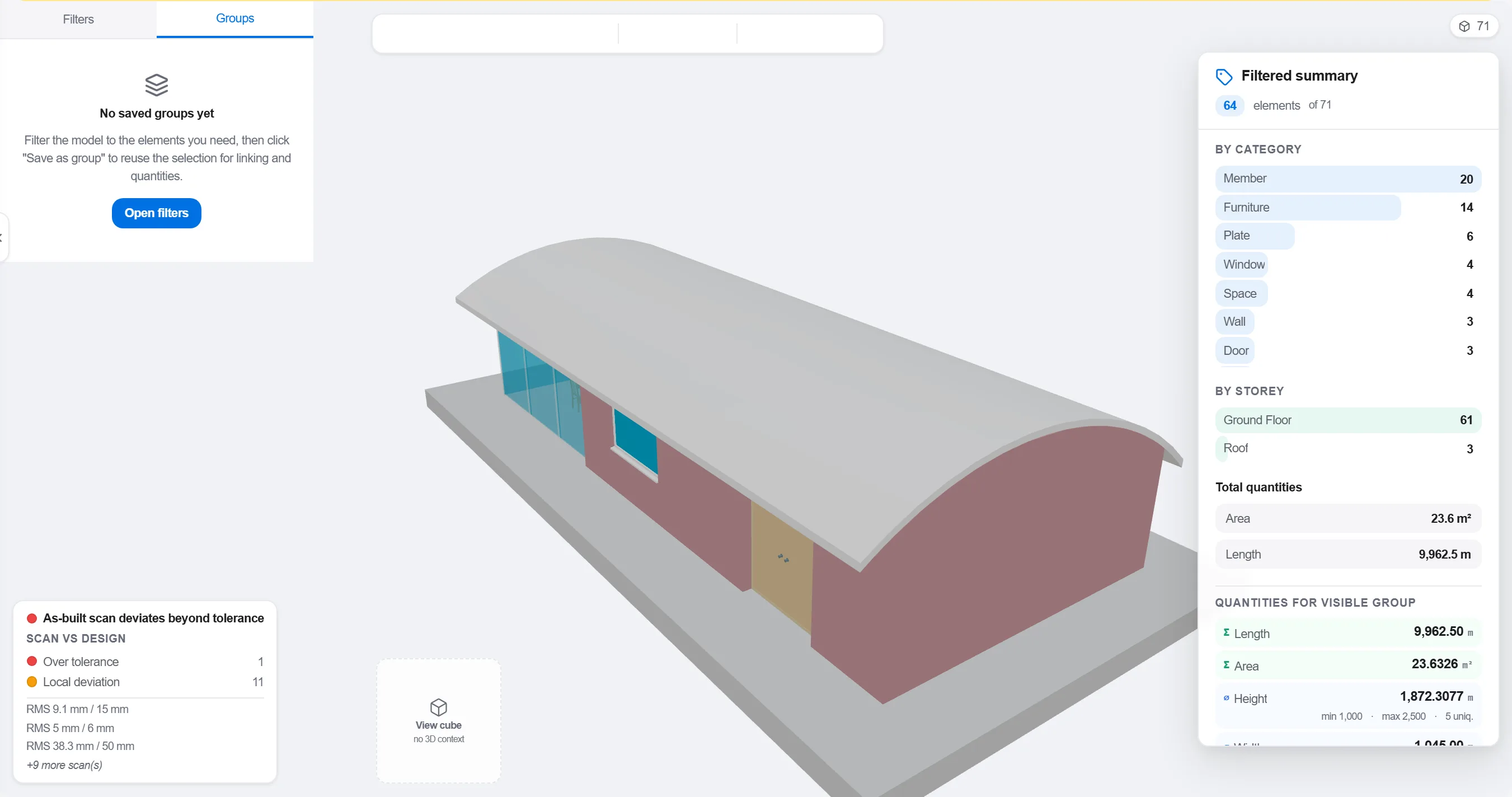
Por que: Un modelo organizado por disciplina de diseño no coincide con cómo se secuencia la obra. Agruparlo según cómo ocurre el trabajo es lo que hace que un vínculo 4D tenga sentido en lugar de ser cosmético.
Asigna cada elemento o grupo a la actividad del cronograma que lo construye, para que cada parte del modelo sepa cuándo se monta y cuándo se desmonta.

Por que: El vínculo es lo que convierte un modelo estático y un cronograma plano en una imagen en movimiento. También saca a la luz los elementos que nadie programó y las actividades que no construyen nada.
Reproduce la secuencia y observa el orden de ejecución: comprueba que los accesos quedan libres, que las grúas alcanzan, que los medios auxiliares entran y salen a tiempo y que nada se construye antes que aquello que lo sostiene.

Por que: Detectar un hormigonado fuera de secuencia o un acceso bloqueado en pantalla cuesta una hora. Detectarlo en obra cuesta una semana y un equipo parado. La revisión 4D es donde se logra ese ahorro.
Usa la vista 4D para marcar lo construido y compararlo con la secuencia planificada, de modo que el avance se muestre como geometría coloreada que todo el equipo lee de un vistazo.
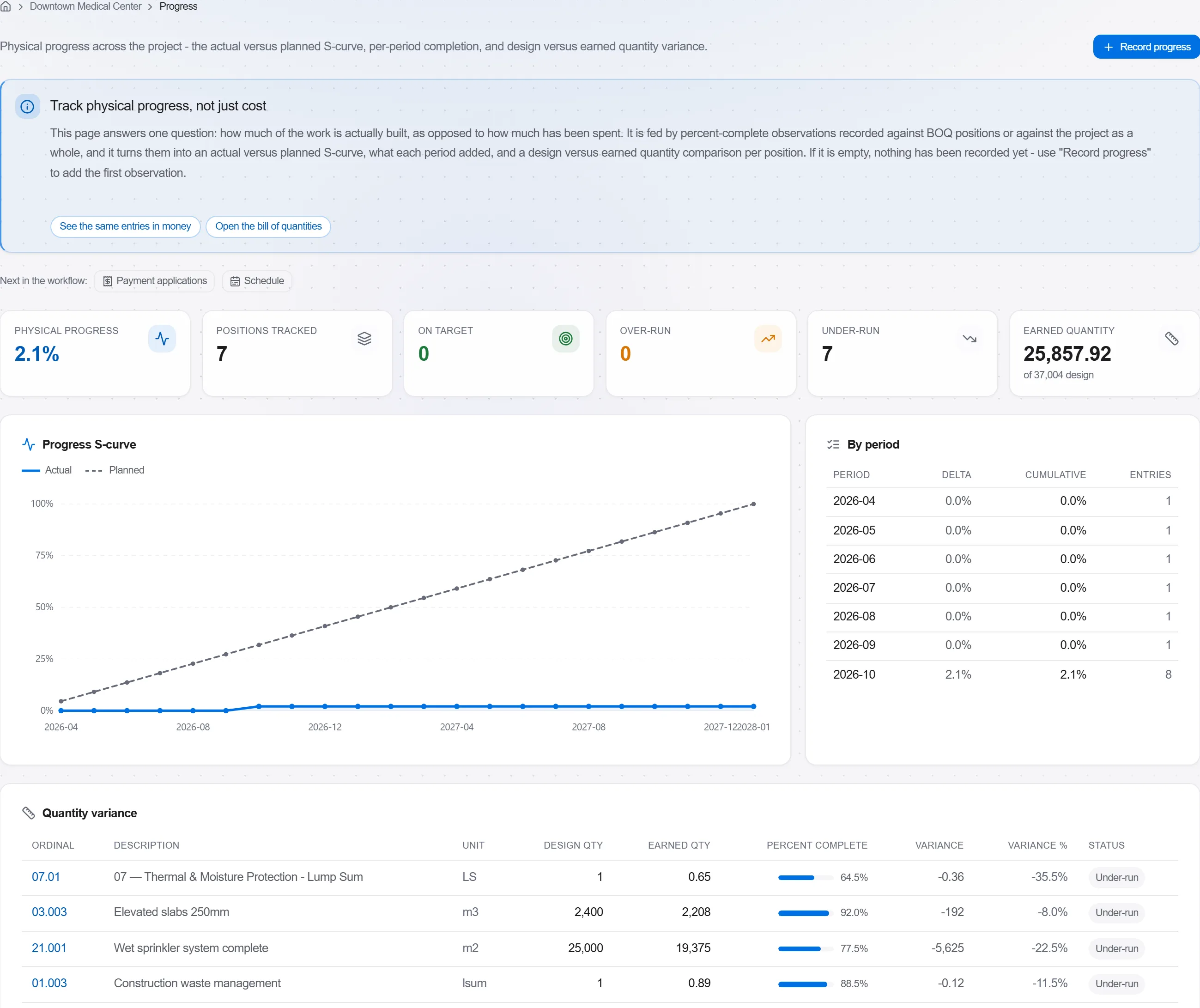
Por que: Un modelo de lo planificado frente a lo construido le dice más a un cliente en una imagen que una página de porcentajes. Hace imposible ocultar el retraso y fácil hablar de él con honestidad.
3 / 190 módulos de la plataforma
Take a job from the very first setup right through to handover. Create it, price the work,…
Plan the programme, freeze a baseline to measure against, feed real progress back from site…
See where the job truly stands against the plan and the budget: bring the programme current…