
计划与控制
Set up a project and hand it over
Take a job from the very first setup right through to handover. Create it, price the work,…
5 个步骤20 分钟打开
 ENEnglish
 DEDeutsch
 FRFrançais
 ESEspañol
 ES-MXEspañol (México)
 ITItaliano
 PTPortuguês
 NLNederlands
 PLPolski
 CSČeština
 RUРусский
 BGБългарски
 TRTürkçe
 SVSvenska
 NONorsk
 FISuomi
 DADansk
 ARالعربية
 ZH中文
ZH中文 JA日本語
JA日本語 KO한국어
KO한국어 HIहिन्दी
 THไทย
THไทย VITiếng Việt
 IDBahasa Indonesia
 RORomână
 HRHrvatski
 MNМонгол
 ETEesti
 BNবাংলা
 KKҚазақша
 KYКыргызча
 FILFilipino
 URاردو
 FAفارسی
 HEעברית
 ELΕλληνικά
贯穿平台的 4 个步骤 - 每一步做什么,以及为什么重要。
打开已协调的模型, 确认构件是按工程实际搭建方式分组的, 即按区段、楼层和浇筑分组, 以便干净地与活动关联。
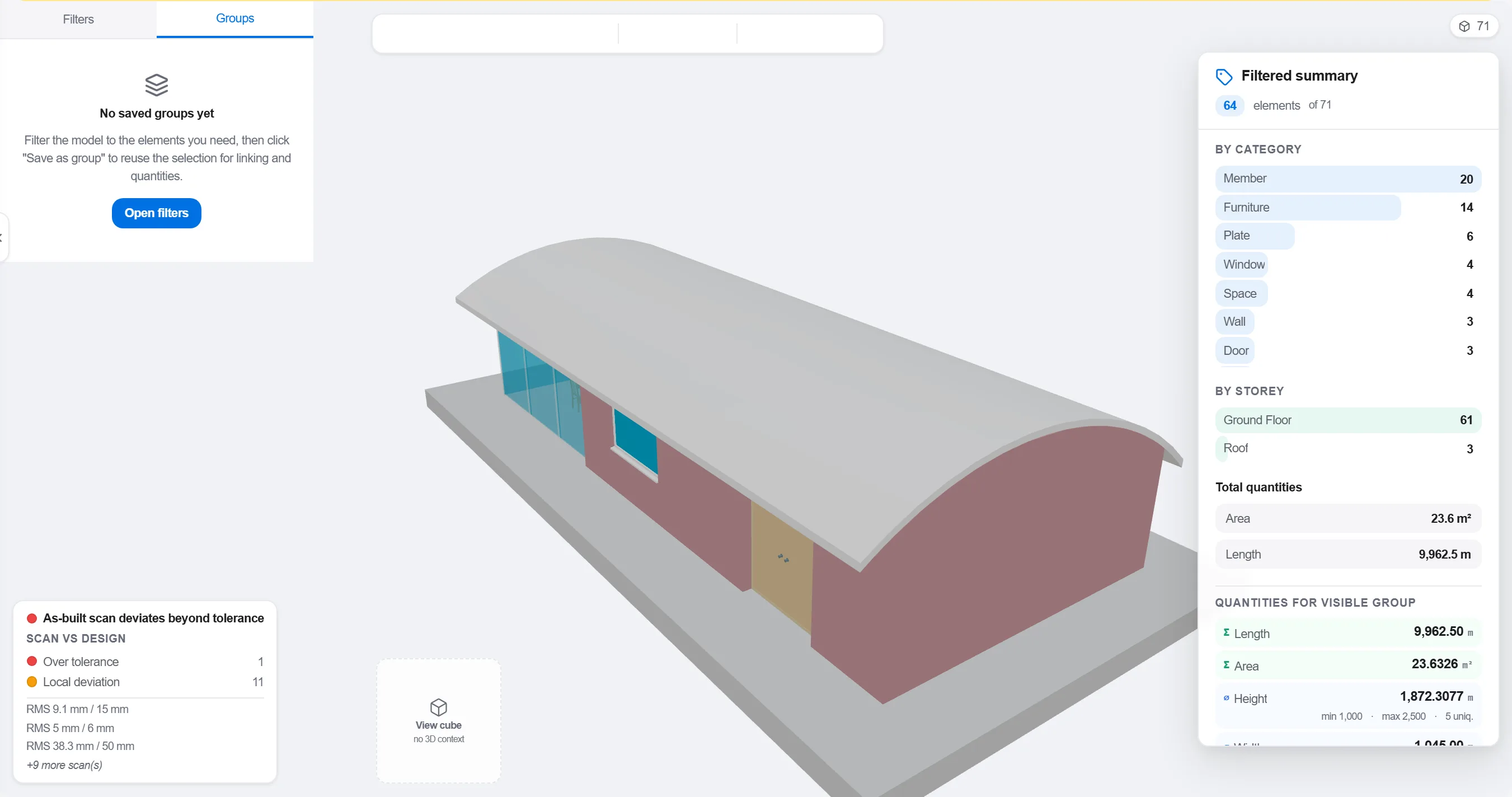
原因: 按设计专业组织的模型与现场施工顺序对不上。按施工实际发生的方式分组, 才能让4D关联有意义而不只是好看。
将每个构件或分组映射到搭建它的进度活动, 使模型的每一部分都知道自己何时上、何时拆。

原因: 这一关联能把静态模型和平面进度变成一幅动态画面。它还会暴露出没人排进度的构件以及无物可搭的活动。
回放顺序并观察搭建次序: 检查通道是否畅通、塔吊是否够得到、临时工程是否按时进出、以及是否有构件先于其支撑物被建。

原因: 在屏幕上发现一次乱序浇筑或被堵的通道只花一小时。在现场发现则要花一周并让施工队窝工。4D审查正是省下这笔钱的地方。
用4D视图标记已建成部分并与计划顺序对照, 使进度以彩色几何体呈现, 让整个团队一目了然。
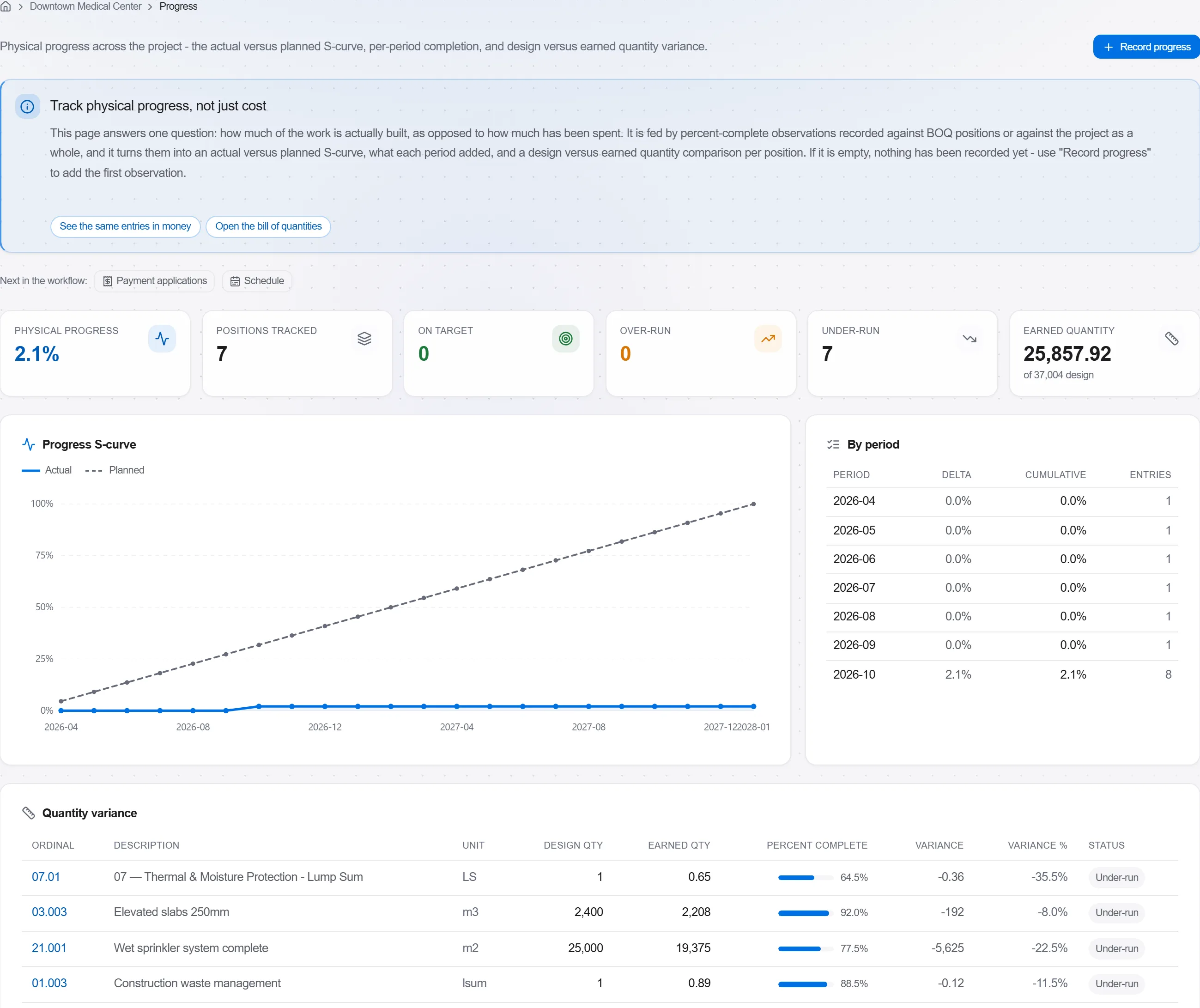
原因: 计划与实建对比的模型, 一张图向业主传达的信息比一页百分比还多。它让拖延无处遁形, 也便于坦诚讨论。
190 个平台模块中的 3 个
Take a job from the very first setup right through to handover. Create it, price the work,…
Plan the programme, freeze a baseline to measure against, feed real progress back from site…
See where the job truly stands against the plan and the budget: bring the programme current…