
Planning & controls
Set up a project and hand it over
Take a job from the very first setup right through to handover. Create it, price the work,…
5 steps20 minOpen
 ENEnglish
 DEDeutsch
 FRFrançais
 ESEspañol
 ES-MXEspañol (México)
 ITItaliano
 PTPortuguês
 NLNederlands
 PLPolski
 CSČeština
 RUРусский
 BGБългарски
 TRTürkçe
 SVSvenska
 NONorsk
 FISuomi
 DADansk
 ARالعربية
 ZH中文
ZH中文 JA日本語
JA日本語 KO한국어
KO한국어 HIहिन्दी
 THไทย
THไทย VITiếng Việt
 IDBahasa Indonesia
 RORomână
 HRHrvatski
 MNМонгол
 ETEesti
 BNবাংলা
 KKҚазақша
 KYКыргызча
 FILFilipino
 URاردو
 FAفارسی
 HEעברית
 ELΕλληνικά
Stand up a new job so everything downstream has one clean spine to attach to: create the record with the right region and currency, seed the bill of quantities and lay the first programme.
3 steps across the platform - what you do at each one, and why it matters.
Open the new project form and enter the name, the client, the site location and the currency and region you will work and bill in. Save it to create the record every other module hangs off.
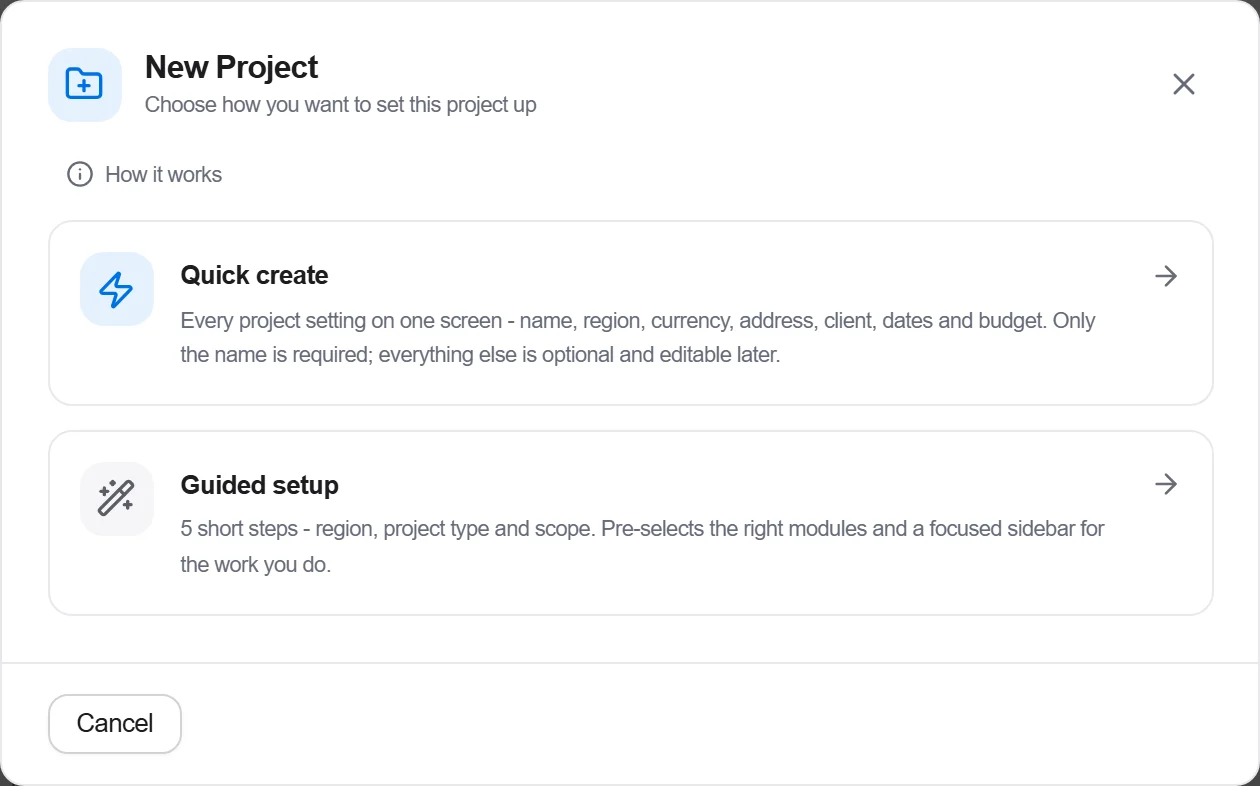
Why: The region and currency set here decide which cost base, tax rules and units the whole job runs on. Getting them right on day one saves converting a half-built estimate later, which is where numbers get dropped.
Open the bill and lay out the section structure, by trade or by element, the way you intend to report and tender. Add the first known positions so the scope has a skeleton to grow on.
Why: A bill with a clear structure from the start is one every later estimator and the client can read at a glance. Deciding the breakdown now saves a painful reorganise once hundreds of lines are already in it.
Open the schedule and sketch the major phases with rough durations and the order the trades follow, from enabling works through to handover. Set the start and the target completion date.

Why: Even a coarse programme turns a priced scope into dated work fronts and shows at once whether the end date is achievable. It gives the team a shared picture of the job long before the detail is filled in.
3 / 190 platform modules
Take a job from the very first setup right through to handover. Create it, price the work,…
Plan the programme, freeze a baseline to measure against, feed real progress back from site…
See where the job truly stands against the plan and the budget: bring the programme current…