
Kosztorysowanie i koszty
Price a building from a PDF
Start from a flat PDF drawing and finish with a priced, validated estimate ready to export.…
5 kroków15 minOtwórz
 ENEnglish
 DEDeutsch
 FRFrançais
 ESEspañol
 ES-MXEspañol (México)
 ITItaliano
 PTPortuguês
 NLNederlands
 PLPolski
 CSČeština
 RUРусский
 BGБългарски
 TRTürkçe
 SVSvenska
 NONorsk
 FISuomi
 DADansk
 ARالعربية
 ZH中文
ZH中文 JA日本語
JA日本語 KO한국어
KO한국어 HIहिन्दी
 THไทย
THไทย VITiếng Việt
 IDBahasa Indonesia
 RORomână
 HRHrvatski
 MNМонгол
 ETEesti
 BNবাংলা
 KKҚазақша
 KYКыргызча
 FILFilipino
 URاردو
 FAفارسی
 HEעברית
 ELΕλληνικά
Zamień płacę podstawową w rzeczywisty koszt produktywnej godziny, dodając narzuty i dzieląc przez faktycznie przepracowane godziny, a następnie wprowadź tę stawkę do zestawów scalonych, które budują twoje ceny jednostkowe.
4 kroków w całej platformie - co robisz na każdym z nich i dlaczego to ważne.
Wprowadź podstawową stawkę godzinową dla każdej branży i kategorii, którą zatrudniasz, wziętą z układu zbiorowego pracy lub z własnej listy płac, a nie z okrągłego zgadywania.
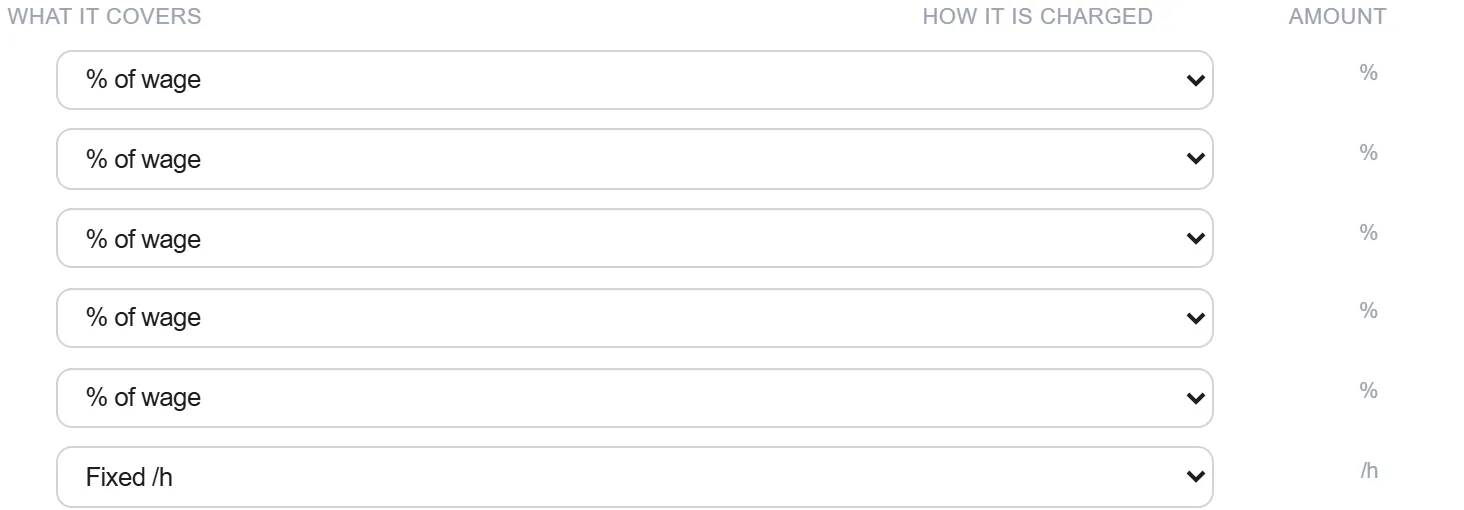
Dlaczego: Wyjście od rzeczywistej uzgodnionej płacy sprawia, że wszystko powyżej niej jest bronne. Stawka zbudowana na wymyślonej podstawie jest błędna, niezależnie od tego, jak staranne są narzuty.
Nałóż narzuty, które zamieniają płacę w koszt zatrudnienia: urlopy i dni wolne, emerytura, podatki i ubezpieczenia pracodawcy, zasiłki chorobowe, składka szkoleniowa, dojazdy i dodatki.
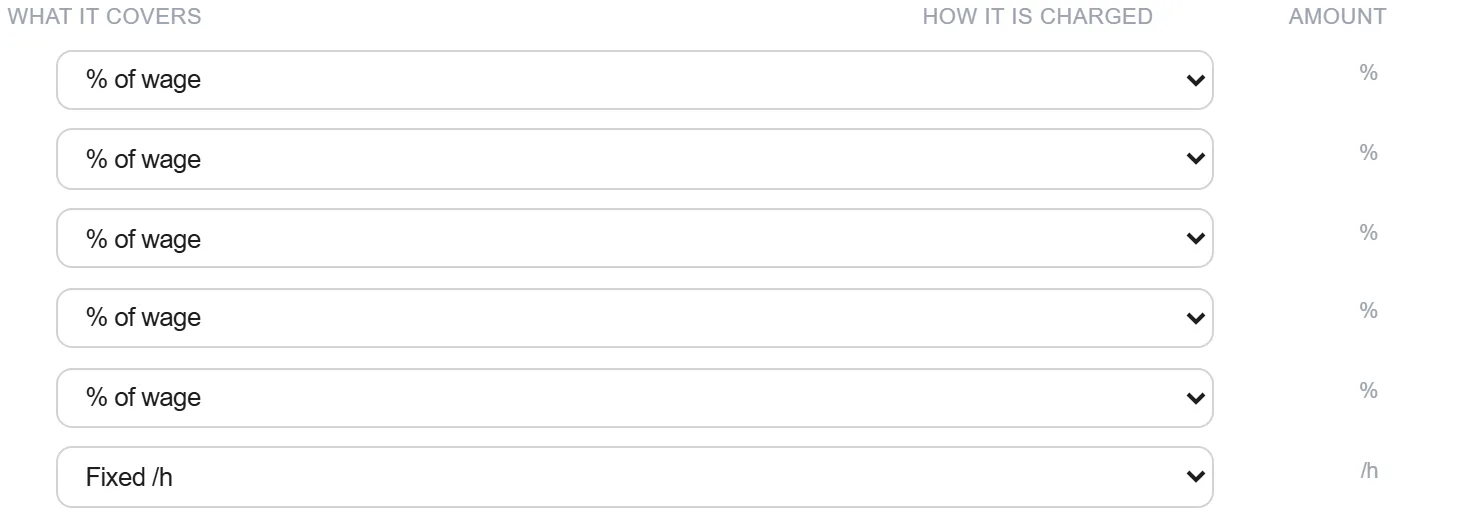
Dlaczego: Te narzuty często dodają jedną trzecią lub więcej do płacy. Pominięcie któregokolwiek zaniża koszt każdej godziny robocizny w każdej stawce, którą na tym budujesz.
Podziel roczny koszt obciążony narzutami przez godziny faktycznie spędzone przy narzędziach, po odjęciu urlopów, szkoleń, dojazdów i przestojów, aby uzyskać pełną stawkę za produktywną godzinę.
Dlaczego: Płacisz za cały rok, ale sprzedajesz tylko godziny produktywne. Dzielenie przez godziny opłacone zamiast produktywnych to subtelny błąd, który zostawia marżę na stole na każdym zadaniu.
Wprowadź pełną stawkę do zestawów scalonych, które budują twoje ceny jednostkowe, aby robocizna wpływała do każdej ceny z jednej utrzymywanej liczby, a nie z wartości przepisywanej w każdej pozycji.
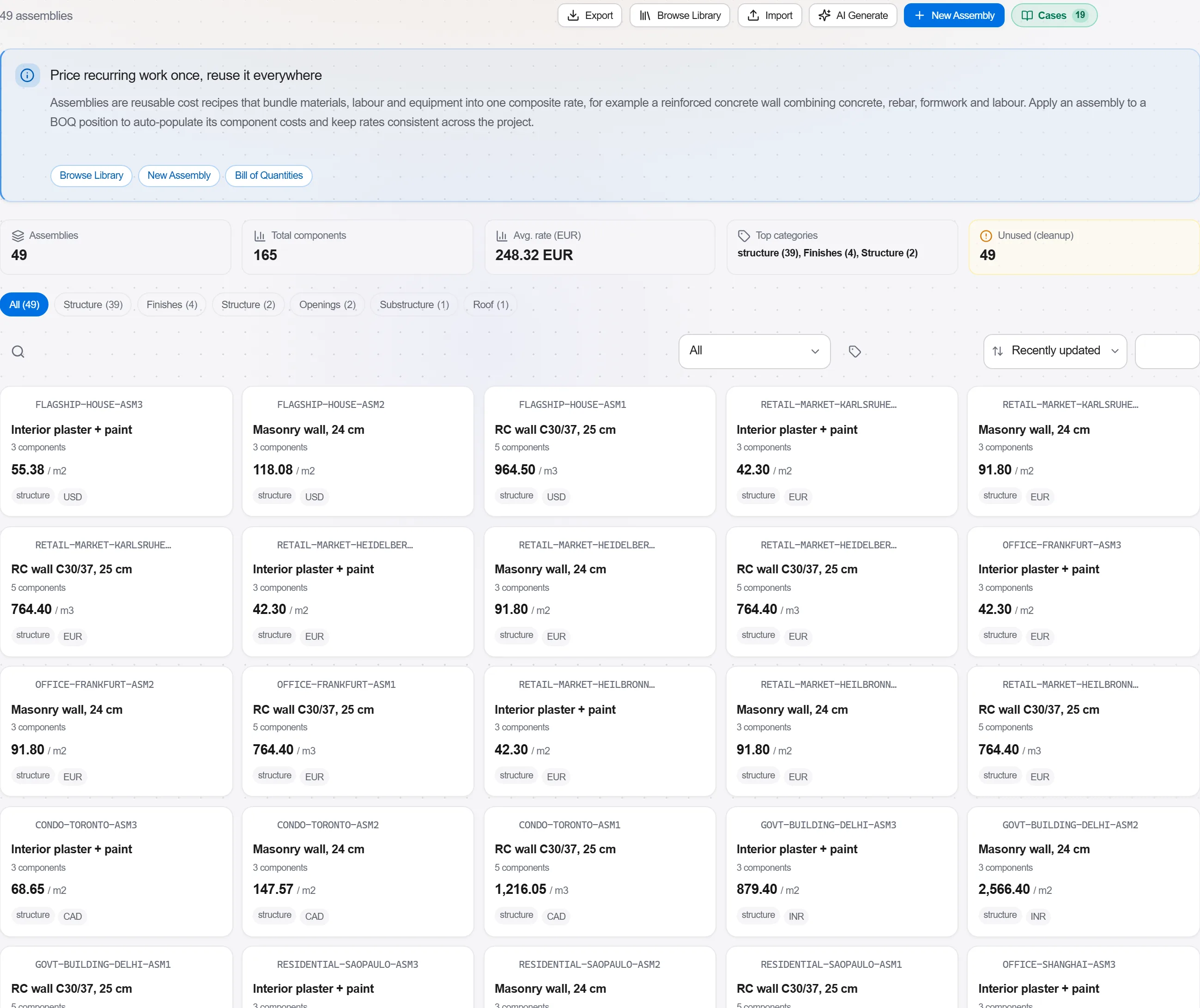
Dlaczego: Jedna stawka w jednym miejscu oznacza, że podwyżka płac lub zmiana ubezpieczenia aktualizuje wszystkie ceny naraz. Eliminuje też niespójność różnych stawek robocizny ukrytych w tym samym kosztorysie.
2 / 190 modułów platformy
Start from a flat PDF drawing and finish with a priced, validated estimate ready to export.…
Put a priced bill through the validation rules, clear every warning and error, then export…
Pull priced items from a real cost database, build the bill from them, bundle recurring bui…