
Dự toán và chi phí
Price a building from a PDF
Start from a flat PDF drawing and finish with a priced, validated estimate ready to export.…
5 bước15 phútMở
 ENEnglish
 DEDeutsch
 FRFrançais
 ESEspañol
 ES-MXEspañol (México)
 ITItaliano
 PTPortuguês
 NLNederlands
 PLPolski
 CSČeština
 RUРусский
 BGБългарски
 TRTürkçe
 SVSvenska
 NONorsk
 FISuomi
 DADansk
 ARالعربية
 ZH中文
ZH中文 JA日本語
JA日本語 KO한국어
KO한국어 HIहिन्दी
 THไทย
THไทย VITiếng Việt
 IDBahasa Indonesia
 RORomână
 HRHrvatski
 MNМонгол
 ETEesti
 BNবাংলা
 KKҚазақша
 KYКыргызча
 FILFilipino
 URاردو
 FAفارسی
 HEעברית
 ELΕλληνικά
Biến tiền lương cơ bản thành chi phí thực cho mỗi giờ làm việc hữu ích bằng cách cộng các chi phí phụ và chia cho số giờ thực sự làm việc, rồi đưa đơn giá đó vào các bộ định mức xây nên đơn giá của bạn.
4 bước xuyên suốt nền tảng - bạn làm gì ở mỗi bước và vì sao điều đó quan trọng.
Nhập tiền lương giờ cơ bản cho mỗi nghề và bậc bạn thuê, lấy từ thỏa ước lao động hoặc bảng lương của bạn thay vì một con số phỏng đoán tròn.
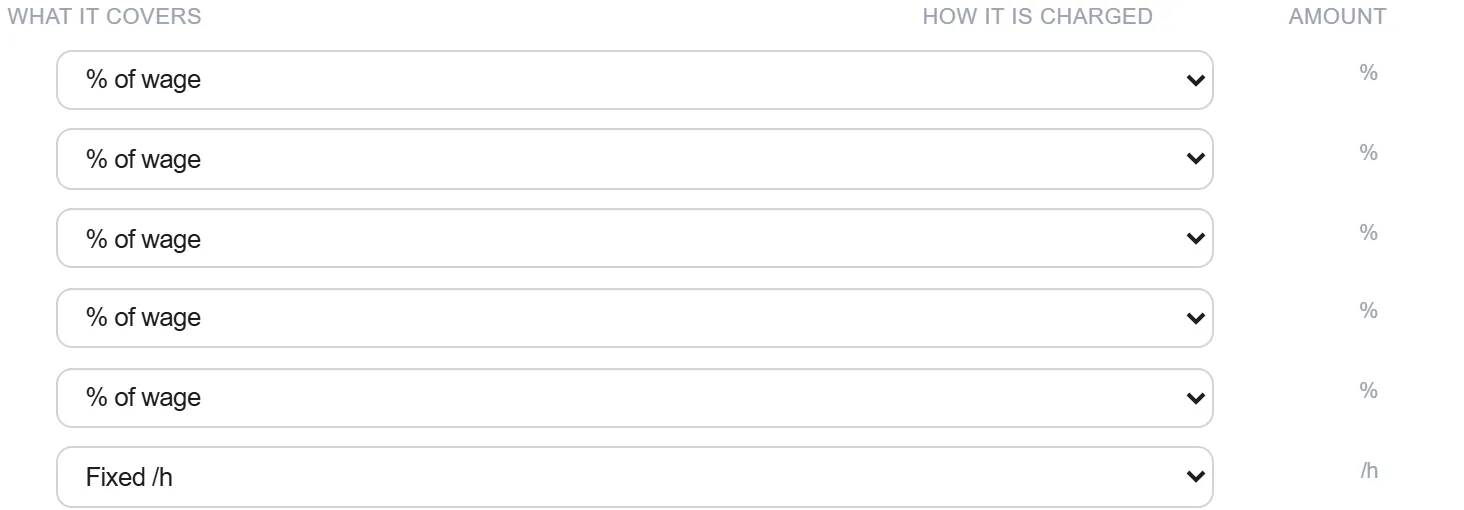
Tại sao: Bắt đầu từ tiền lương thỏa thuận thực tế là điều làm cho mọi thứ bên trên nó có thể bảo vệ được. Một đơn giá xây trên một mức cơ bản bịa ra là sai bất kể các chi phí phụ được tính cẩn thận đến đâu.
Chồng lên các chi phí phụ biến một khoản lương thành chi phí sử dụng lao động: nghỉ phép và ngày lễ, hưu trí, thuế và bảo hiểm chủ sử dụng lao động, trợ cấp ốm đau, phí đào tạo, đi lại và phụ cấp.
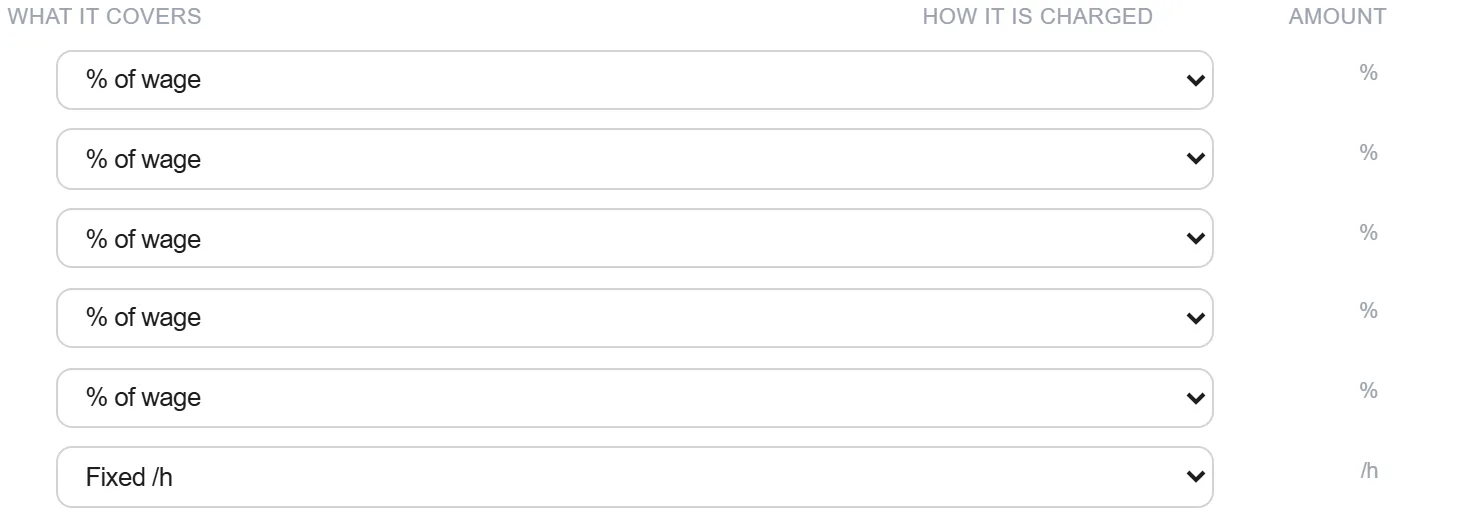
Tại sao: Các chi phí phụ này thường cộng thêm một phần ba hoặc hơn vào tiền lương. Bỏ sót bất kỳ khoản nào cũng làm thấp đi chi phí của mỗi giờ nhân công trong mọi đơn giá bạn xây lên trên.
Chia chi phí năm đã gánh phụ phí cho số giờ thực sự cầm dụng cụ, sau khi trừ nghỉ phép, đào tạo, đi lại và thời gian chết, để có đơn giá trọn gói cho mỗi giờ hữu ích.
Tại sao: Bạn trả cho cả năm nhưng chỉ bán được các giờ hữu ích. Chia cho số giờ được trả thay vì số giờ hữu ích là sai lầm tinh vi để lại lợi nhuận trên bàn ở mọi dự án.
Đưa đơn giá trọn gói vào các bộ định mức xây nên đơn giá của bạn, để nhân công chảy vào mọi mức giá từ một con số duy nhất được duy trì thay vì một số gõ lại theo từng dòng.
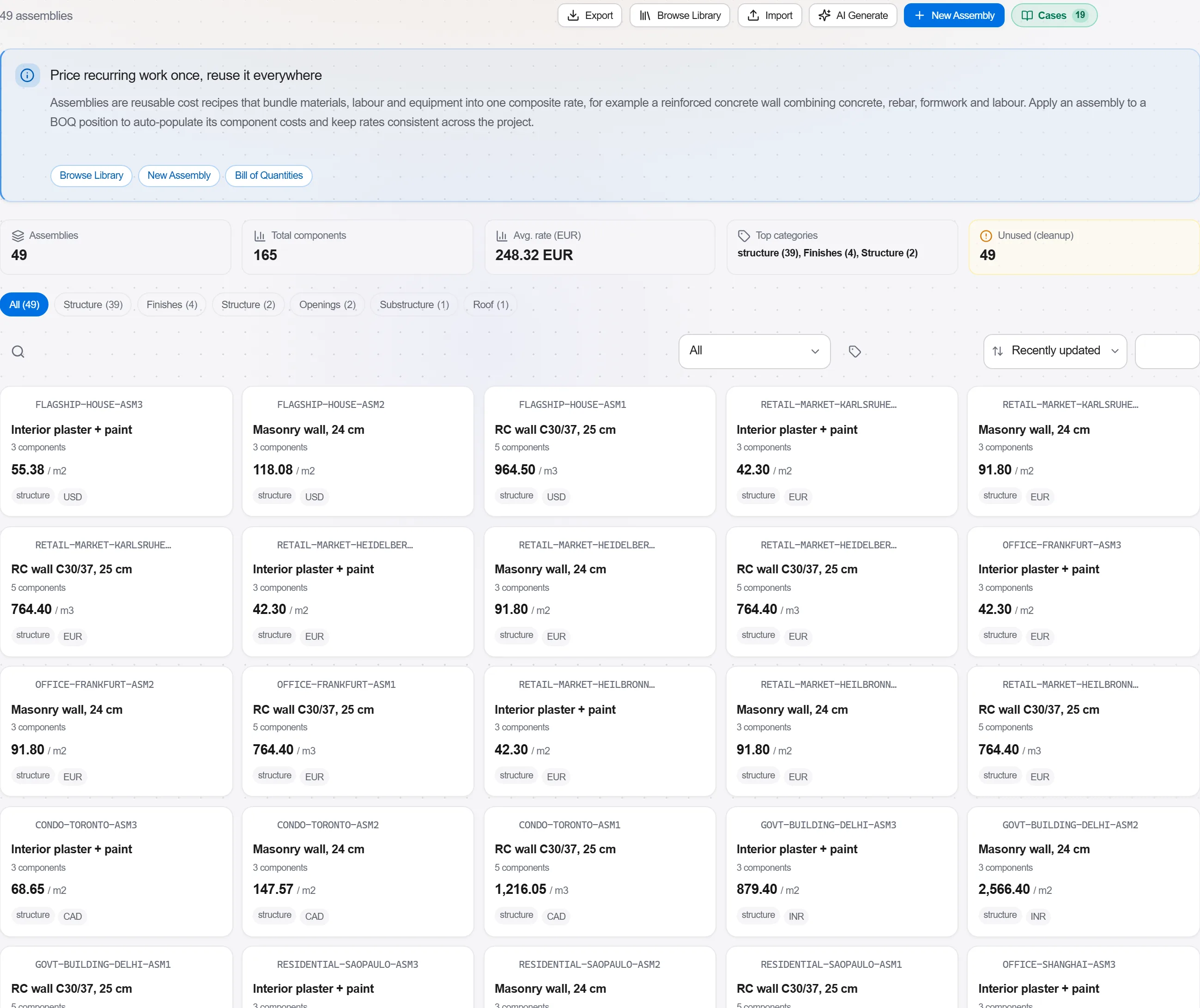
Tại sao: Một đơn giá ở một nơi nghĩa là một điều chỉnh tiền lương hay thay đổi bảo hiểm sẽ cập nhật mọi mức giá cùng lúc. Nó cũng loại bỏ sự thiếu nhất quán của các đơn giá nhân công khác nhau ẩn khắp cùng một bảng.
2 / 190 mô-đun nền tảng
Start from a flat PDF drawing and finish with a priced, validated estimate ready to export.…
Put a priced bill through the validation rules, clear every warning and error, then export…
Pull priced items from a real cost database, build the bill from them, bundle recurring bui…