

Commercial & contracts
Turn a change into a paid variation
Capture a scope change while it is fresh, price it as a contract variation on your agreed r…
3 steps11 minOpen
 ENEnglish
 DEDeutsch
 FRFrançais
 ESEspañol
 ES-MXEspañol (México)
 ITItaliano
 PTPortuguês
 NLNederlands
 PLPolski
 CSČeština
 RUРусский
 BGБългарски
 TRTürkçe
 SVSvenska
 NONorsk
 FISuomi
 DADansk
 ARالعربية
 ZH中文
ZH中文 JA日本語
JA日本語 KO한국어
KO한국어 HIहिन्दी
 THไทย
THไทย VITiếng Việt
 IDBahasa Indonesia
 RORomână
 HRHrvatski
 MNМонгол
 ETEesti
 BNবাংলা
 KKҚазақша
 KYКыргызча
 FILFilipino
 URاردو
 FAفارسی
 HEעברית
 ELΕλληνικά
Open a controlled window onto the job for the client: choose what they see, show them the agreed payment position, and publish a progress pack they can read without another meeting.
3 steps across the platform - what you do at each one, and why it matters.
In the portal, switch on the panels the client should have, progress, valuations and the shared document set, and leave off anything internal such as your cost or margin. Set it once and they get a read-only view that keeps itself up to date.
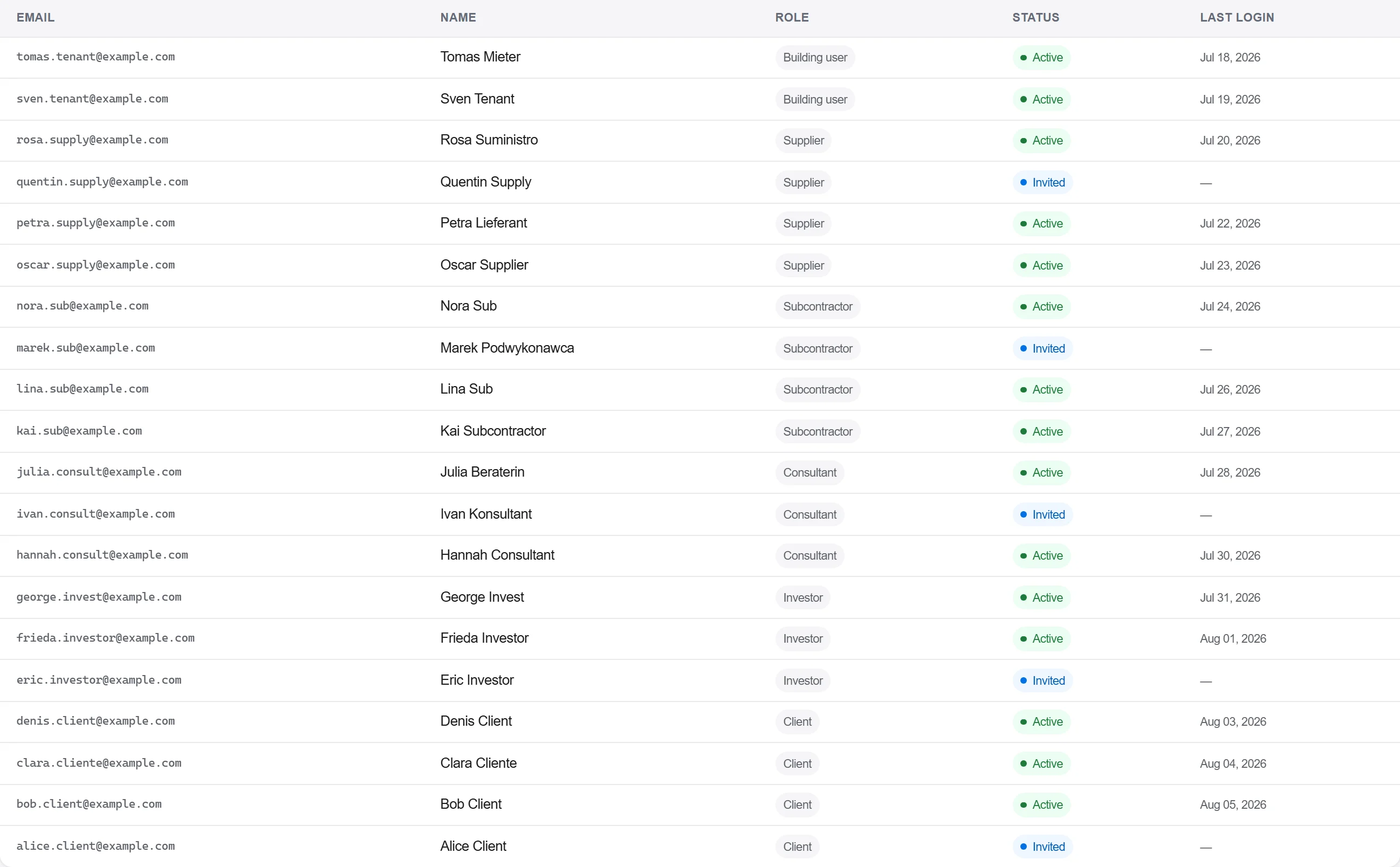
Why: A client with their own live view stops phoning round for updates and stops guessing. Controlling exactly what is shared keeps your cost and internal correspondence private while the job still looks open.
Publish the certified payment position to the portal, what has been applied for, what is approved and what is due, so the client sees the same figure you do. Only the agreed numbers go out, not draft workings.
Why: Payment arguments usually start from two different spreadsheets. One approved figure both sides can see heads off the dispute and gets the invoice paid on time.
Generate the client progress pack, photos, percent complete and the period summary, and publish it straight to the portal on the same day each month. The client reads it in their own time.
Why: A dated pack the client pulls for themselves is proof the job was reported, on time, every period. It replaces the monthly meeting that never quite covers everything and is never written down.
3 / 190 platform modules
Capture a scope change while it is fresh, price it as a contract variation on your agreed r…
Award a trade package to a subcontractor, place it on a subcontract with a schedule of valu…
Value the work put in place this period against the contract, raise the application with th…