
Tendering & procurement
Run a tender from a BOQ
Take a priced bill of quantities out to market: package it, invite the subcontractors, leve…
5 steps12 minOpen
 ENEnglish
 DEDeutsch
 FRFrançais
 ESEspañol
 ES-MXEspañol (México)
 ITItaliano
 PTPortuguês
 NLNederlands
 PLPolski
 CSČeština
 RUРусский
 BGБългарски
 TRTürkçe
 SVSvenska
 NONorsk
 FISuomi
 DADansk
 ARالعربية
 ZH中文
ZH中文 JA日本語
JA日本語 KO한국어
KO한국어 HIहिन्दी
 THไทย
THไทย VITiếng Việt
 IDBahasa Indonesia
 RORomână
 HRHrvatski
 MNМонгол
 ETEesti
 BNবাংলা
 KKҚазақша
 KYКыргызча
 FILFilipino
 URاردو
 FAفارسی
 HEעברית
 ELΕλληνικά
Normalise structurally different bids - filling the scope gaps and pricing the qualifications - so every offer sits on the same basis before you compare the bottom lines and pick the real lowest.
4 steps across the platform - what you do at each one, and why it matters.
Gather every returned bid with the covering letter, the priced schedule and the qualifications each firm attached, so nothing that conditions a price is left in an inbox.
Why: The qualifications are where the real differences hide. A bid read without its conditions is a number without a meaning, and half the leveling work is just finding them.
Set each bid against the common scope and flag what is missing, what is extra and where a firm has priced something different from what was asked.
Why: A gap you spot now is a negotiation; a gap you miss becomes a variation the day after award. Mapping to a single scope is what turns apples and oranges back into apples.
Price the gaps and the qualifications into each bid as adjustments, so every offer is restated as what it would cost to deliver the full common scope.
Why: Adjusting rather than disqualifying keeps a strong contractor in the race even if their bid was scrappy. It is the fairest and the sharpest way to find the true lowest cost.
Compare the levelled bids against each other and the budget, then write the recommendation on the offer that is genuinely lowest for the full scope, not just cheapest on paper.
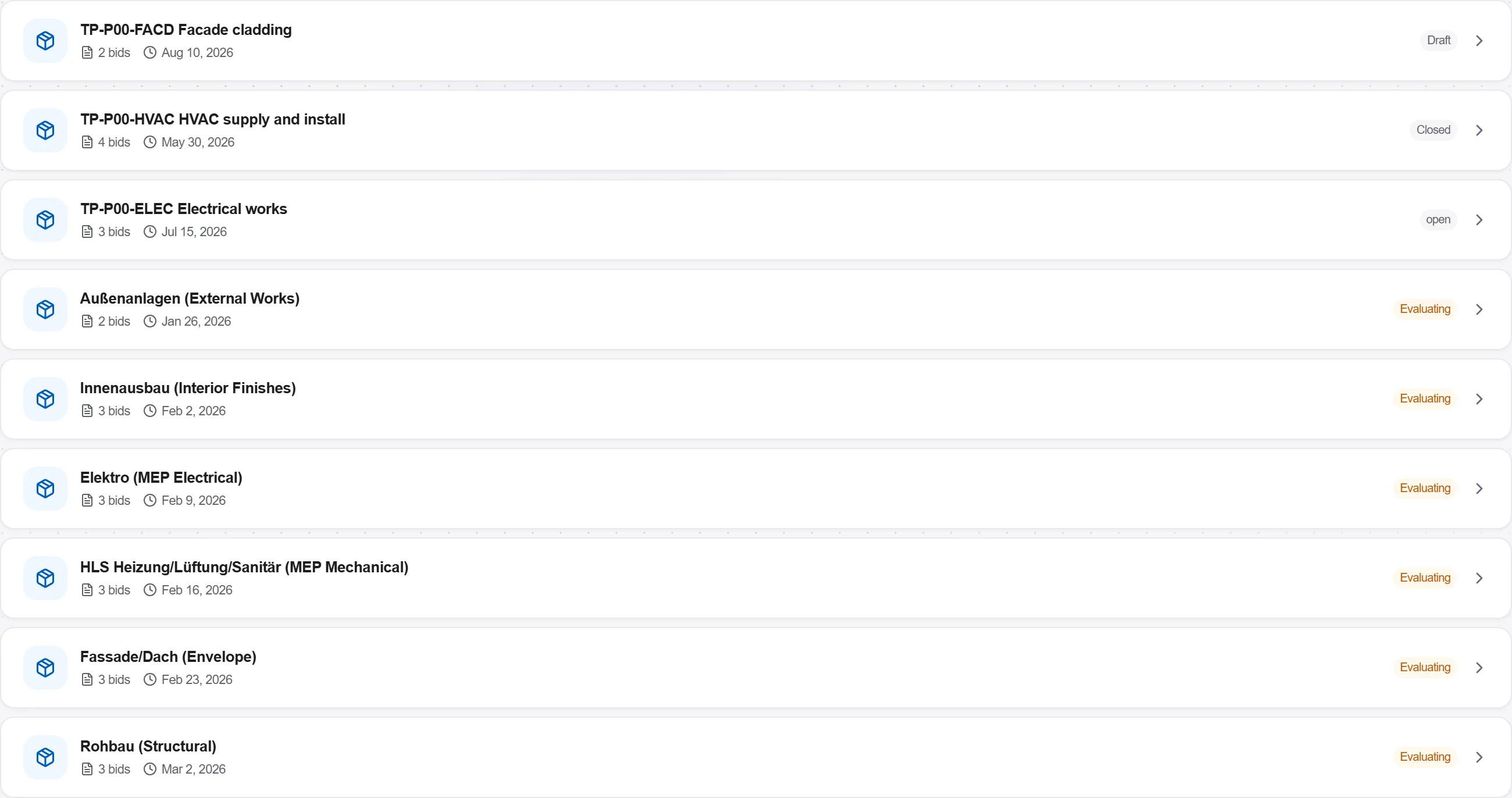
Why: A recommendation built on levelled numbers survives challenge. It shows the client you compared like for like and awarded on value rather than on whoever forgot the most.
2 / 190 platform modules
Take a priced bill of quantities out to market: package it, invite the subcontractors, leve…
Buy the quantities you already priced: raise a requisition off the bill, place the order wi…
Take a folder of returned tenders that never quite match, strip them back to the same scope…