
Tendering & procurement
Run a tender from a BOQ
Take a priced bill of quantities out to market: package it, invite the subcontractors, leve…
5 steps12 minOpen
 ENEnglish
 DEDeutsch
 FRFrançais
 ESEspañol
 ES-MXEspañol (México)
 ITItaliano
 PTPortuguês
 NLNederlands
 PLPolski
 CSČeština
 RUРусский
 BGБългарски
 TRTürkçe
 SVSvenska
 NONorsk
 FISuomi
 DADansk
 ARالعربية
 ZH中文
ZH中文 JA日本語
JA日本語 KO한국어
KO한국어 HIहिन्दी
 THไทย
THไทย VITiếng Việt
 IDBahasa Indonesia
 RORomână
 HRHrvatski
 MNМонгол
 ETEesti
 BNবাংলা
 KKҚазақша
 KYКыргызча
 FILFilipino
 URاردو
 FAفارسی
 HEעברית
 ELΕλληνικά
Turn the BOQ and the programme into a buying schedule: list the packages to buy, set lead times and need-by dates back from the programme, tender or price each package, and track every order so nothing is bought too late.
5 steps across the platform - what you do at each one, and why it matters.
Group the priced BOQ into the packages you will actually buy, one per trade or supply item, so each line of the buying schedule maps to a real order rather than a loose collection of positions.
Why: A buying schedule built straight off the BOQ carries the right quantities and value from the start, so nothing quietly falls between two packages and gets bought by nobody.
For each package set the manufacture and delivery lead time, then work back from the programme date the material is needed on site to fix the latest date the order must be placed.
Why: Most late materials are not bought late by accident, they are bought on time against the wrong date. Working back from the programme is what turns a wish list into a schedule with real deadlines.
Send the packages with the earliest order dates out to enquiry first, gather quotes, and settle a firm price and supplier for each one so the buying schedule carries a committed number, not a guess.
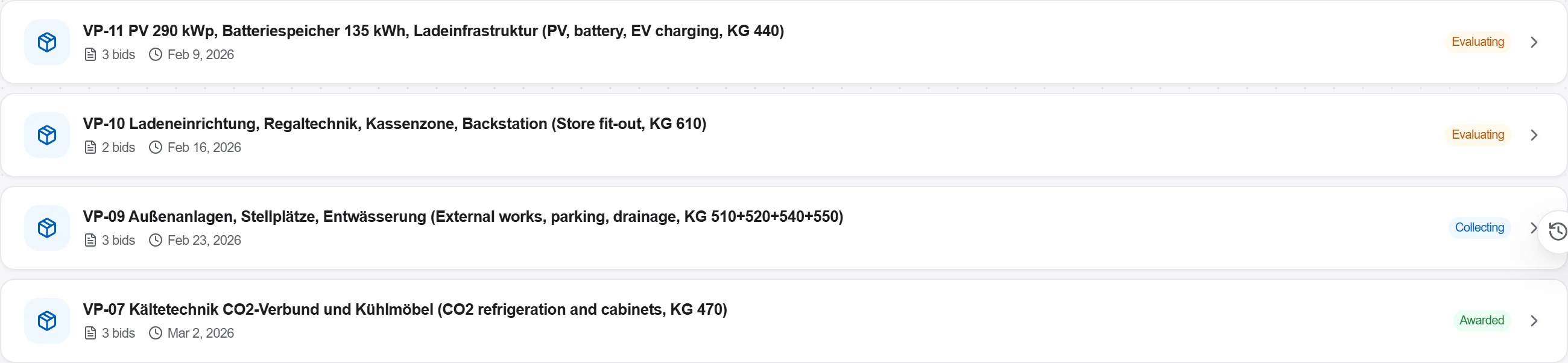
Why: Pricing in order of urgency means the long-lead packages are settled while there is still time to negotiate, instead of being rushed at any price the week they are needed.
Award each package to its chosen supplier or subcontractor and raise the order, so the committed cost is booked and the delivery is locked against the need-by date on the schedule.
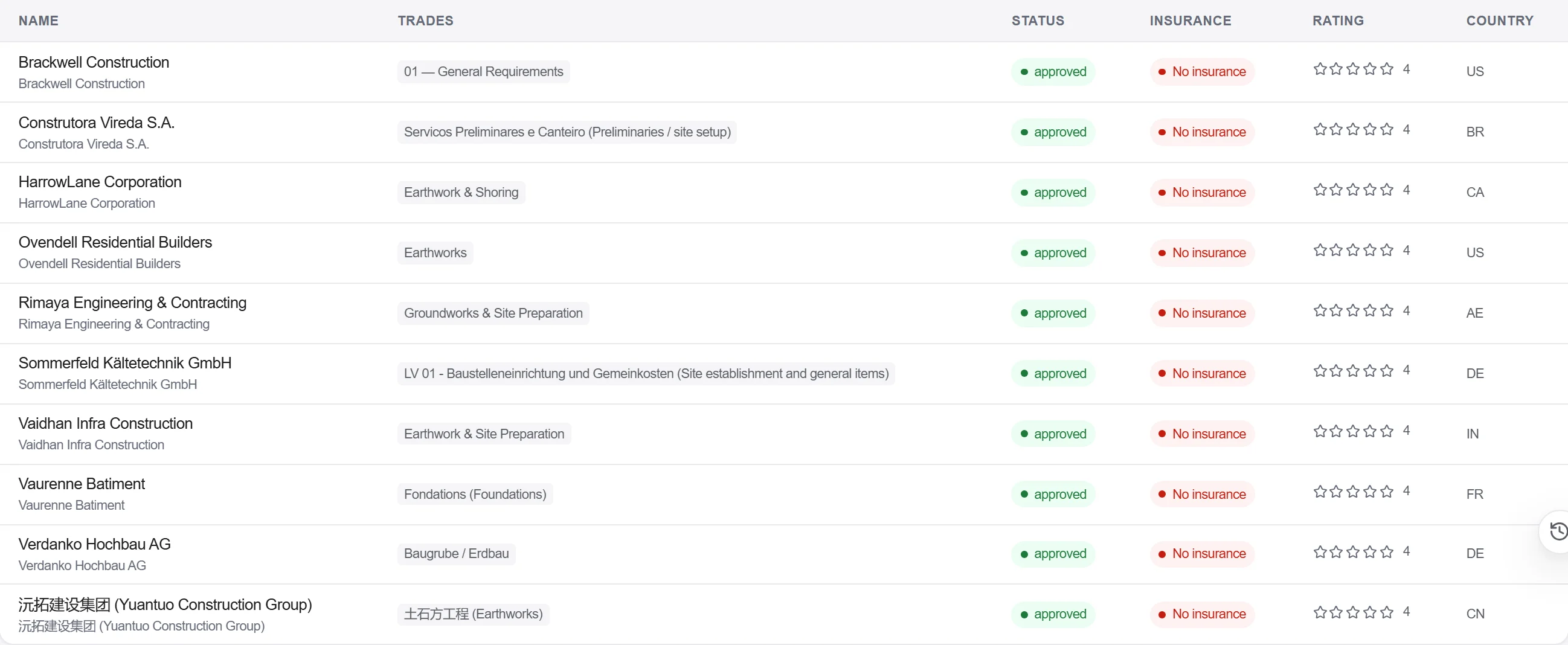
Why: A price agreed but not ordered is not a delivery. Placing the order is the point the supplier is bound to the date, and the point your committed cost becomes real and trackable.
Read the buying schedule as a live report: which packages are still to enquire, out to price, ordered or delivered, and flag any order whose latest date is closing in before it is placed.
Why: A buying schedule only protects the programme if someone watches it every week. Catching a slipping order date early is what keeps a late package from stopping a trade on site.
5 / 190 platform modules
Take a priced bill of quantities out to market: package it, invite the subcontractors, leve…
Buy the quantities you already priced: raise a requisition off the bill, place the order wi…
Take a folder of returned tenders that never quite match, strip them back to the same scope…