

Réception & cycle de vie
Hand over and close out
Finish the job cleanly: work the punch list to zero, confirm every inspection passed and no…
5 étapes14 minOuvrir
 ENEnglish
 DEDeutsch
 FRFrançais
 ESEspañol
 ES-MXEspañol (México)
 ITItaliano
 PTPortuguês
 NLNederlands
 PLPolski
 CSČeština
 RUРусский
 BGБългарски
 TRTürkçe
 SVSvenska
 NONorsk
 FISuomi
 DADansk
 ARالعربية
 ZH中文
ZH中文 JA日本語
JA日本語 KO한국어
KO한국어 HIहिन्दी
 THไทย
THไทย VITiếng Việt
 IDBahasa Indonesia
 RORomână
 HRHrvatski
 MNМонгол
 ETEesti
 BNবাংলা
 KKҚазақша
 KYКыргызча
 FILFilipino
 URاردو
 FAفارسی
 HEעברית
 ELΕλληνικά
Faire réparer un actif défaillant aux frais du fabricant: confirmer qu'il est sous garantie, ouvrir la réclamation face à l'actif, et la clore une fois la reprise et le suivi écrit en place.
3 étapes à travers la plateforme - ce que vous faites à chacune et pourquoi c’est important.
Ouvrir la fiche de l'actif, trouver la date de pose et la durée de garantie, et confirmer que la panne tombe dans la couverture et dans les conditions. Récupérer le numéro de série et le modèle au passage.
Pourquoi: Ouvrir une réclamation sur un actif hors couverture ne fait que perdre le temps de tout le monde. Vérifier la fiche d'abord vous dit en quelques secondes si le fabricant vous doit une réparation ou si celle-ci est pour vous.
Ouvrir la réclamation face à l'actif avec le défaut décrit, les photos jointes et la référence de garantie citée, et indiquer la reprise attendue. Fixer une date de résolution.
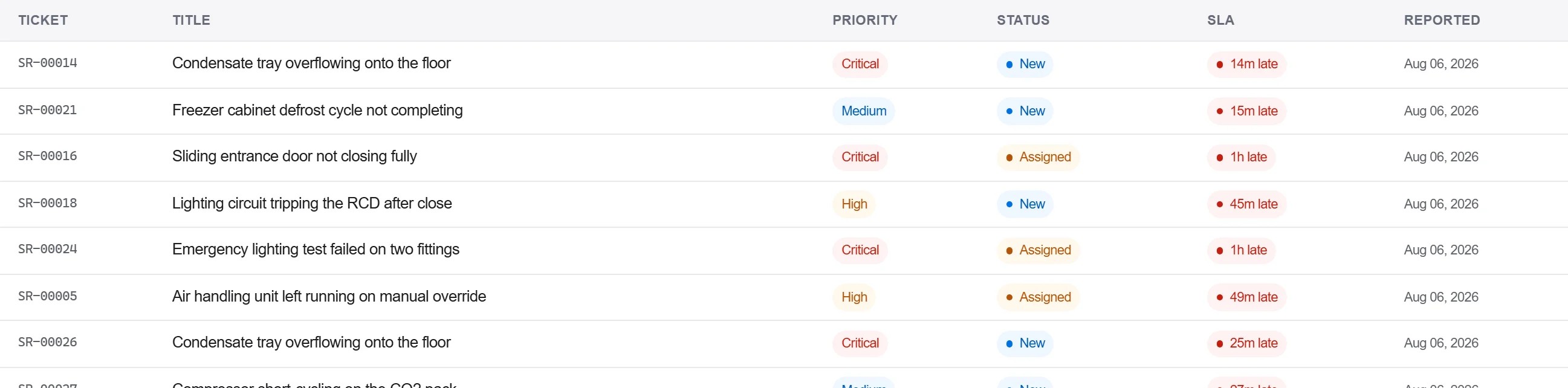
Pourquoi: Une réclamation avec les preuves et la référence jointes est une réclamation que le fabricant ne peut pas renvoyer pour plus de détails. La consigner face à l'actif garde aussi la panne dans l'historique de cette unité pour la prochaine fois.
Enregistrer la réponse du fabricant et la reprise dans le journal de correspondance, confirmer la réparation par écrit, et ne clore la réclamation que lorsque l'acceptation est captée, pas sur un simple appel téléphonique.
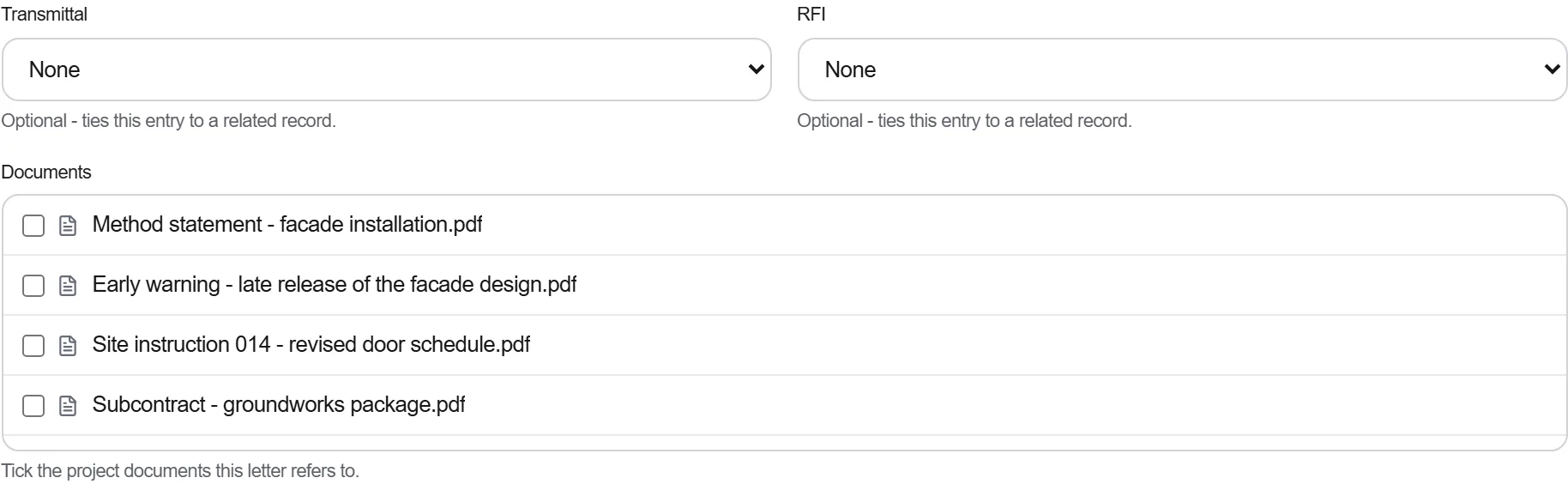
Pourquoi: Une garantie réglée par téléphone est une garantie que vous ne pouvez pas prouver quand la même pièce cède à nouveau. Le suivi écrit, c'est ce qui tient le fabricant à la reprise et ce qui vous appuie si le litige se rouvre.
3 / 190 modules de la plateforme
Finish the job cleanly: work the punch list to zero, confirm every inspection passed and no…
Pull the as-built record together, prove the quality file has no gaps, then issue an operat…
Walk the finished works with the client, record what passes and what does not against the a…