

Entrega y ciclo de vida
Hand over and close out
Finish the job cleanly: work the punch list to zero, confirm every inspection passed and no…
5 pasos14 minAbrir
 ENEnglish
 DEDeutsch
 FRFrançais
 ESEspañol
 ES-MXEspañol (México)
 ITItaliano
 PTPortuguês
 NLNederlands
 PLPolski
 CSČeština
 RUРусский
 BGБългарски
 TRTürkçe
 SVSvenska
 NONorsk
 FISuomi
 DADansk
 ARالعربية
 ZH中文
ZH中文 JA日本語
JA日本語 KO한국어
KO한국어 HIहिन्दी
 THไทย
THไทย VITiếng Việt
 IDBahasa Indonesia
 RORomână
 HRHrvatski
 MNМонгол
 ETEesti
 BNবাংলা
 KKҚазақша
 KYКыргызча
 FILFilipino
 URاردو
 FAفارسی
 HEעברית
 ELΕλληνικά
Consigue que un activo averiado se repare a costa del fabricante: confirma que está en garantía, abre la reclamación frente al activo y ciérrala una vez que estén la reparación y el rastro documental.
3 pasos a lo largo de la plataforma - qué hacer en cada uno y por qué importa.
Abre el registro del activo, busca la fecha de instalación y el periodo de garantía, y confirma que el fallo cae dentro de la cobertura y dentro de las condiciones. Ya que estás, saca el número de serie y el modelo.
Por que: Abrir una reclamación sobre un activo fuera de cobertura solo hace perder el tiempo a todos. Comprobar primero el registro te dice en segundos si el fabricante te debe una reparación o si esta corre de tu cuenta.
Abre la reclamación frente al activo con el fallo descrito, fotos adjuntas y la referencia de garantía citada, e indica la reparación que esperas. Fija una fecha para la que necesitas que se resuelva.
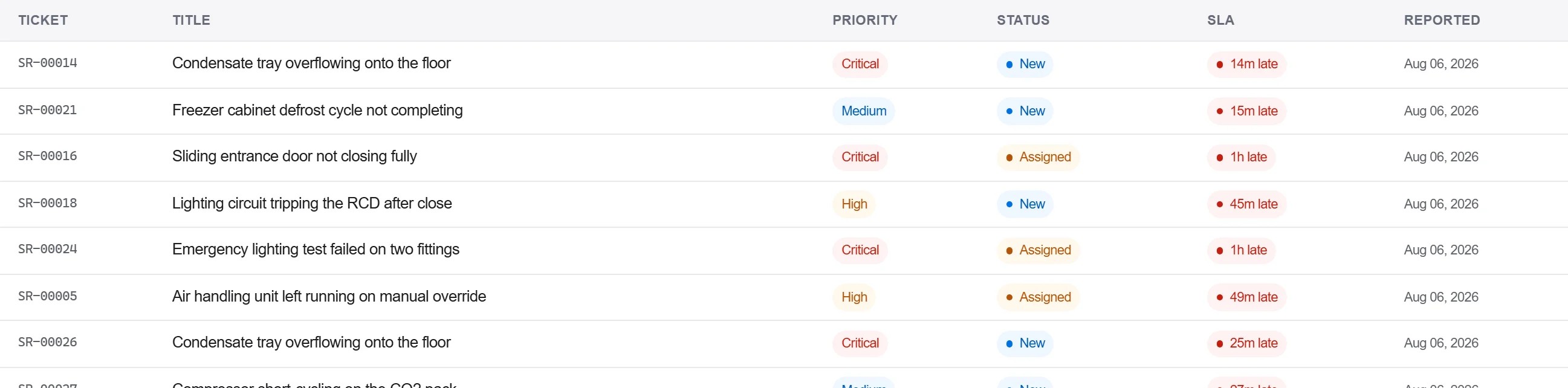
Por que: Una reclamación con las pruebas y la referencia adjuntas es una que el fabricante no puede devolver pidiendo más detalle. Registrarla frente al activo también deja el fallo en el historial de esa unidad para la próxima vez.
Registra la respuesta del fabricante y la reparación en el registro de correspondencia, confirma la reparación por escrito y cierra la reclamación solo cuando quede recogida la aceptación, no con una simple llamada.
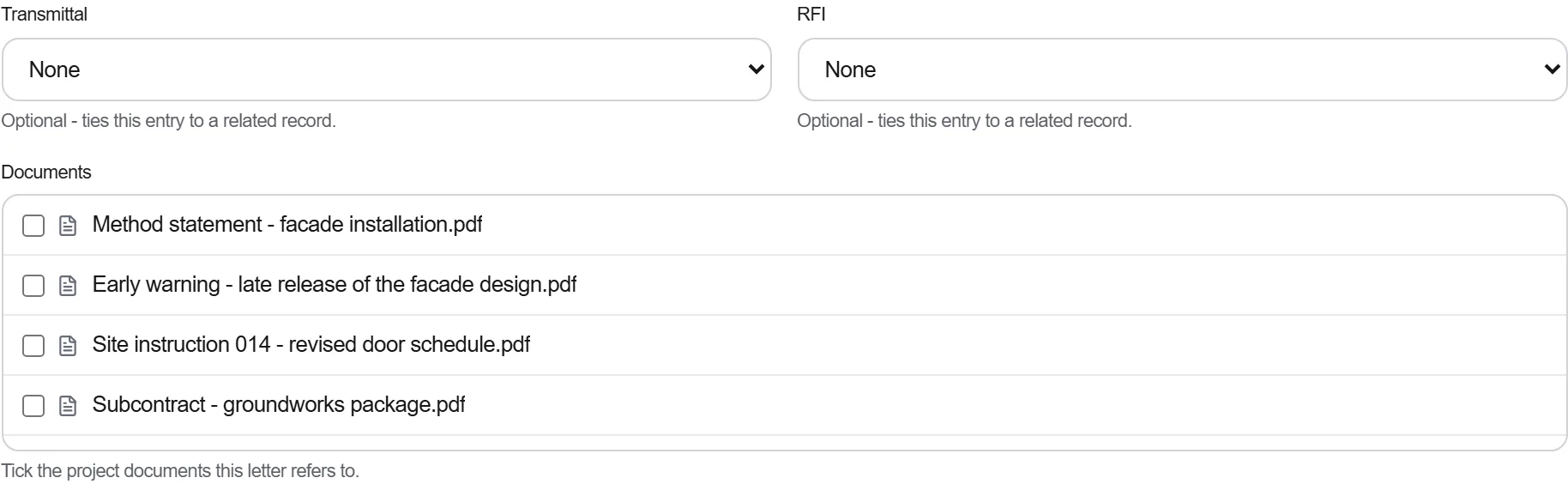
Por que: Una garantía resuelta por teléfono es una que no puedes demostrar cuando la misma pieza vuelve a fallar. El rastro escrito es lo que obliga al fabricante a la reparación y lo que te respalda si la disputa se reabre.
3 / 190 módulos de la plataforma
Finish the job cleanly: work the punch list to zero, confirm every inspection passed and no…
Pull the as-built record together, prove the quality file has no gaps, then issue an operat…
Walk the finished works with the client, record what passes and what does not against the a…