

인계 및 생애주기
Hand over and close out
Finish the job cleanly: work the punch list to zero, confirm every inspection passed and no…
5단계14 분열기
 ENEnglish
 DEDeutsch
 FRFrançais
 ESEspañol
 ES-MXEspañol (México)
 ITItaliano
 PTPortuguês
 NLNederlands
 PLPolski
 CSČeština
 RUРусский
 BGБългарски
 TRTürkçe
 SVSvenska
 NONorsk
 FISuomi
 DADansk
 ARالعربية
 ZH中文
ZH中文 JA日本語
JA日本語 KO한국어
KO한국어 HIहिन्दी
 THไทย
THไทย VITiếng Việt
 IDBahasa Indonesia
 RORomână
 HRHrvatski
 MNМонгол
 ETEesti
 BNবাংলা
 KKҚазақша
 KYКыргызча
 FILFilipino
 URاردو
 FAفارسی
 HEעברית
 ELΕλληνικά
고장 난 자산을 제조사 비용으로 고칩니다. 보증 기간 내인지 확인하고, 자산에 대해 클레임을 제기하며, 수리와 서류가 갖춰지면 종결합니다.
플랫폼 전반에 걸친 3단계 - 각 단계에서 무엇을 하는지, 그리고 왜 중요한지.
자산 기록을 열어 설치일과 보증 기간을 찾고, 고장이 보증 범위와 조건 안에 드는지 확인합니다. 그 김에 일련번호와 모델도 챙깁니다.
이유: 보증 범위 밖 자산에 클레임을 제기하는 것은 모두의 시간을 낭비할 뿐입니다. 먼저 기록을 확인하면 제조사가 수리를 지는지 아니면 이번은 여러분 몫인지 몇 초 만에 알 수 있습니다.
고장을 서술하고 사진을 첨부하며 보증 참조번호를 인용해 자산에 대해 클레임을 제기하고, 기대하는 수리를 명시합니다. 해결이 필요한 기한을 정합니다.
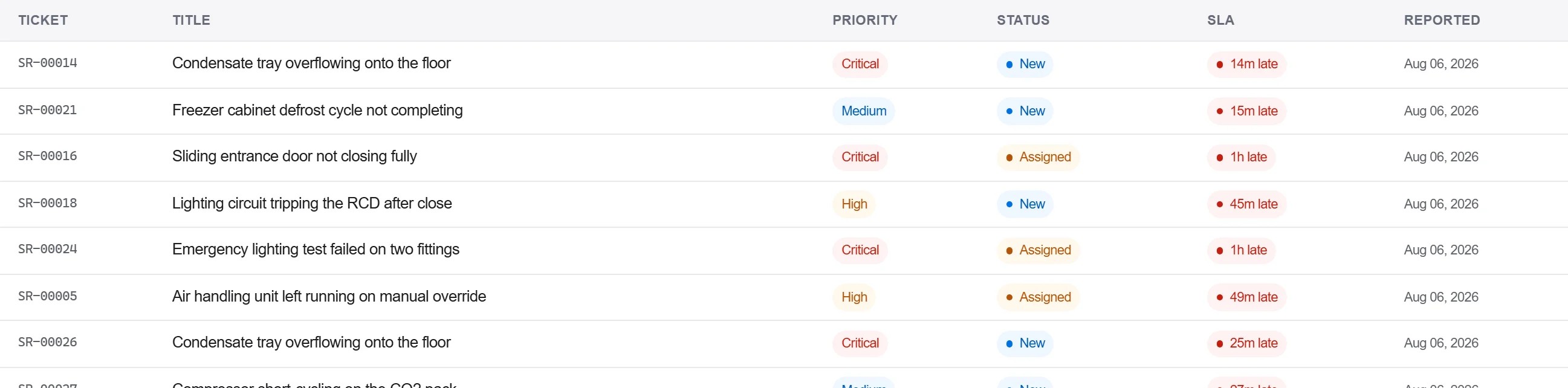
이유: 증거와 참조번호가 첨부된 클레임은 제조사가 더 자세한 내용을 요구하며 되돌려보낼 수 없는 클레임입니다. 자산에 기록해 두면 다음을 위해 그 설비 이력에 고장이 남습니다.
제조사의 대응과 수리를 서신 대장에 기록하고, 수리를 서면으로 확인하며, 전화 한 통이 아니라 수락이 확보될 때만 클레임을 종결합니다.
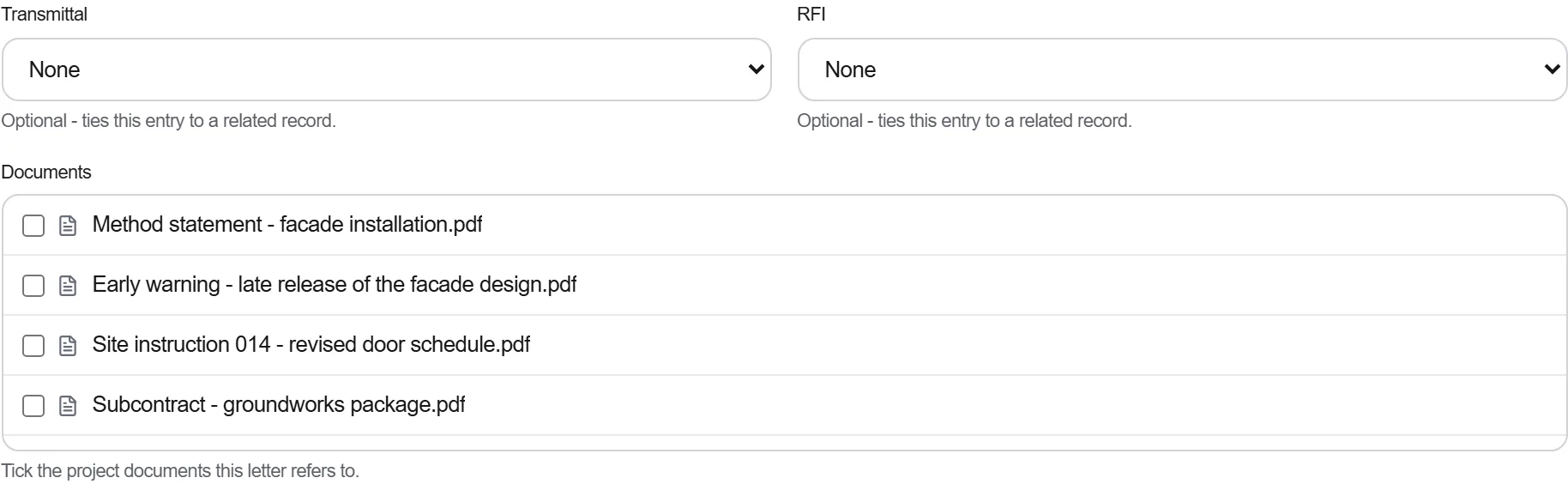
이유: 전화로 정리한 보증은 같은 부품이 다시 고장 날 때 입증할 수 없는 보증입니다. 서면 기록이 제조사를 수리에 붙잡아 두고 분쟁이 다시 열릴 때 여러분을 뒷받침합니다.
플랫폼 190개 모듈 중 3개
Finish the job cleanly: work the punch list to zero, confirm every inspection passed and no…
Pull the as-built record together, prove the quality file has no gaps, then issue an operat…
Walk the finished works with the client, record what passes and what does not against the a…