

Aflevering og livscyklus
Hand over and close out
Finish the job cleanly: work the punch list to zero, confirm every inspection passed and no…
5 trin14 minÅbn
 ENEnglish
 DEDeutsch
 FRFrançais
 ESEspañol
 ES-MXEspañol (México)
 ITItaliano
 PTPortuguês
 NLNederlands
 PLPolski
 CSČeština
 RUРусский
 BGБългарски
 TRTürkçe
 SVSvenska
 NONorsk
 FISuomi
 DADansk
 ARالعربية
 ZH中文
ZH中文 JA日本語
JA日本語 KO한국어
KO한국어 HIहिन्दी
 THไทย
THไทย VITiếng Việt
 IDBahasa Indonesia
 RORomână
 HRHrvatski
 MNМонгол
 ETEesti
 BNবাংলা
 KKҚазақша
 KYКыргызча
 FILFilipino
 URاردو
 FAفارسی
 HEעברית
 ELΕλληνικά
Få et svigtet aktiv repareret for fabrikantens regning: bekræft at det er i garanti, rejs kravet mod aktivet, og luk det når afhjælpningen og papirsporet er på plads.
3 trin gennem platformen - hvad du gør i hvert, og hvorfor det betyder noget.
Åbn aktivposten, find installationsdatoen og garantiperioden, og bekræft at svigtet falder inden for dækning og inden for vilkårene. Træk serienummer og model mens du er der.
Hvorfor: At rejse et krav på et aktiv der er uden for dækning spilder bare alles tid. At tjekke posten først fortæller dig på sekunder om fabrikanten skylder dig en reparation eller om denne er på dig.
Rejs kravet mod aktivet med fejlen beskrevet, fotos vedhæftet og garantireferencen citeret, og angiv den afhjælpning du forventer. Sæt en dato du har brug for det løst inden.
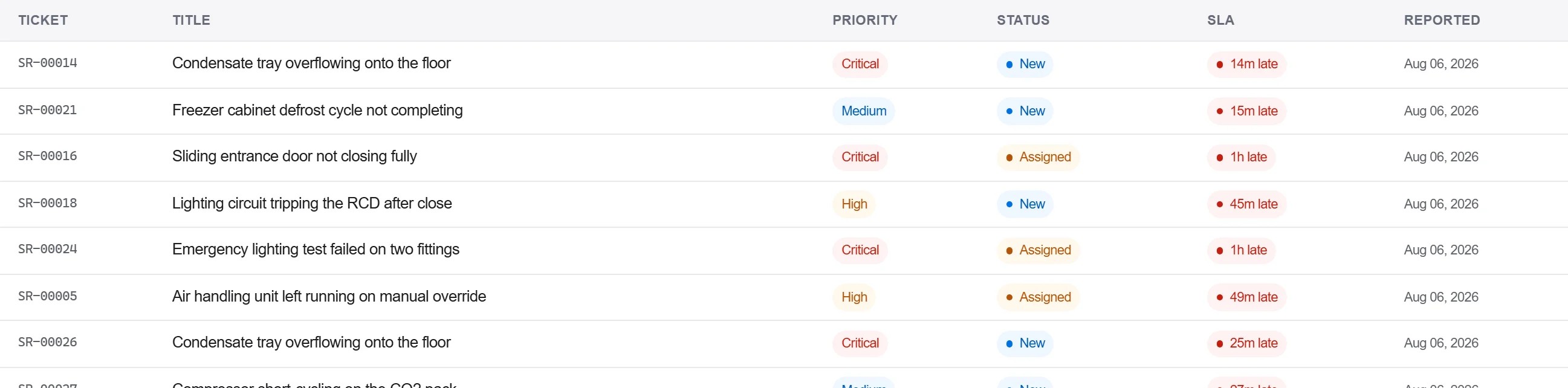
Hvorfor: Et krav med dokumentationen og referencen vedhæftet er et fabrikanten ikke kan afvise for mere detalje. At logge det mod aktivet holder også svigtet i den enheds historik til næste gang.
Registrer fabrikantens svar og afhjælpningen i korrespondanceloggen, bekræft reparationen skriftligt, og luk først kravet når accepten er fanget, ikke på et telefonopkald alene.
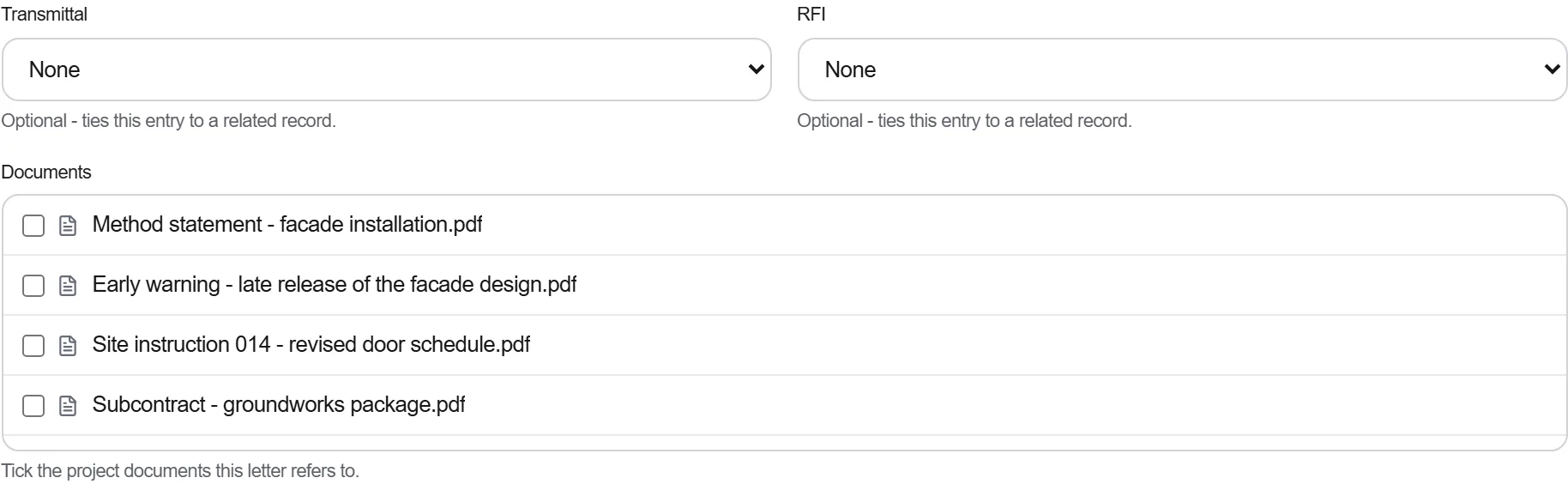
Hvorfor: En garanti afgjort over telefon er en du ikke kan bevise når samme del svigter igen. Det skriftlige spor er det der holder fabrikanten til afhjælpningen og det der bakker dig op hvis tvisten genåbner.
3 / 190 platformmoduler
Finish the job cleanly: work the punch list to zero, confirm every inspection passed and no…
Pull the as-built record together, prove the quality file has no gaps, then issue an operat…
Walk the finished works with the client, record what passes and what does not against the a…