

Entrega e ciclo de vida
Hand over and close out
Finish the job cleanly: work the punch list to zero, confirm every inspection passed and no…
5 etapas14 minAbrir
 ENEnglish
 DEDeutsch
 FRFrançais
 ESEspañol
 ES-MXEspañol (México)
 ITItaliano
 PTPortuguês
 NLNederlands
 PLPolski
 CSČeština
 RUРусский
 BGБългарски
 TRTürkçe
 SVSvenska
 NONorsk
 FISuomi
 DADansk
 ARالعربية
 ZH中文
ZH中文 JA日本語
JA日本語 KO한국어
KO한국어 HIहिन्दी
 THไทย
THไทย VITiếng Việt
 IDBahasa Indonesia
 RORomână
 HRHrvatski
 MNМонгол
 ETEesti
 BNবাংলা
 KKҚазақша
 KYКыргызча
 FILFilipino
 URاردو
 FAفارسی
 HEעברית
 ELΕλληνικά
Consiga um ativo com falha consertado à custa do fabricante: confirme que está na garantia, abra a reclamação contra o ativo e encerre-a assim que a solução e o histórico documental estiverem em ordem.
3 passos ao longo da plataforma - o que fazer em cada um e por que importa.
Abra o registo do ativo, encontre a data de instalação e o período de garantia e confirme que a falha cai dentro da cobertura e dentro dos termos. Aproveite para pegar o número de série e o modelo.
Por quê: Abrir uma reclamação num ativo fora de cobertura só desperdiça o tempo de todos. Verificar o registo primeiro diz em segundos se o fabricante lhe deve um conserto ou se este é por sua conta.
Abra a reclamação contra o ativo com a falha descrita, fotos anexadas e a referência da garantia citada, e declare a solução que você espera. Defina uma data em que precisa que seja resolvida.
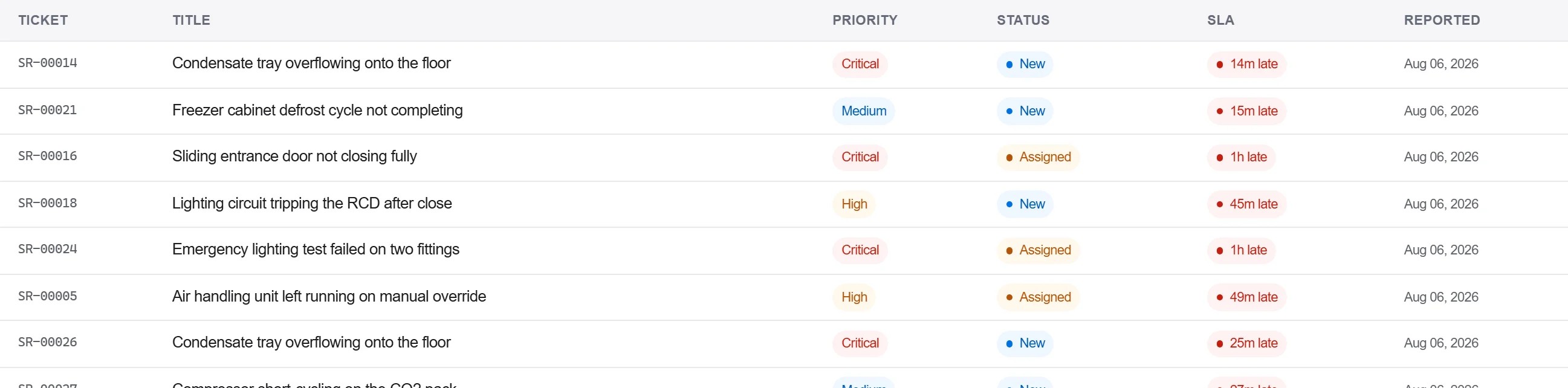
Por quê: Uma reclamação com a evidência e a referência anexadas é uma que o fabricante não consegue devolver pedindo mais detalhes. Registá-la contra o ativo também mantém a falha no histórico daquela unidade para a próxima vez.
Registe a resposta do fabricante e a solução no registo de correspondência, confirme o conserto por escrito e encerre a reclamação somente quando o aceite estiver registado, não apenas por telefone.
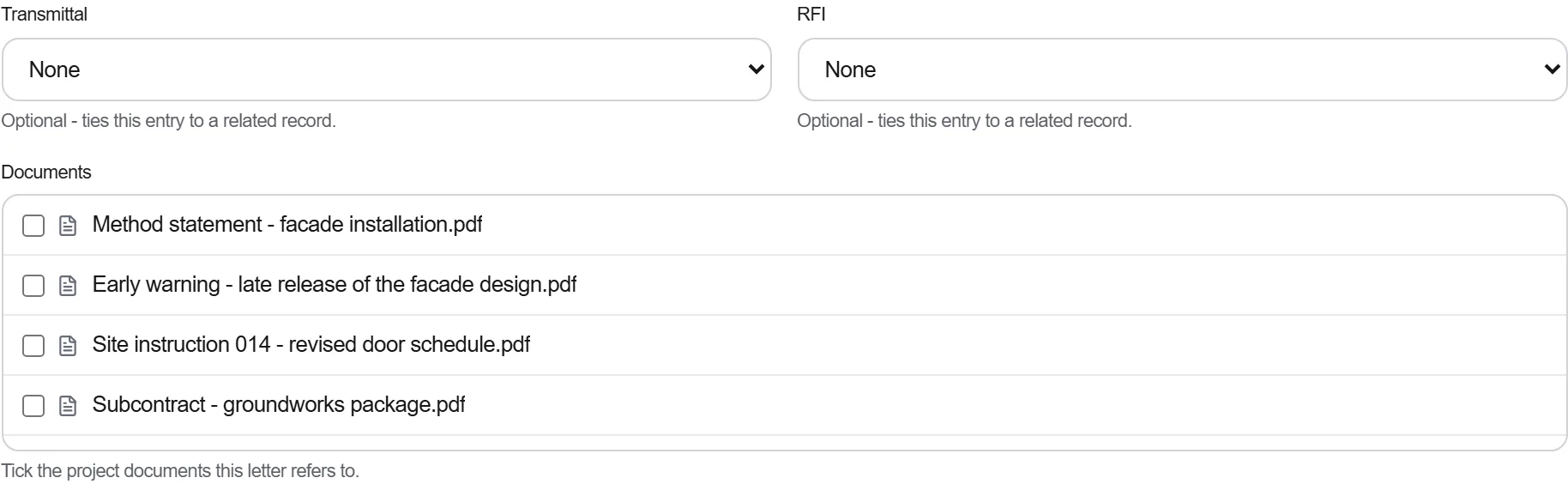
Por quê: Uma garantia resolvida por telefone é uma que você não consegue provar quando a mesma peça falha de novo. O histórico escrito é o que mantém o fabricante preso à solução e o que respalda você se a disputa reabrir.
3 / 190 módulos da plataforma
Finish the job cleanly: work the punch list to zero, confirm every inspection passed and no…
Pull the as-built record together, prove the quality file has no gaps, then issue an operat…
Walk the finished works with the client, record what passes and what does not against the a…