

التسليم ودورة الحياة
Hand over and close out
Finish the job cleanly: work the punch list to zero, confirm every inspection passed and no…
5 خطوة14 دقيقةفتح
 ENEnglish
 DEDeutsch
 FRFrançais
 ESEspañol
 ES-MXEspañol (México)
 ITItaliano
 PTPortuguês
 NLNederlands
 PLPolski
 CSČeština
 RUРусский
 BGБългарски
 TRTürkçe
 SVSvenska
 NONorsk
 FISuomi
 DADansk
 ARالعربية
 ZH中文
ZH中文 JA日本語
JA日本語 KO한국어
KO한국어 HIहिन्दी
 THไทย
THไทย VITiếng Việt
 IDBahasa Indonesia
 RORomână
 HRHrvatski
 MNМонгол
 ETEesti
 BNবাংলা
 KKҚазақша
 KYКыргызча
 FILFilipino
 URاردو
 FAفارسی
 HEעברית
 ELΕλληνικά
أصلح أصلاً معطلاً على حساب الصانع: أكِّد أنه ضمن الضمان، وأثر المطالبة مقابل الأصل، وأغلقها بعد اكتمال المعالجة والأثر الورقي.
3 خطوات عبر المنصة - ما تفعله في كل منها ولماذا يهم.
افتح سجل الأصل، واعثر على تاريخ التركيب وفترة الضمان، وأكِّد أن العطل يقع داخل التغطية وداخل الشروط. استخرج الرقم التسلسلي والطراز وأنت هناك.
لماذا: إثارة مطالبة على أصل خارج التغطية يهدر وقت الجميع. فحص السجل أولاً يخبرك في ثوانٍ ما إذا كان الصانع يدين لك بإصلاح أم أن هذا على حسابك.
أثر المطالبة مقابل الأصل مع وصف العطل، والصور مرفقة، ومرجع الضمان مذكور، وبيّن المعالجة التي تتوقعها. حدد تاريخاً تحتاج حلها بحلوله.
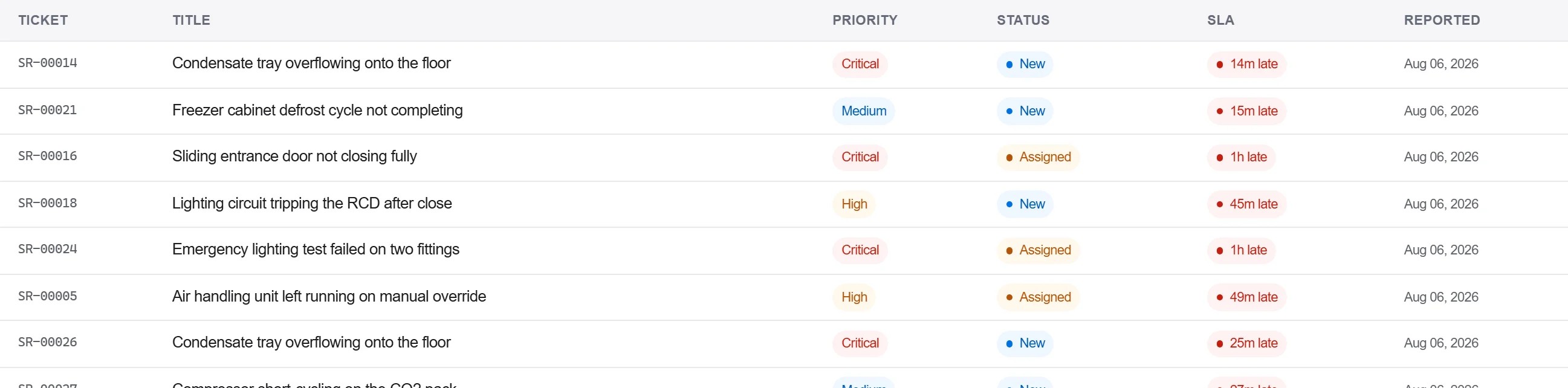
لماذا: المطالبة بالأدلة والمرجع مرفقة هي التي لا يستطيع الصانع ردها طلباً لمزيد من التفصيل. تسجيلها مقابل الأصل يبقي العطل في تاريخ تلك الوحدة للمرة القادمة.
سجّل استجابة الصانع والمعالجة في سجل المراسلات، وأكِّد الإصلاح كتابة، وأغلق المطالبة فقط حين يُلتقَط القبول لا بمكالمة هاتفية وحدها.
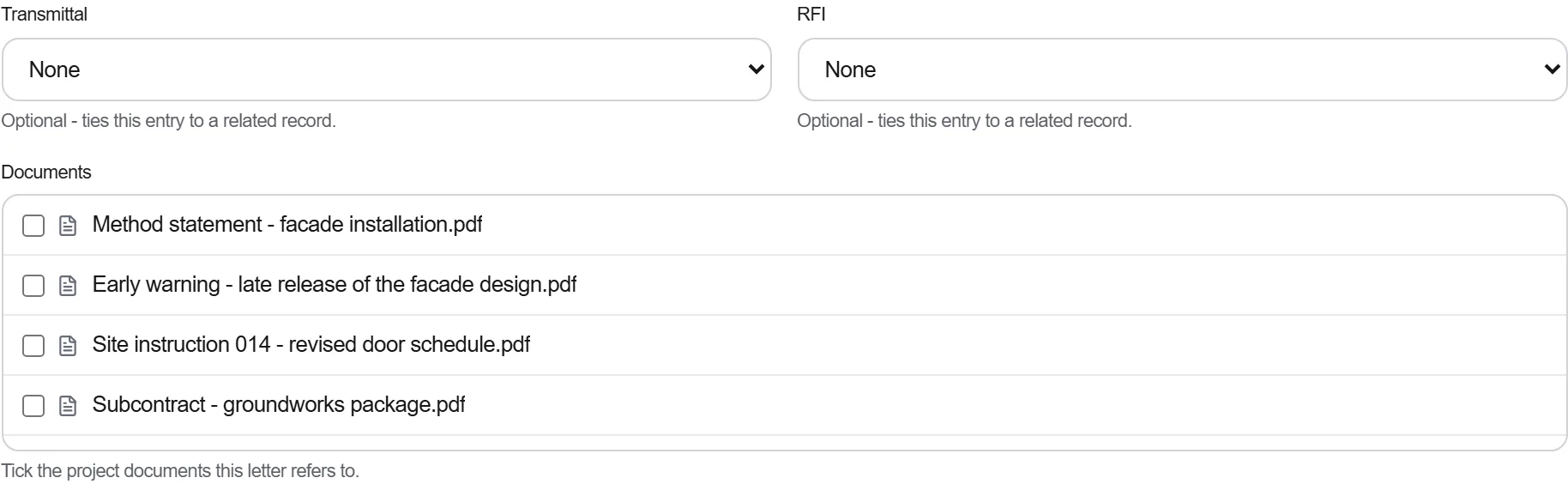
لماذا: الضمان المسوَّى بالهاتف هو الذي لا تستطيع إثباته حين يفشل الجزء نفسه مجدداً. الأثر المكتوب هو ما يلزم الصانع بالمعالجة وما يدعمك إذا أُعيد فتح النزاع.
3 / 190 من وحدات المنصة
Finish the job cleanly: work the punch list to zero, confirm every inspection passed and no…
Pull the as-built record together, prove the quality file has no gaps, then issue an operat…
Walk the finished works with the client, record what passes and what does not against the a…