

Предаване и жизнен цикъл
Hand over and close out
Finish the job cleanly: work the punch list to zero, confirm every inspection passed and no…
5 стъпки14 минОтвори
 ENEnglish
 DEDeutsch
 FRFrançais
 ESEspañol
 ES-MXEspañol (México)
 ITItaliano
 PTPortuguês
 NLNederlands
 PLPolski
 CSČeština
 RUРусский
 BGБългарски
 TRTürkçe
 SVSvenska
 NONorsk
 FISuomi
 DADansk
 ARالعربية
 ZH中文
ZH中文 JA日本語
JA日本語 KO한국어
KO한국어 HIहिन्दी
 THไทย
THไทย VITiếng Việt
 IDBahasa Indonesia
 RORomână
 HRHrvatski
 MNМонгол
 ETEesti
 BNবাংলা
 KKҚазақша
 KYКыргызча
 FILFilipino
 URاردو
 FAفارسی
 HEעברית
 ELΕλληνικά
Осигурете поправка на отказал актив за сметка на производителя: потвърдете, че е в гаранция, подайте рекламацията срещу актива и я приключете, след като поправката и документалната следа са налице.
3 стъпки през платформата - какво правите на всяка и защо е важно.
Отворете записа на актива, намерете датата на монтаж и гаранционния период и потвърдете, че отказът попада в покритието и в условията. Извадете серийния номер и модела, докато сте там.
Защо: Подаването на рекламация за актив извън покритие просто губи времето на всички. Проверката на записа първо ви казва за секунди дали производителят ви дължи поправка или тази е за ваша сметка.
Подайте рекламацията срещу актива с описана повреда, прикачени снимки и цитиран гаранционен номер и посочете поправката, която очаквате. Задайте дата, до която ви трябва да е решена.
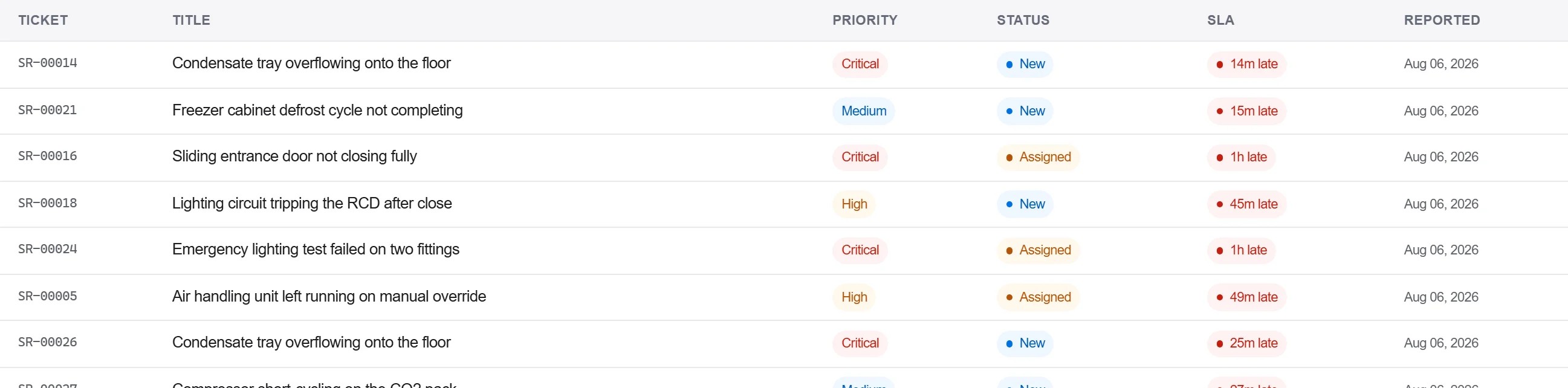
Защо: Рекламация с прикачени доказателства и номер е такава, която производителят не може да върне за повече детайли. Регистрирането ѝ срещу актива също държи отказа в историята на този агрегат за следващия път.
Запишете отговора на производителя и поправката в дневника на кореспонденцията, потвърдете поправката писмено и приключете рекламацията само когато приемането е уловено, а не само по телефонно обаждане.
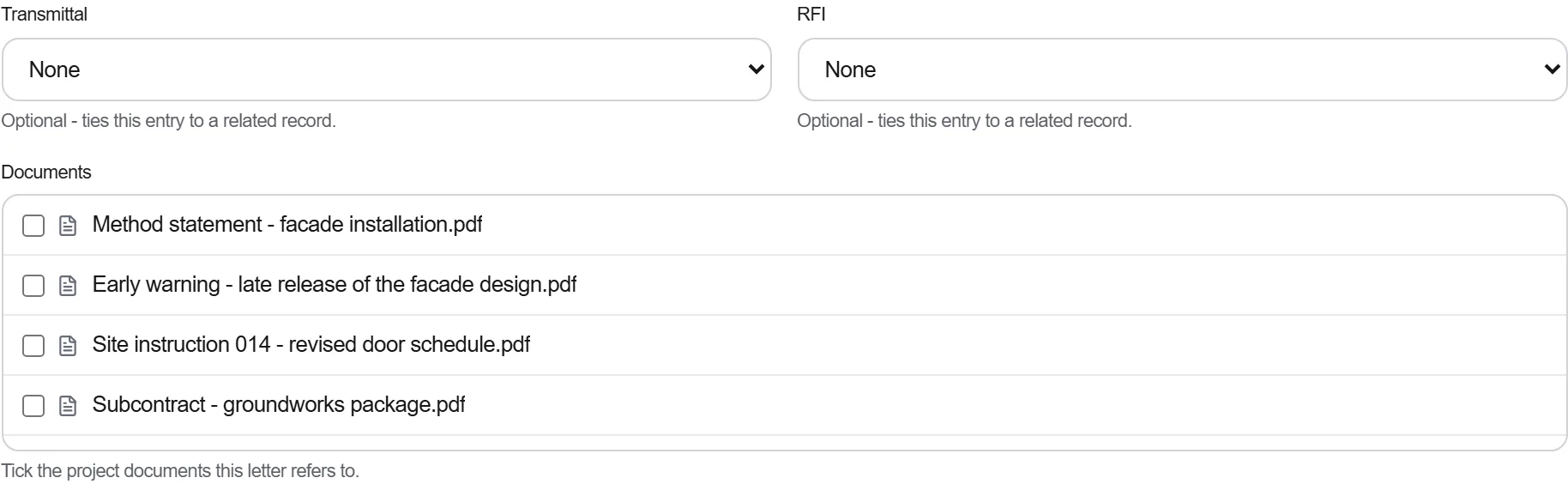
Защо: Гаранция, уредена по телефон, е такава, която не можете да докажете, когато същата част откаже отново. Писмената следа е това, което държи производителя към поправката и което ви подкрепя, ако спорът се отвори отново.
3 / 190 модула на платформата
Finish the job cleanly: work the punch list to zero, confirm every inspection passed and no…
Pull the as-built record together, prove the quality file has no gaps, then issue an operat…
Walk the finished works with the client, record what passes and what does not against the a…